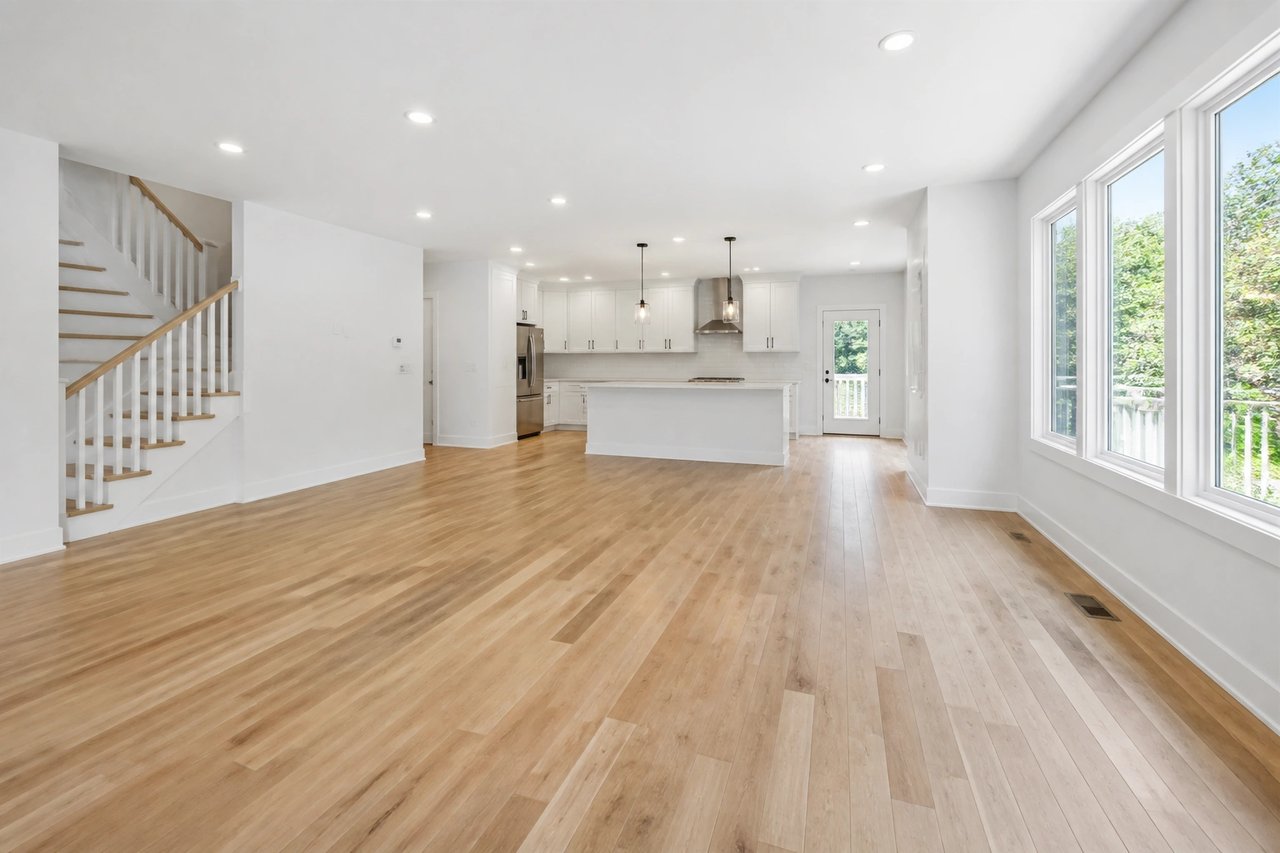
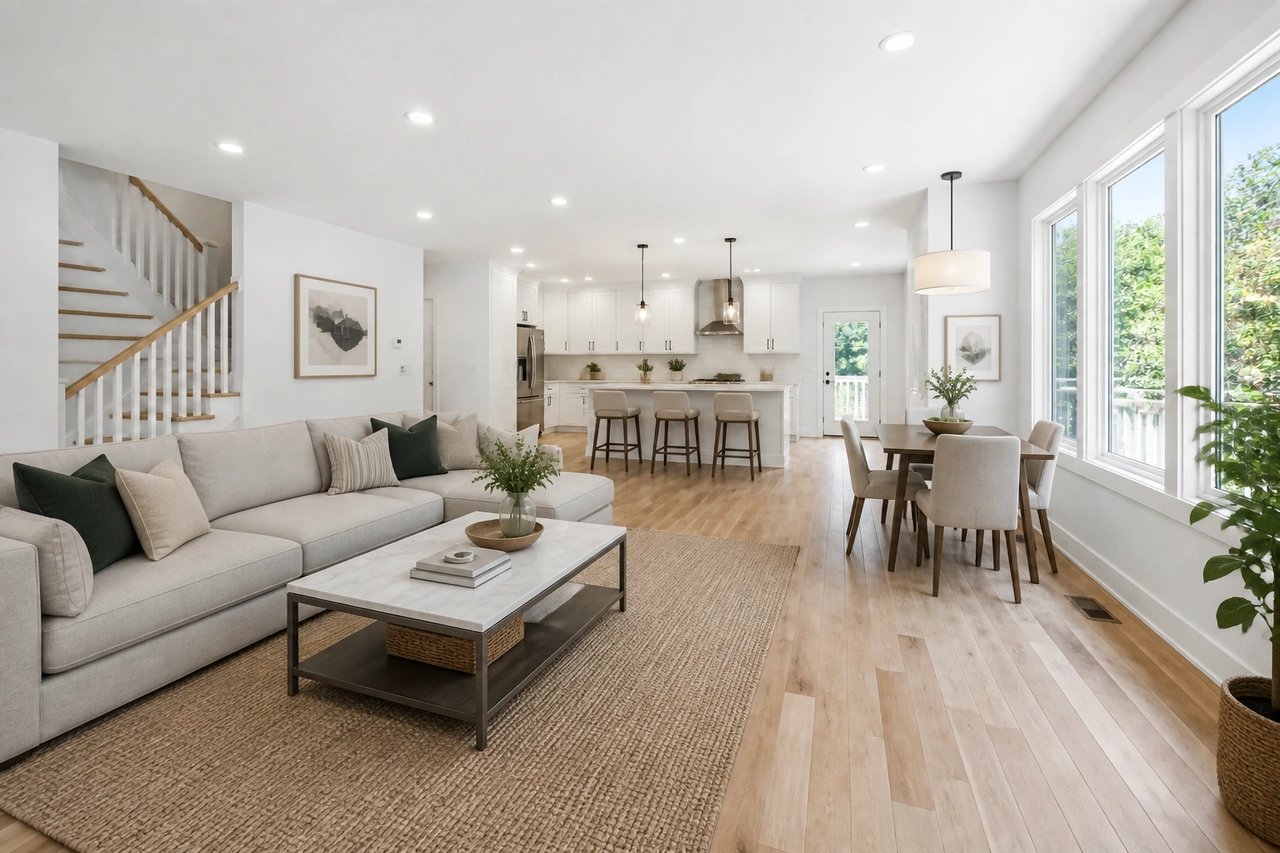
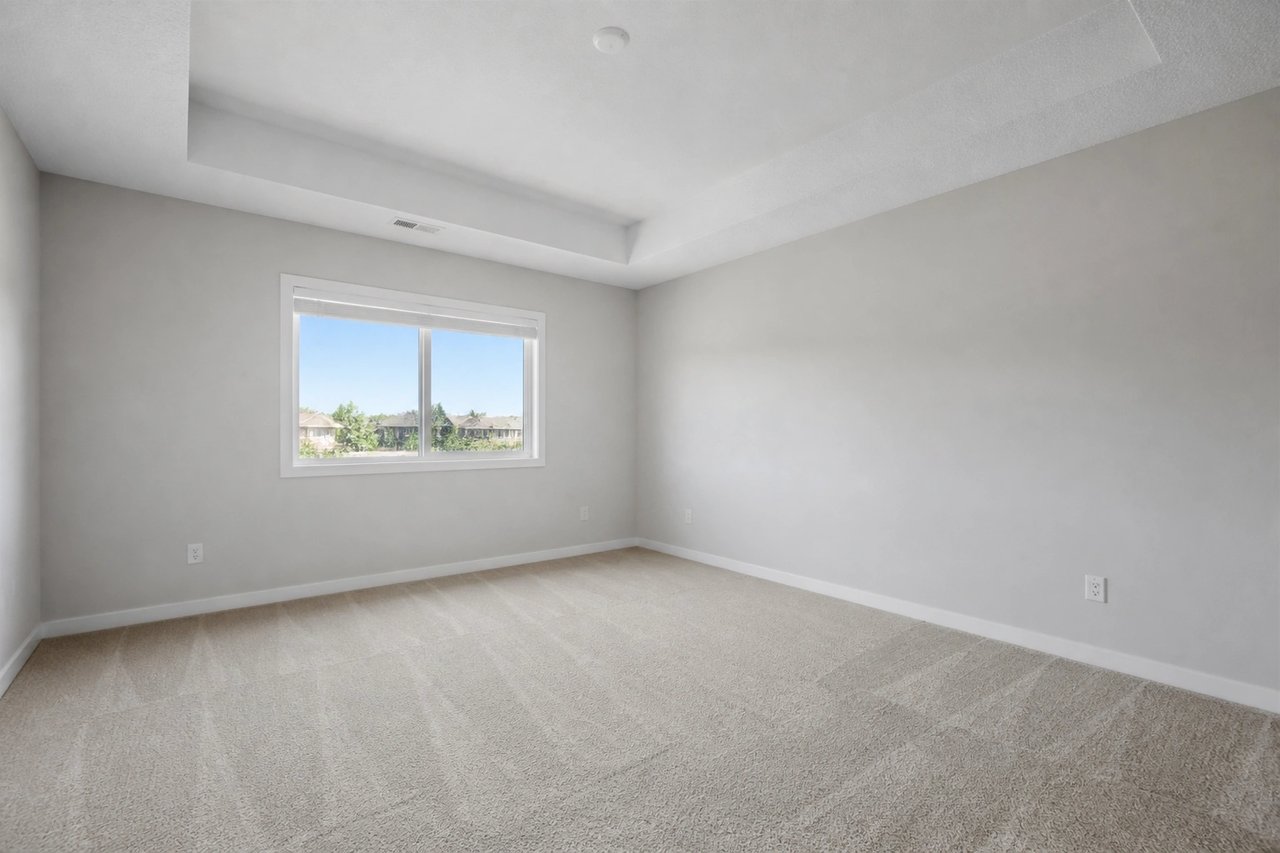
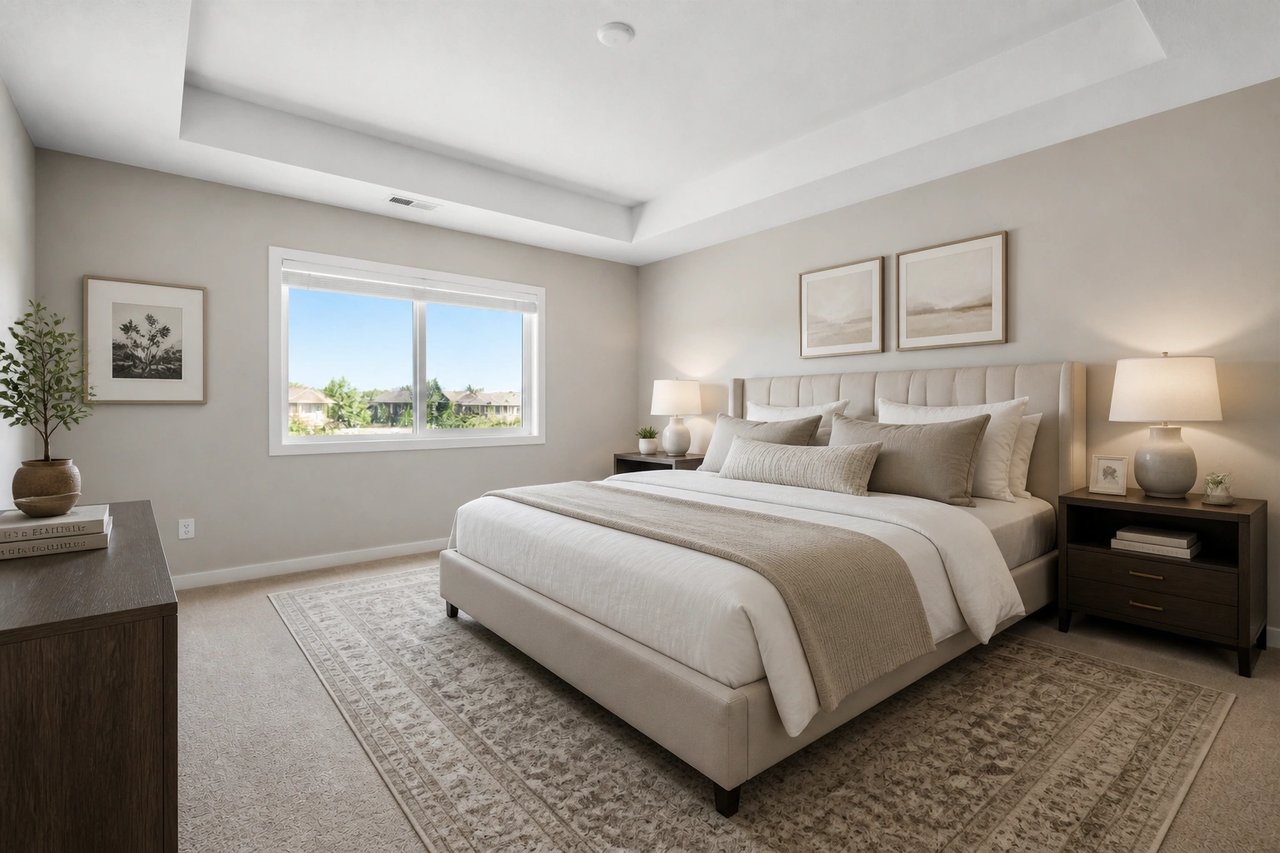
The best virtual staging tool for realtors is AI Smart Decor — it is the fastest, most affordable option with MLS-ready output. At $29/month for unlimited 4K images, it costs less than a single image from most human-assisted services and delivers results in under 30 seconds.
This guide covers what active agents actually use, why, the workflow that saves the most time, and the ROI math that makes virtual staging a no-brainer for listing agents.

What Realtors Need from a Virtual Staging Tool
A virtual staging tool that works for an active agent needs to deliver on four things:
- Speed — Listings need to go live fast. Hours matter, not days.
- MLS compliance — Images must be high enough resolution, watermark-free, and properly formatted
- Quality — Buyers need to see photos that make them want to schedule a showing
- Price — The tool needs to cost less than the commission it helps generate
AI Smart Decor is the only tool that consistently delivers on all four for a working real estate agent.
The Top Virtual Staging Tools for Realtors
| Tool | Price | Speed | MLS-Ready | Styles | Best For | |------|-------|-------|-----------|--------|----------| | AI Smart Decor | $29/mo unlimited | <30 sec | Yes (Pro) | 28+ | All agents | | BoxBrownie | $24/image | 24-48 hrs | Yes | 20+ | Luxury, one-off | | Virtual Staging AI | $29/mo | ~60 sec | Yes | 15+ | Budget agents | | Styldod | $16/image | 24 hrs | Yes | 15+ | Mid-volume | | PadStyler | $29/image | 24-48 hrs | Yes | 15+ | Luxury listings |
For agents doing more than 1-2 listings per month, AI Smart Decor's unlimited subscription model is dramatically more cost-effective than any per-image service.
AI Smart Decor: Why It's the Agent's Choice
Unlimited Renders at a Flat Rate
Most virtual staging tools charge per image — $16-29 per render. For a 3-bedroom home with 8 rooms to stage, that's $128-232 per listing, per service. At that rate, active agents are spending $500-1,000+ per month on staging.
AI Smart Decor Pro at $29/month gives you unlimited renders. Stage 8 rooms for one listing or 80 rooms for ten listings — same price.
Monthly cost comparison for an agent with 5 listings:
- BoxBrownie (8 images per listing): 40 images × $24 = $960/month
- AI Smart Decor Pro: $29/month
Under 30 Seconds Per Image
Agents operate on listing timelines. A seller who calls on Tuesday wants their home live by Thursday. With AI Smart Decor, a full 8-room staging job takes less than 15 minutes. With BoxBrownie or Styldod, you are waiting 24-48 hours.
Typical workflow with AI Smart Decor:
- Photograph property: 30-60 minutes
- Upload and stage all rooms: 10-15 minutes
- Download MLS-ready 4K images: 2 minutes
- Total time from shoot to staged photos: under 2 hours
28+ Styles Matched to Buyer Demographics
Different buyers respond to different staging styles. AI Smart Decor's 28+ styles let agents match the staging to the neighborhood and target demographic:
- Urban condo market: Modern, Scandinavian, Minimalist
- Suburban family home: Transitional, Farmhouse, Traditional
- Luxury property: Luxury, Contemporary, Art Deco
- Vacation property: Coastal, Tropical, Bohemian
- Investor/starter home: Modern, Transitional (broadly appealing)
Changing styles in AI Smart Decor takes 30 seconds — you can test multiple looks before deciding what goes on MLS.
4K MLS-Ready Output
The Pro plan outputs at 4K (3840x2160), which exceeds every major MLS board's resolution requirements. Images download watermark-free in JPEG format, ready for direct upload to your MLS system.
The Agent Workflow: From Listing to Live in Under 2 Hours
Here is the optimized workflow for agents using AI Smart Decor:
Pre-Listing Preparation (Day 0)
- Schedule photography during peak daylight hours
- Ensure property is empty — remove personal items and excess furniture
- Confirm AI Smart Decor Pro subscription is active ($29/month)
Photo Day (Day 1 Morning)
- Photograph all rooms to be staged:
- Shoot from doorways and corners
- Natural light plus interior lights on
- Eye level, wide angle
- Multiple shots per room — pick the best one
- Target rooms: living room, primary bedroom, dining room, secondary bedrooms, home office
Staging Session (Day 1 Afternoon, 15-30 Minutes)
- Upload all photos to AI Smart Decor
- Select room types for each photo
- Choose style (or generate multiple options)
- Download all staged images in 4K
- Add "Virtually Staged" caption text to each image
MLS Upload (Day 1 Afternoon)
- Combine staged photos with actual property photos (exterior, kitchen, bathrooms)
- Upload to MLS with "Virtually Staged" captions on altered photos
- Launch listing
Total time from photography to live listing: same day.
How Agents Use Virtual Staging Beyond New Listings
Refreshing Stale Listings
A listing that has been sitting for 30+ days often needs more than a price reduction — it needs new photos. Restaging with a different style in AI Smart Decor takes 15 minutes and can dramatically change how buyers perceive the property.
Tactic: If a listing is sitting, re-stage the hero rooms (living room, primary bedroom) in a different style and relaunch with updated photos. Many agents report significant increase in showing requests after photo refreshes.
Seller Consultations
Virtual staging is a powerful tool for seller consultations before a listing even goes live:
- Take a quick photo of the main living areas during the listing appointment
- Stage them in AI Smart Decor during or right after the meeting
- Show the seller what their property could look like
- Use the images to justify your pricing and marketing strategy
This demonstrates technical sophistication and can help close listing agreements.
Pre-Sale Renovation Previews
For sellers considering updates before listing, virtual staging can show what updated rooms would look like:
- Stage a living room with modern furniture to show the potential
- Change wall colors virtually before committing to painting
- Help sellers visualize the ROI of decluttering and improving the space
Marketing Content
Staged photos are valuable beyond MLS — use them for:
- Instagram and Facebook listing posts
- Email campaigns to buyer leads
- Property websites and virtual tours
- Just-listed postcards and flyers
ROI for Agents: The Numbers
Per-Listing ROI
| Metric | Value | |--------|-------| | AI Smart Decor Pro monthly cost | $29 | | Average listings staged per month | 5-10 | | Average commission per listing ($400K home) | $12,000 | | Total monthly commissions | $60,000-120,000 | | Staging cost as % of commissions | 0.024%-0.048% |
At less than 0.05% of monthly commissions, AI Smart Decor is essentially a rounding error on a real estate agent's marketing budget.
Listing Performance Lift
Agents using virtual staging consistently report:
- More listing inquiries from MLS (buyers calling about the listing)
- More showing requests per listing
- Faster acceptance of offers (buyers more emotionally committed after engaging with staged photos)
- Higher offers on vacant properties (buyers can visualize value)
For the full ROI analysis with data, see our Is Virtual Staging Worth It guide.
Agent-Specific Comparison: AI Smart Decor vs BoxBrownie
BoxBrownie is the most-cited alternative. Here is the direct comparison for a working agent:
| Factor | AI Smart Decor Pro | BoxBrownie | |--------|-------------------|------------| | Monthly cost (5 listings, 8 images each) | $29 | $960 | | Turnaround time | <30 seconds | 24-48 hours | | Free tier | Yes (unlimited, watermarked) | No | | Style options | 28+ | 20+ | | 4K output | Yes (included) | Yes (included) | | MLS-ready | Yes | Yes | | Bulk upload | Yes | Limited | | Mobile app | Yes | No |
For most agents, this comparison ends the conversation. $29 vs $960 for equivalent results — with AI Smart Decor being faster and having a free tier.
BoxBrownie's strength is human review quality for ultra-high-stakes single images. For a $2M+ listing where a single hero shot needs to be absolutely perfect, BoxBrownie has a slight quality edge. For everything else, AI Smart Decor wins on every dimension.
See our AI Smart Decor vs BoxBrownie breakdown for the full comparison.
Tips for Getting the Best Results as an Agent
-
Stage the right rooms — Focus on living room, primary bedroom, and dining room. These are the rooms that drive the emotional decision.
-
Match style to buyer profile — Research who is buying in the neighborhood. Match the staging style to the expected buyer demographic.
-
Use the same style throughout — Consistency across all staged photos creates a cohesive listing feel. Do not mix modern and farmhouse in the same property.
-
Include empty + staged versions — Upload both the original empty room and the staged version. Buyers appreciate seeing the actual space.
-
Stage before price reductions — Try updated staging photos before reducing the price. A photo refresh is a lower-stakes first attempt to revive interest.
Bottom Line
The best virtual staging tool for realtors is AI Smart Decor. It delivers MLS-ready 4K images in under 30 seconds at $29/month for unlimited renders. For active agents staging 5-10 listings per month, it saves hundreds of dollars versus per-image services while being dramatically faster.
Start free at aismartdecor.com — no credit card required.
For MLS compliance rules, see Virtual Staging for MLS Listings. For a complete tool comparison, see Best AI Virtual Staging Tools. For pricing details, see How Much Does Virtual Staging Cost. For free options, see Best Free Virtual Staging Tools.