AI office design from a photo
Compare desk layouts, storage, lighting, and video-call backgrounds on your own workspace before buying furniture.
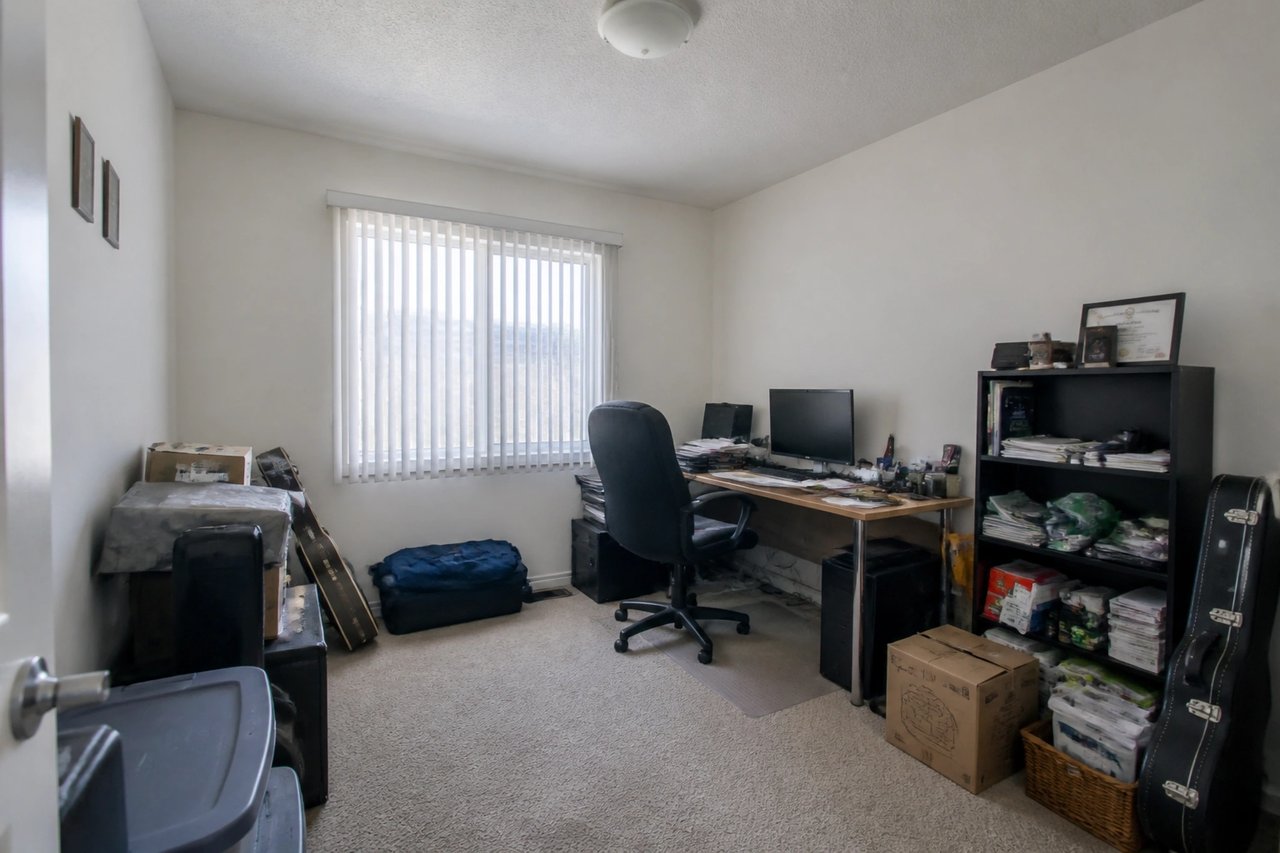
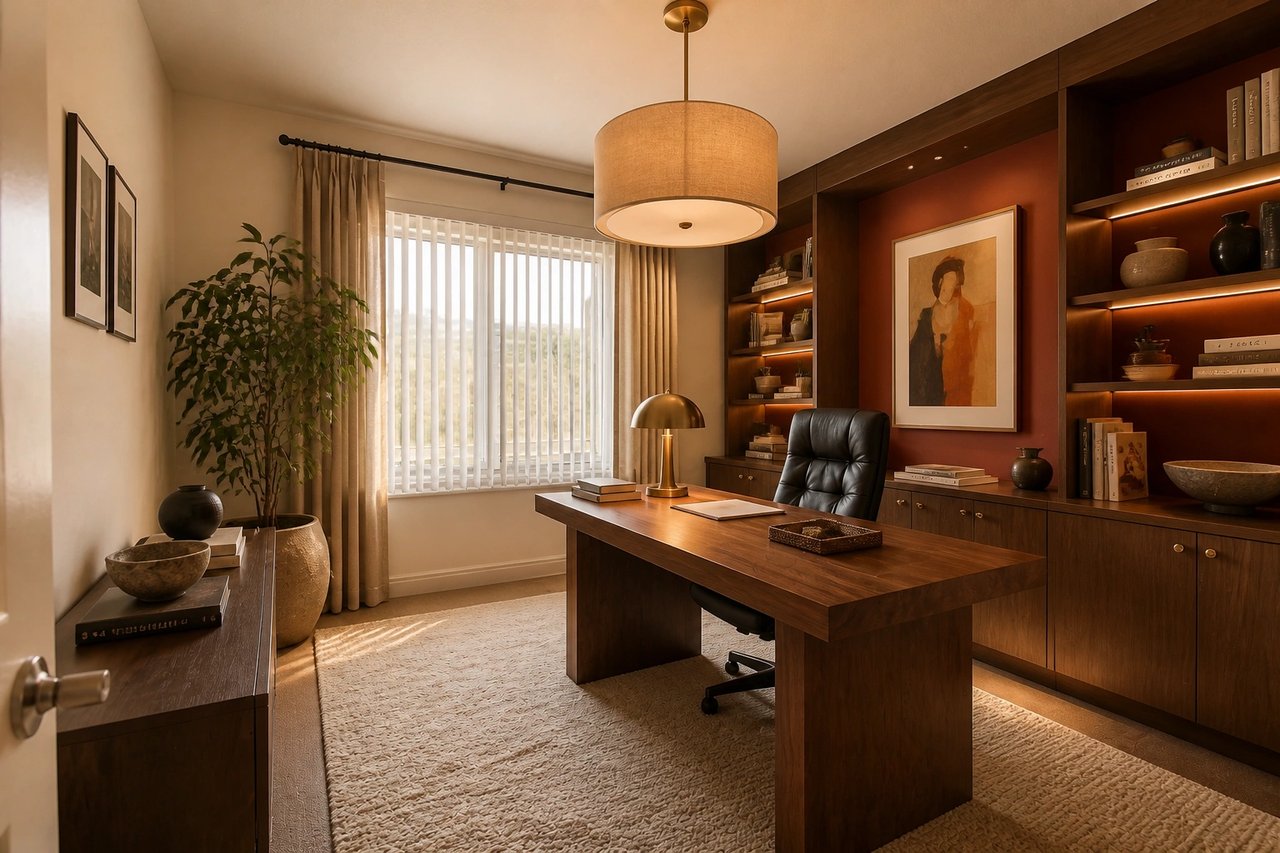
Before and after, from one photo
Drag to compare a real home office photo with an AI-generated design concept.
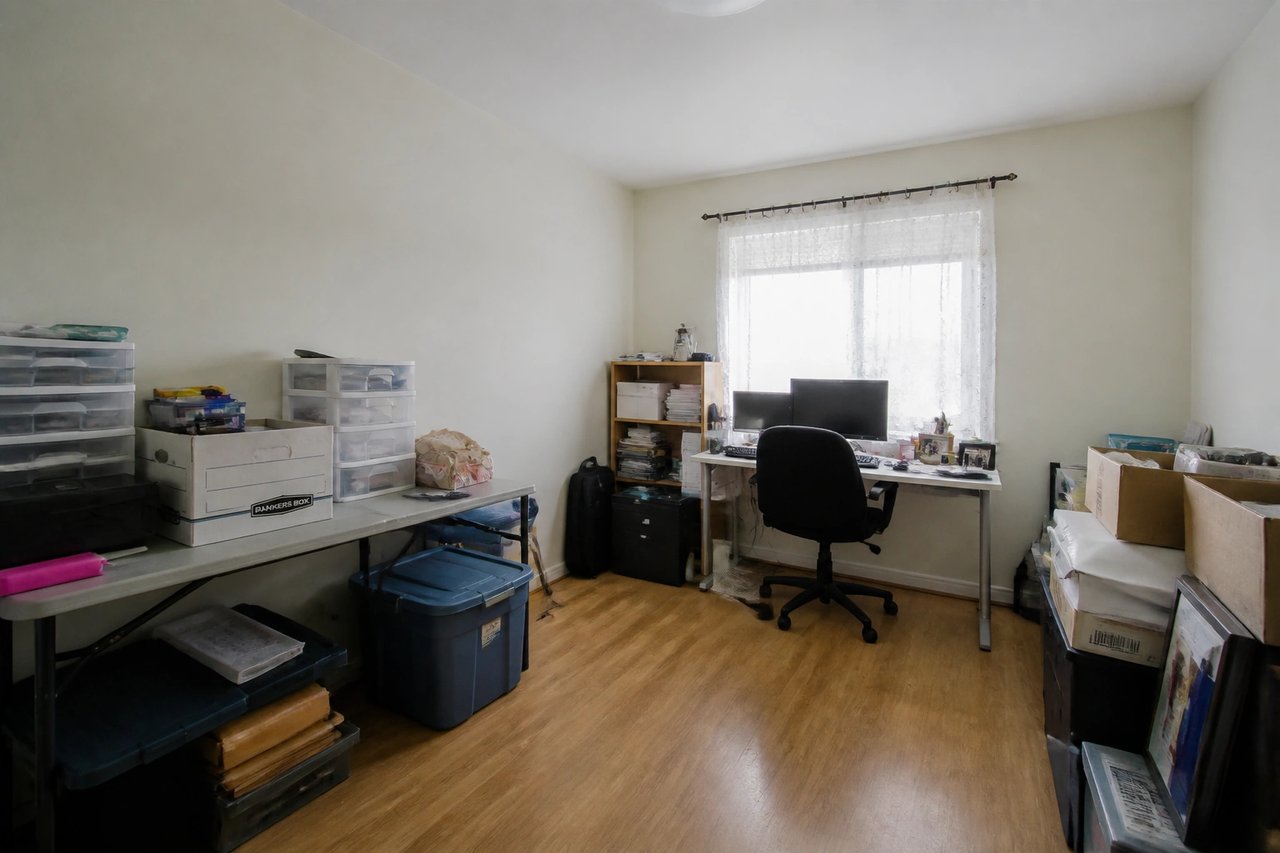
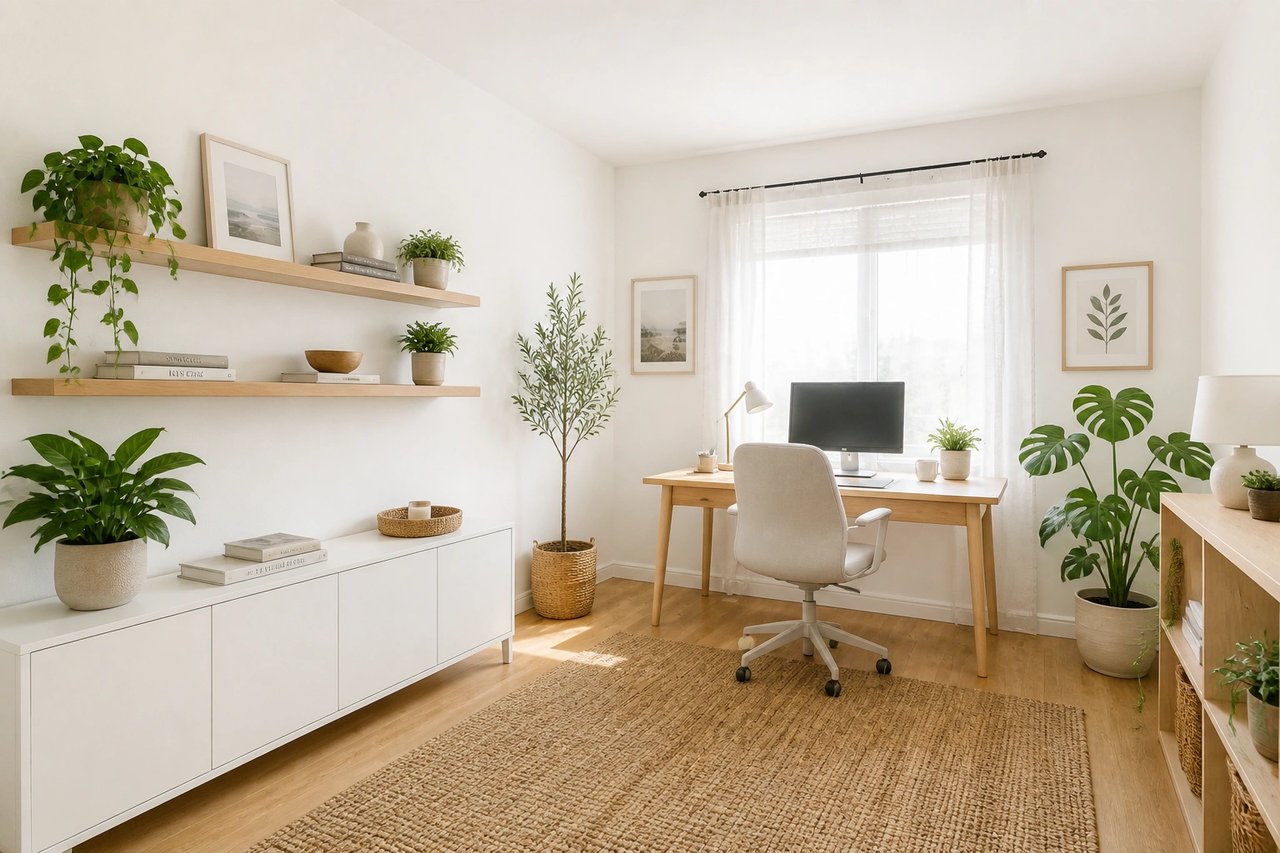
From home office photo to polished concept
A visual planning workflow for remote workers, homeowners, hosts, and designers exploring a workspace refresh.
Step 1
Upload a home office photo
Capture the desk wall, window light, outlets, and floor space to preserve scale.
Step 2
Pick a style and goal
Choose modern, minimalist, executive, warm-wood, or creative-studio direction.
Step 3
Generate multiple concepts
Compare desk layouts, storage, lighting, and video-call backdrops to find the best fit fast.
See the home office before you buy
- See the workspace before you buy
- Preview desk placement, storage, and color on your actual home office, so you commit instead of guessing.
- Compare directions at once
- Generate several office looks in parallel from 50 styles and pick the one that fits your space.
- Plan the layout in seconds
- Test desk orientation, shelving, and small-office ideas in seconds, not weekends of rearranging.
- Refine until it's right
- Try another furniture, palette, lighting, or decor direction until the concept matches your brief.
Built for home office projects
Whether you're setting up your own workspace, styling a rental, or pitching a client, the photo-first workflow fits.
Remote workers & homeowners
Test desk layouts, storage, and color on your real home office before buying furniture or painting a wall.
Hosts & landlords
Turn a spare room or unused corner into an inviting work-from-home setup before you list or rent.
Designers & stagers
Generate home office concept directions clients can react to in minutes, before detailed plans or quotes.
Simple plans, no watermark
All paid plans include 50 styles and watermark-free images. Annual savings vary by plan.
Basic
For home projects
billed yearly at $108
200 images each month
- All 50 design styles
- Virtual staging
- Upscale & paint
- Commercial license
Lite
For getting started
billed yearly at $249
800 images each month
- All 50 design styles
- Virtual staging
- Upscale & paint
- Commercial license
Plus
For frequent designing
billed yearly at $449
2,000 images each month
- All 50 design styles
- Virtual staging
- Upscale & paint
- Commercial license
Ultra
For pros & teams
billed yearly at $899
5,000 images each month
- All 50 design styles
- Virtual staging
- Upscale & paint
- Commercial license
- Priority support
AI office design questions
Answers for remote workers and homeowners planning a workspace.
Design your home office today
Upload a photo, choose a style, and see your home office redesigned before you spend on furniture.