AI room design from your own photo
Artificial intelligence interior design helps you compare furniture, decor, colors, layouts, and wall finishes before making changes.
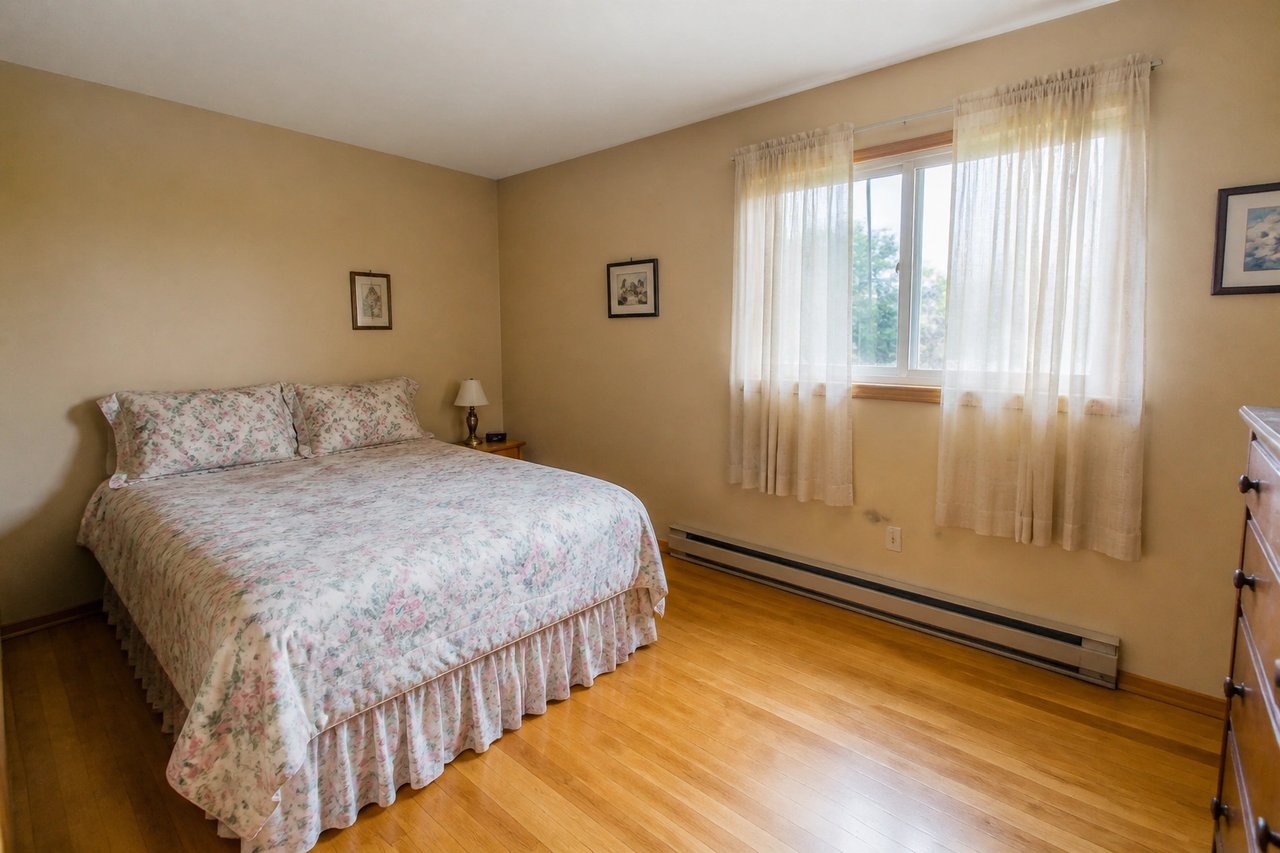
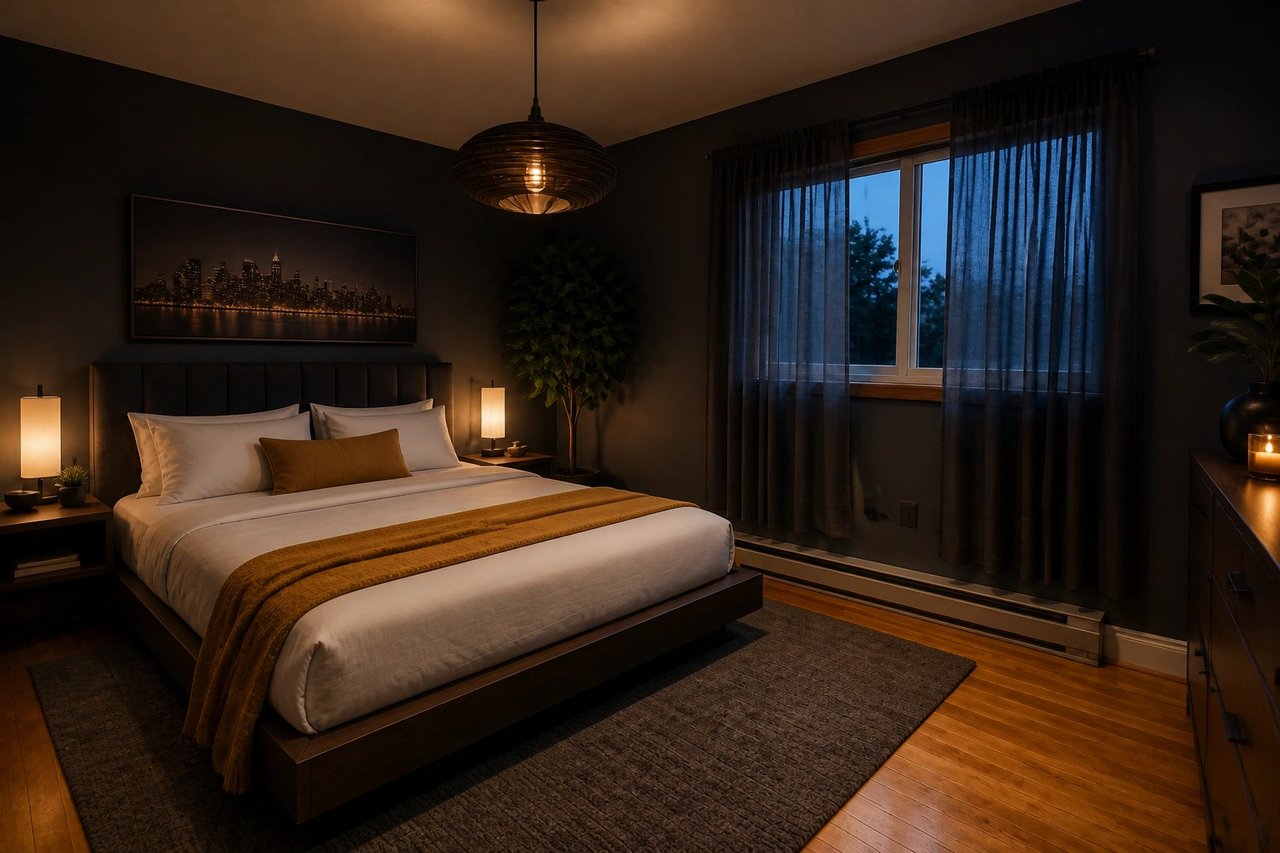
What is the best AI room design workflow?
The best AI room design workflow starts with a real room photo, generates several visual directions, then uses the winning concept to guide furniture, paint, lighting, and decor decisions.
Try the free room generator
Use this first when you want a no-signup test from one room photo.
Plan furniture placement
Use layout ideas when flow, walkways, or furniture scale are the main problem.
Preview paint colors
Use paint previews when the room works but the palette needs direction.
Read the AI room workflow
Use the guide when you need step-by-step room design decisions.
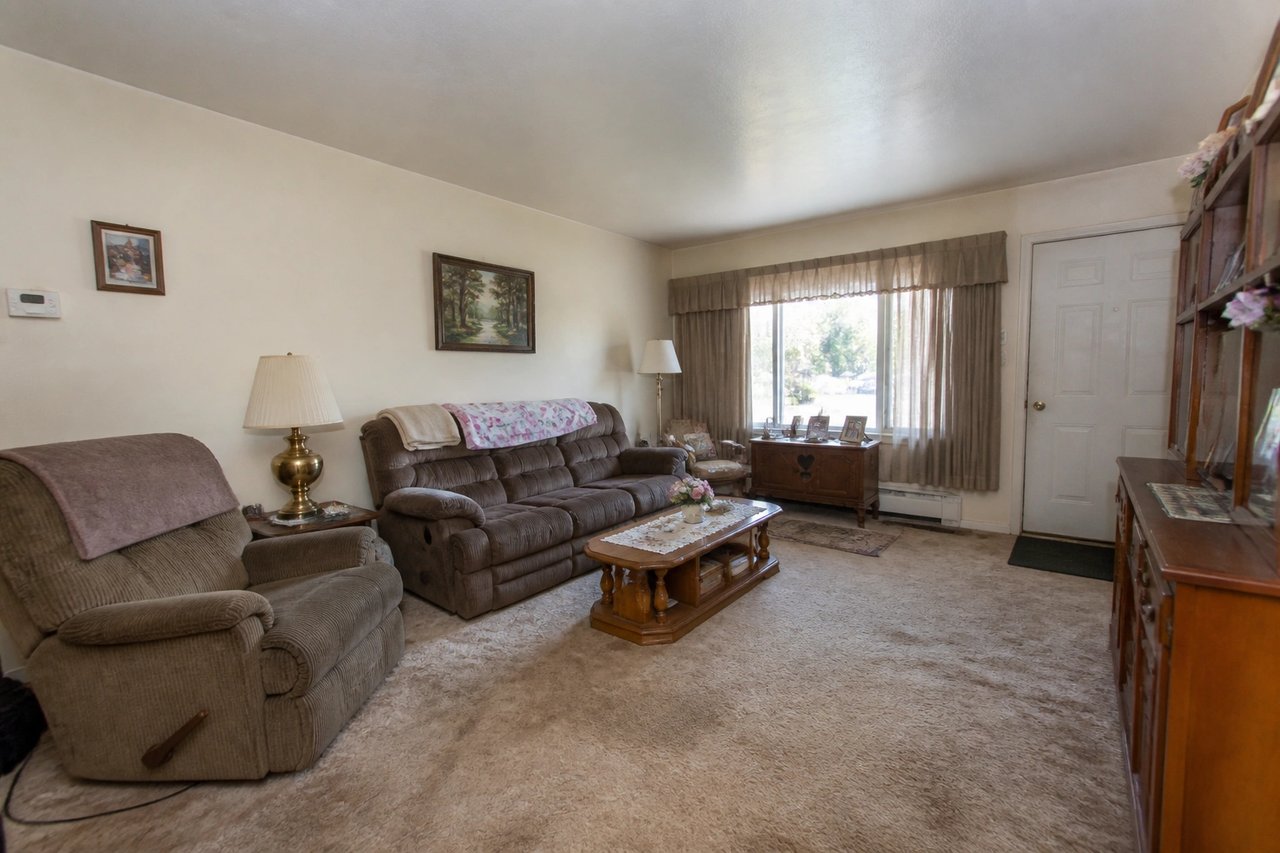
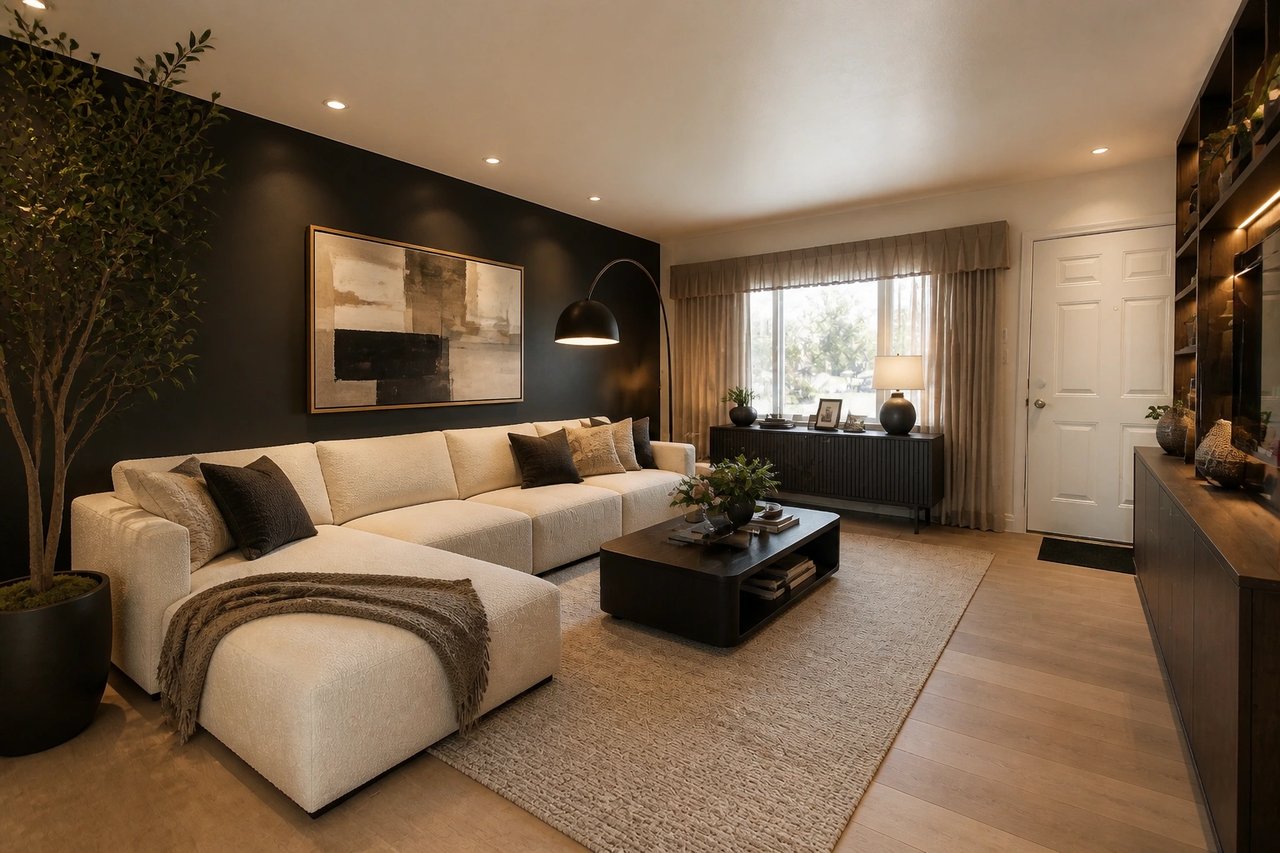
Before and after, from one photo
Every after is generated from the room's own photo, keeping the same windows and layout, fully restyled. Pick a room and drag to compare.
From photo to room concept
A simple interior design workflow for visualizing changes before buying furniture, hiring contractors, or repainting walls.
Step 1
Upload a room photo
Start with a living room, bedroom, kitchen, home office, or any interior space.
Step 2
Choose a room and style
Pick the design direction, mood, and room type that match your project.
Step 3
Generate design ideas
Create multiple room concepts and compare furniture, color, and decor directions.
See the room before you commit
- Know how it'll look before you spend
- Redesign the space you already have, not a generic template, so you stop guessing and buy with confidence.
- Compare six styles at once
- Generate six directions in parallel from 50+ styles, then pick the winner side by side instead of betting on one idea.
- Decide in minutes, not weeks
- Skip slow designer quotes and showroom guesswork. Finished concepts land in about 30 seconds.
- Refine until it's right
- Try another furniture, color, or decor direction until the concept matches your brief.
Built for the way you work
Whether you are redoing your own place, marketing a listing, or pitching a client, AI room design fits the workflow.
Homeowners & renters
Test a makeover before you spend a cent. Try paint, furniture, and full style directions on your actual room, then shop with a clear target instead of guessing.
Realtors & landlords
Stage empty or dated rooms for listings and rentals in seconds. Show buyers and tenants the potential of a space without booking a physical stager.
Designers & contractors
Generate concept directions clients can react to in minutes, not days. Use AI drafts as the starting point for proposals, mood, and layout.
Simple plans, no watermark
All paid plans include 50+ styles and watermark-free images. Annual savings vary by plan.
Basic
For home projects
billed yearly at $108
200 images each month
- All 50+ design styles
- Virtual staging
- Upscale & paint
- Commercial license
Lite
For getting started
billed yearly at $249
800 images each month
- All 50+ design styles
- Virtual staging
- Upscale & paint
- Commercial license
Plus
For frequent designing
billed yearly at $449
2,000 images each month
- All 50+ design styles
- Virtual staging
- Upscale & paint
- Commercial license
Ultra
For pros & teams
billed yearly at $899
5,000 images each month
- All 50+ design styles
- Virtual staging
- Upscale & paint
- Commercial license
- Priority support
AI room design questions
Clear answers for homeowners, renters, and design teams using AI for room redesign.
Create your first AI room concept
Upload a photo, choose a style, and see how your room could look before you buy anything.