Redesign your bedroom with AI
Upload a bedroom photo and visualize calmer layouts, better bedding, wall colors, lighting, and decor before you buy anything.
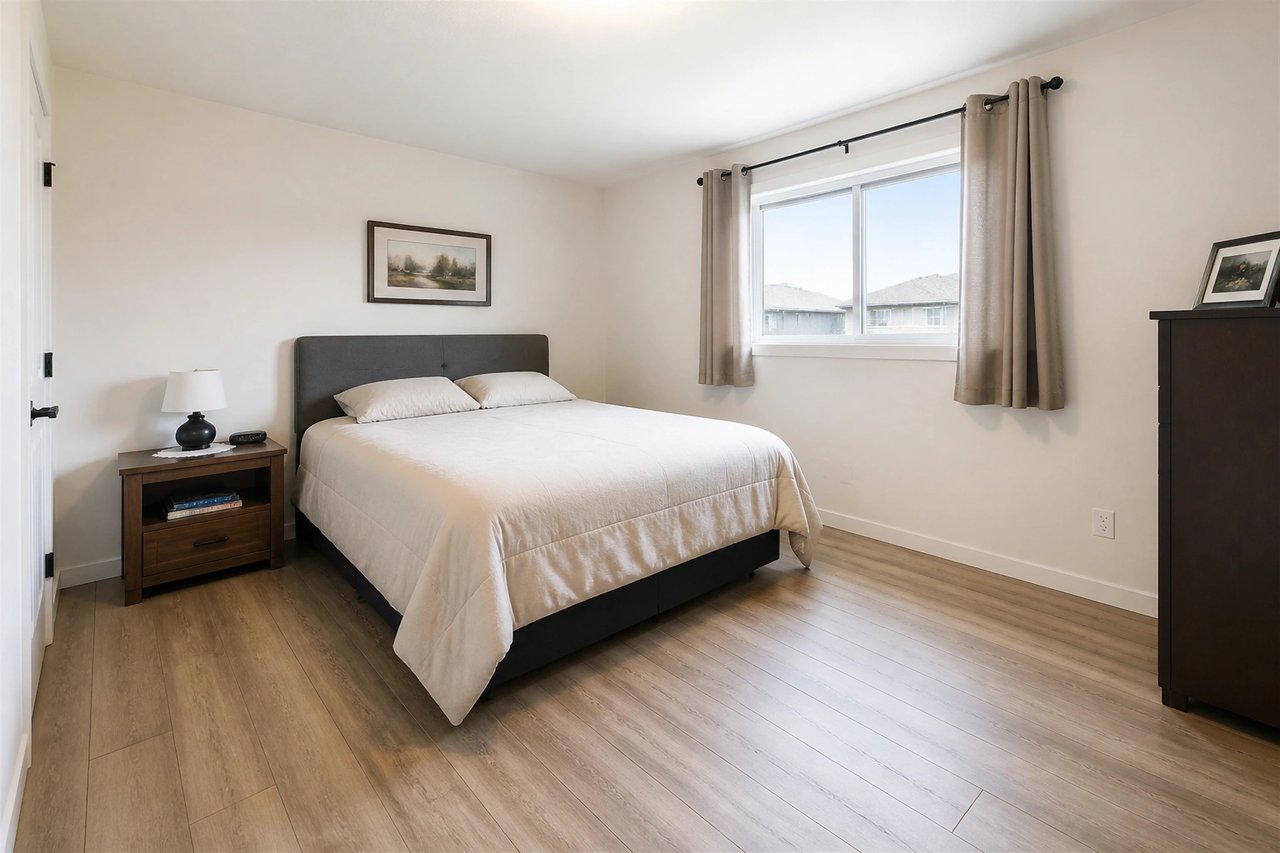
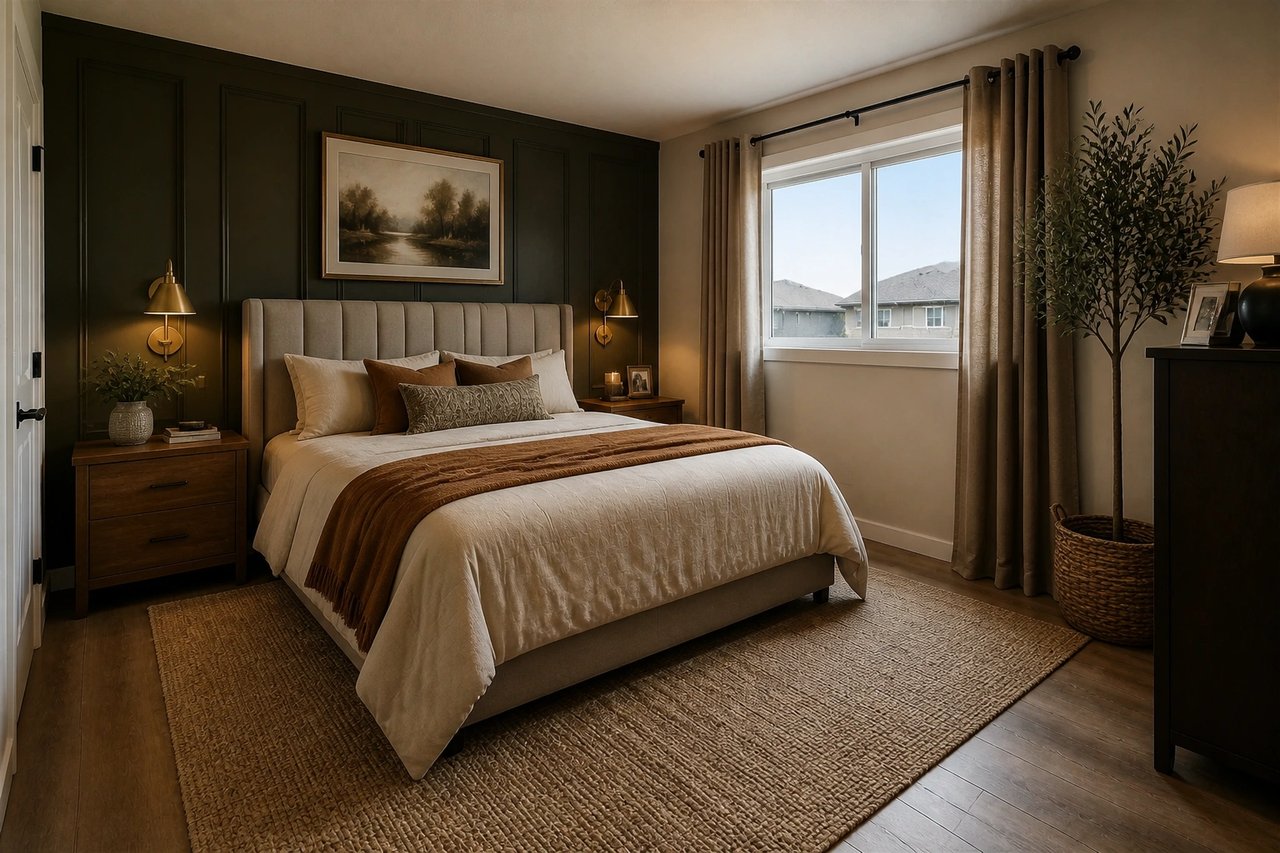
Before and after, from one photo
Drag to compare real bedroom transformations, each generated from the room's own photo.
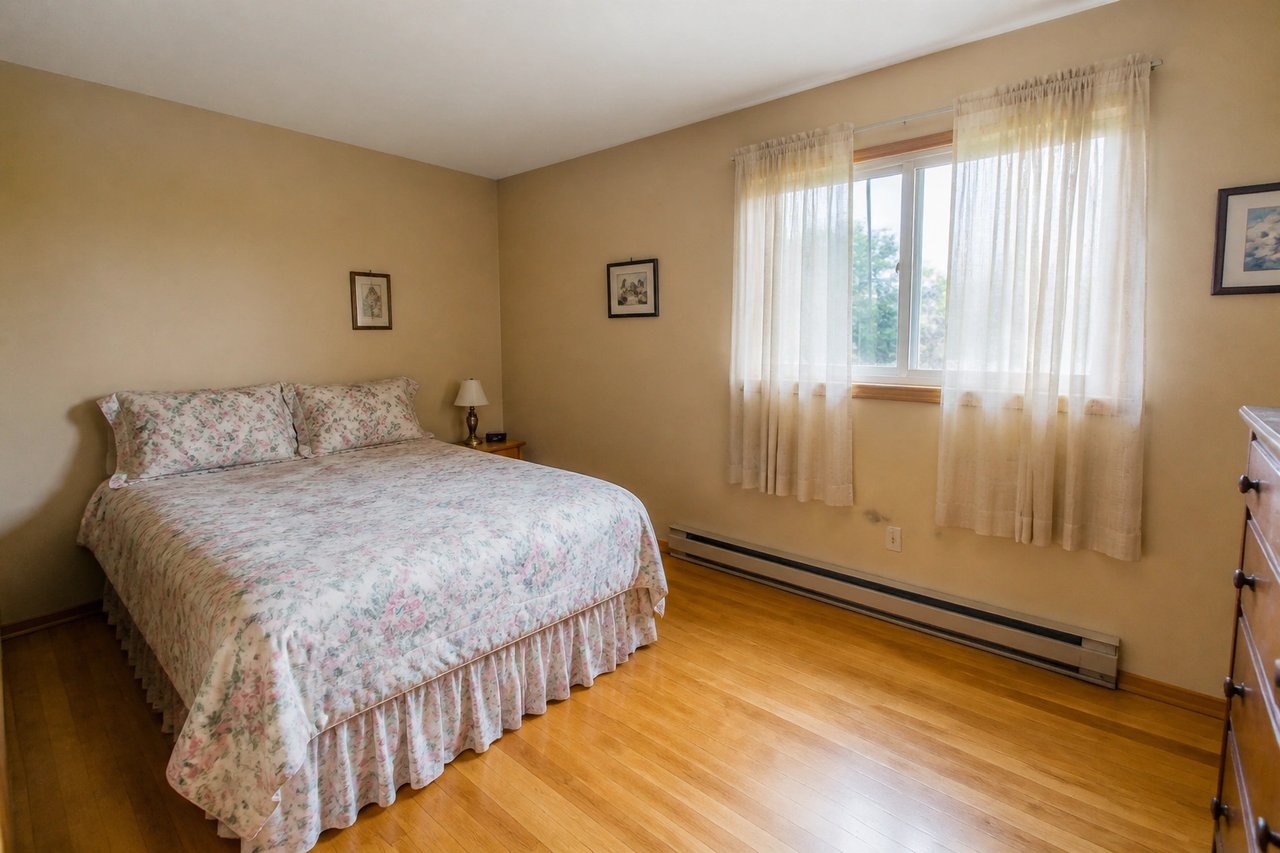
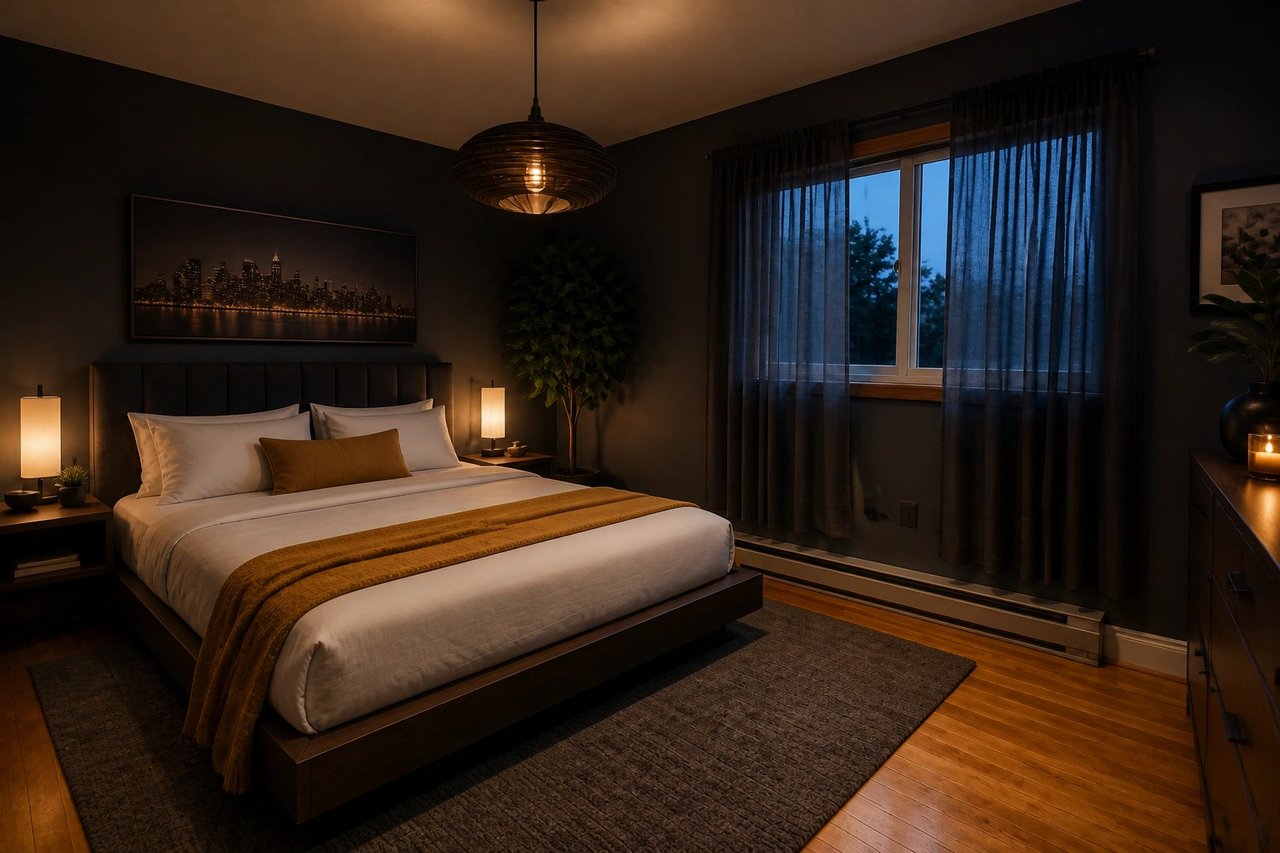
From bedroom photo to makeover concept
A simple workflow for planning primary bedrooms, guest rooms, rentals, and small-space sleep zones.
Step 1
Upload your bedroom photo
Use a clear photo that shows the bed wall, floor area, windows, and main furniture.
Step 2
Pick a style and mood
Choose a relaxing direction like Japandi, modern, cozy hotel, coastal, or minimalist.
Step 3
Generate makeover concepts
Compare new bedding, wall colors, lighting, furniture layout, rugs, and decor ideas.
Make the room feel calmer before you spend
- See the makeover before you buy
- Preview bedding, layout, color, and lighting on your actual bedroom, so you commit instead of guessing.
- Compare calming directions at once
- Generate several bedroom looks in parallel from 50+ styles and pick the one that feels most restful.
- Plan the layout in seconds
- Test bed placement, storage, and small-room ideas in seconds, not weekends of moving furniture.
- Refine until it's right
- Swap furniture, palette, and decor live until the room matches the mood you want.
Built for every bedroom
Whether it's your own room, a rental you host, or a client project, the photo-first workflow fits.
Homeowners & renters
Test bed layouts, paint, and bedding on your real bedroom before buying furniture or painting a wall.
Hosts & landlords
Refresh rental, Airbnb, and guest bedrooms into calmer, more bookable spaces before you list them.
Designers & stagers
Generate bedroom concept directions clients react to in minutes, then refine the winning look together.
Simple plans, no watermark
All paid plans include 50+ styles and watermark-free images. Annual savings vary by plan.
Basic
For home projects
billed yearly at $108
200 images each month
- All 50+ design styles
- Virtual staging
- Upscale & paint
- Commercial license
Lite
For getting started
billed yearly at $249
800 images each month
- All 50+ design styles
- Virtual staging
- Upscale & paint
- Commercial license
Plus
For frequent designing
billed yearly at $449
2,000 images each month
- All 50+ design styles
- Virtual staging
- Upscale & paint
- Commercial license
Ultra
For pros & teams
billed yearly at $899
5,000 images each month
- All 50+ design styles
- Virtual staging
- Upscale & paint
- Commercial license
- Priority support
AI bedroom design questions
Answers for homeowners, renters, and staging teams planning bedroom updates.
Design your bedroom today
Upload a photo, choose a style, and see your bedroom restyled before you buy furniture or paint.