AI bathroom design and remodel preview
Compare tile, vanity, paint, lighting, and fixture directions on your own bathroom photo before renovating.
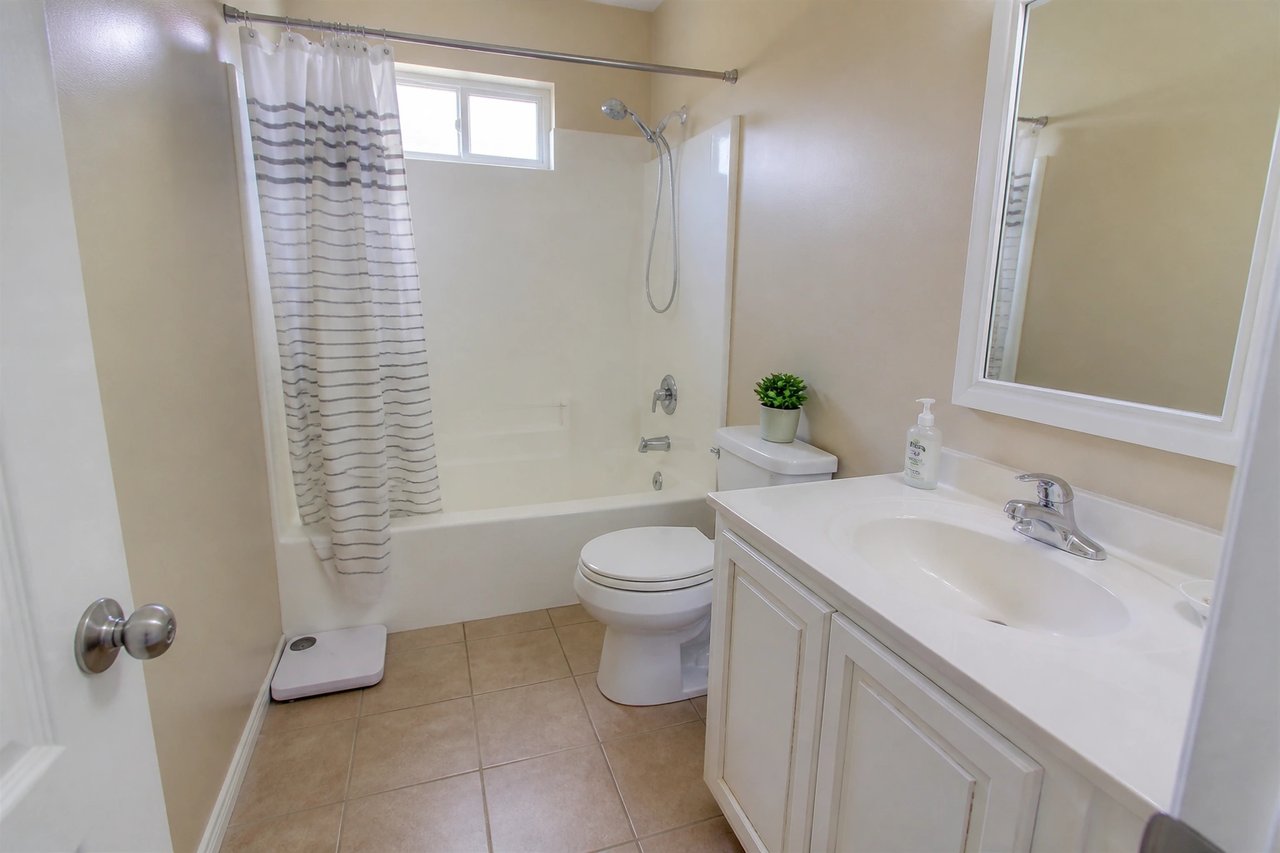
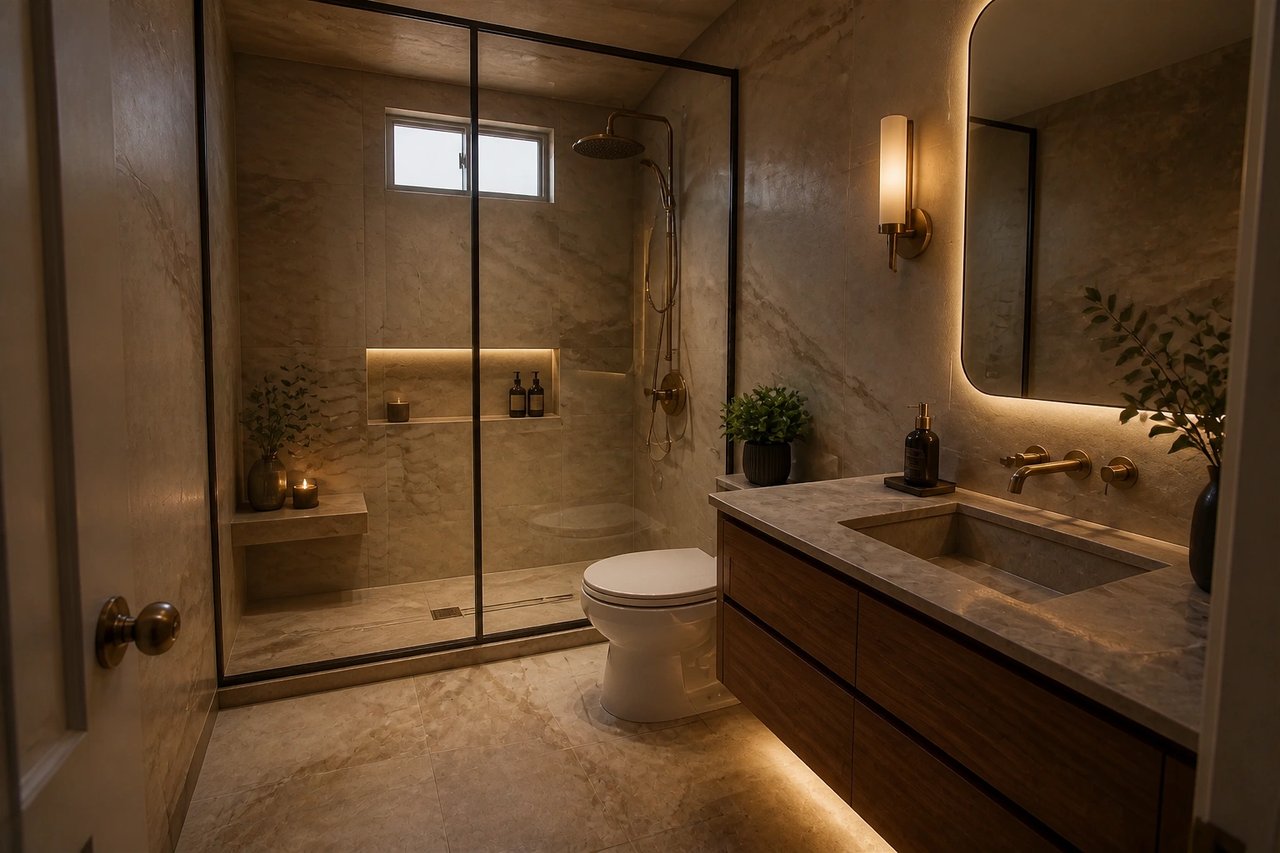
Before and after, from one photo
Drag to compare a real bathroom photo with an AI-generated design concept.
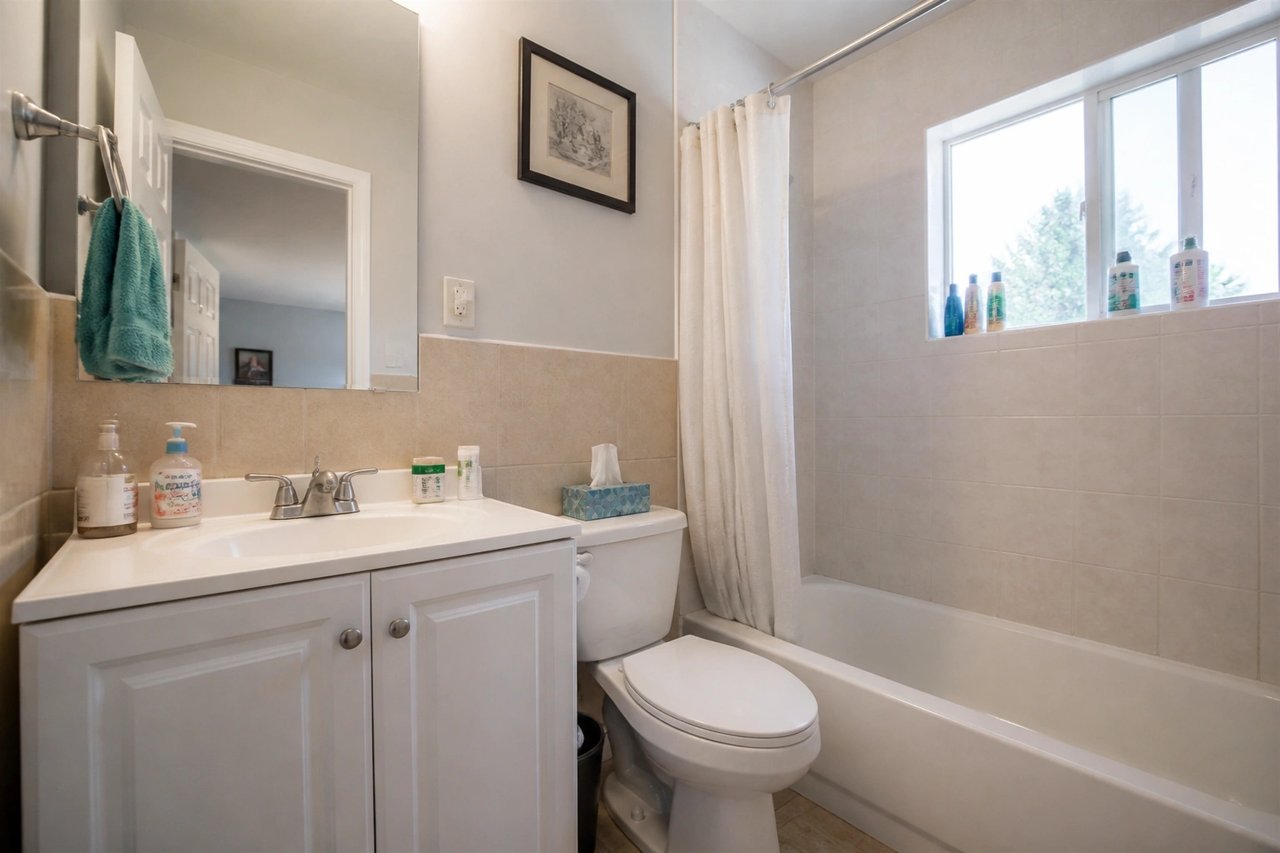
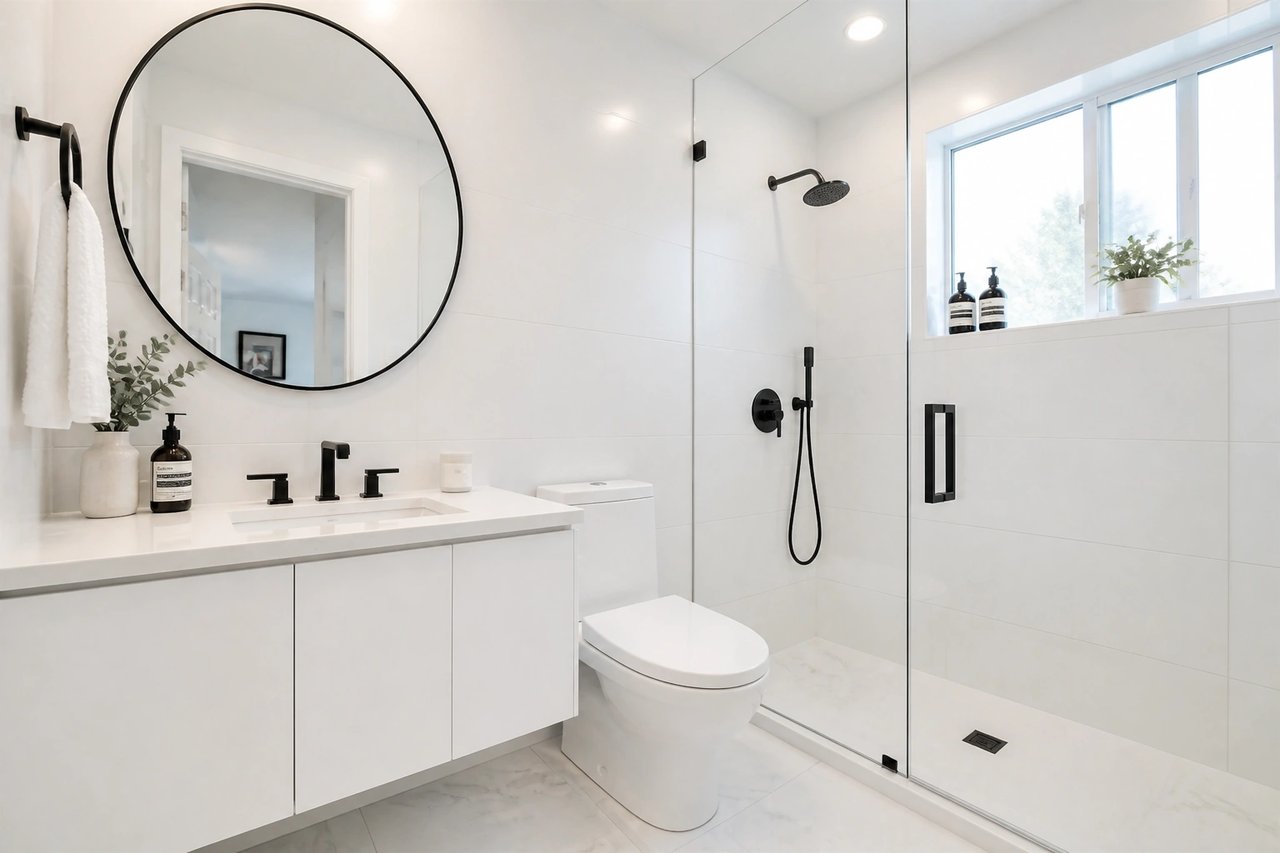
From bathroom photo to remodel concept
A visual planning workflow for homeowners, renters, hosts, and designers exploring a bathroom refresh.
Step 1
Upload a bathroom photo
Capture the vanity, shower or tub, floor, tile, and natural light so finish swaps look realistic.
Step 2
Pick a style and goal
Choose modern, spa, transitional, minimalist, coastal, or another direction.
Step 3
Generate multiple concepts
Compare tile, vanity, paint, and lighting options to find the best fit fast.
See the bathroom before the remodel quote
- See the remodel before you spend
- Preview tile, vanity, and finishes on your actual bathroom, so you commit with confidence instead of guessing.
- Compare directions at once
- Generate several bathroom looks in parallel from 50+ styles, then pick the winner side by side.
- Decide before the contractor quote
- Bathroom remodels are expensive. Narrow tile and finish choices in seconds, not weeks of sample runs.
- Refine until it's right
- Try another tile, vanity, or lighting direction until the concept matches your brief.
Built for bathroom projects
Whether you're remodeling your own bathroom, styling a rental, or pitching a client, the photo-first workflow fits.
Homeowners & renters
Test tile, paint, and vanity finishes on your real bathroom before booking a remodel or ordering samples.
Hosts & landlords
Refresh rental, Airbnb, and guest bathrooms into cleaner, more bookable spaces before you list them.
Designers & contractors
Generate bathroom concept directions clients can react to in minutes, before detailed drawings or quotes.
Simple plans, no watermark
All paid plans include 50+ styles and watermark-free images. Annual savings vary by plan.
Basic
For home projects
billed yearly at $108
200 images each month
- All 50+ design styles
- Virtual staging
- Upscale & paint
- Commercial license
Lite
For getting started
billed yearly at $249
800 images each month
- All 50+ design styles
- Virtual staging
- Upscale & paint
- Commercial license
Plus
For frequent designing
billed yearly at $449
2,000 images each month
- All 50+ design styles
- Virtual staging
- Upscale & paint
- Commercial license
Ultra
For pros & teams
billed yearly at $899
5,000 images each month
- All 50+ design styles
- Virtual staging
- Upscale & paint
- Commercial license
- Priority support
AI bathroom design questions
Answers about using AI for bathroom remodel ideas and visual planning.
Design your bathroom today
Upload a photo, choose a style, and see your bathroom redesigned before you spend on a remodel.