AI virtual staging software for listing photos
Turn an empty room photo into furnished listing visuals, review the result, and disclose the edit clearly.
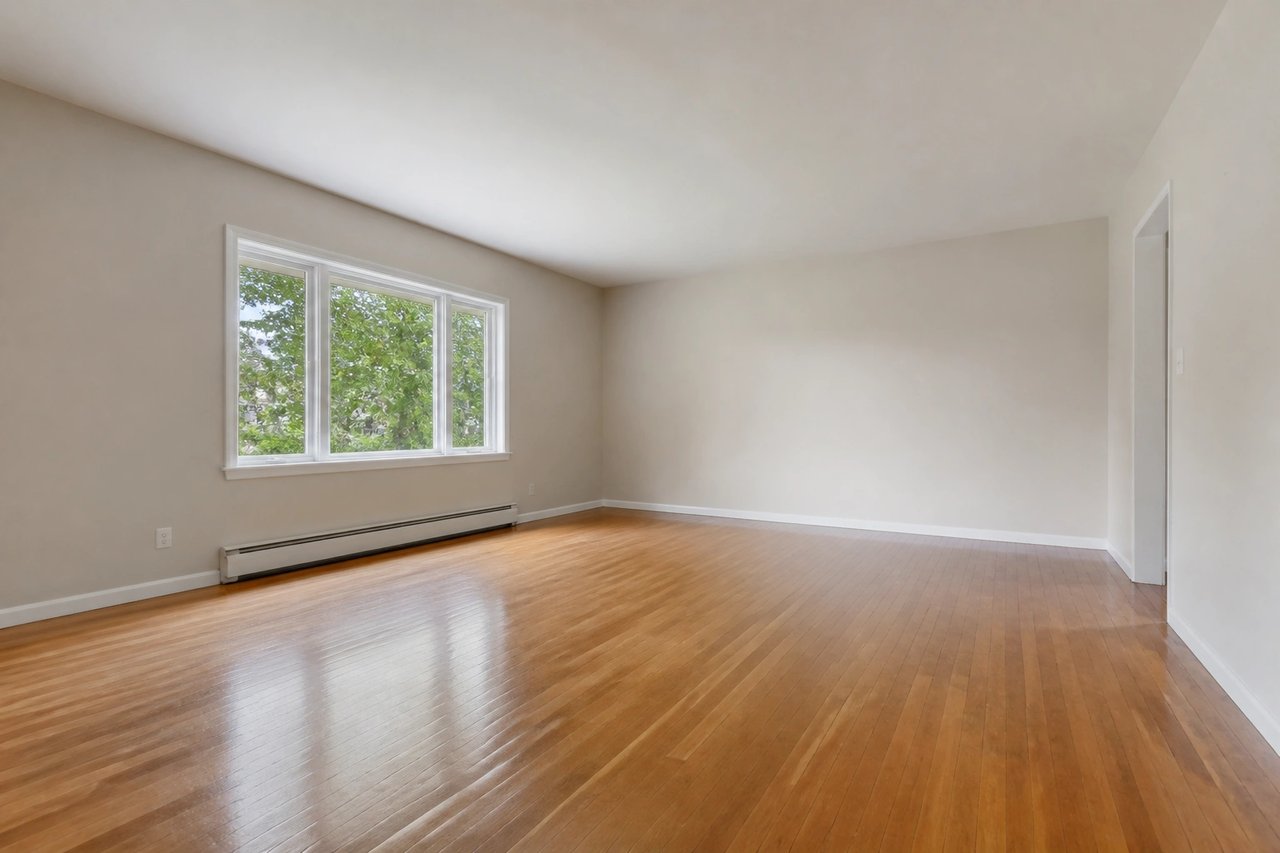
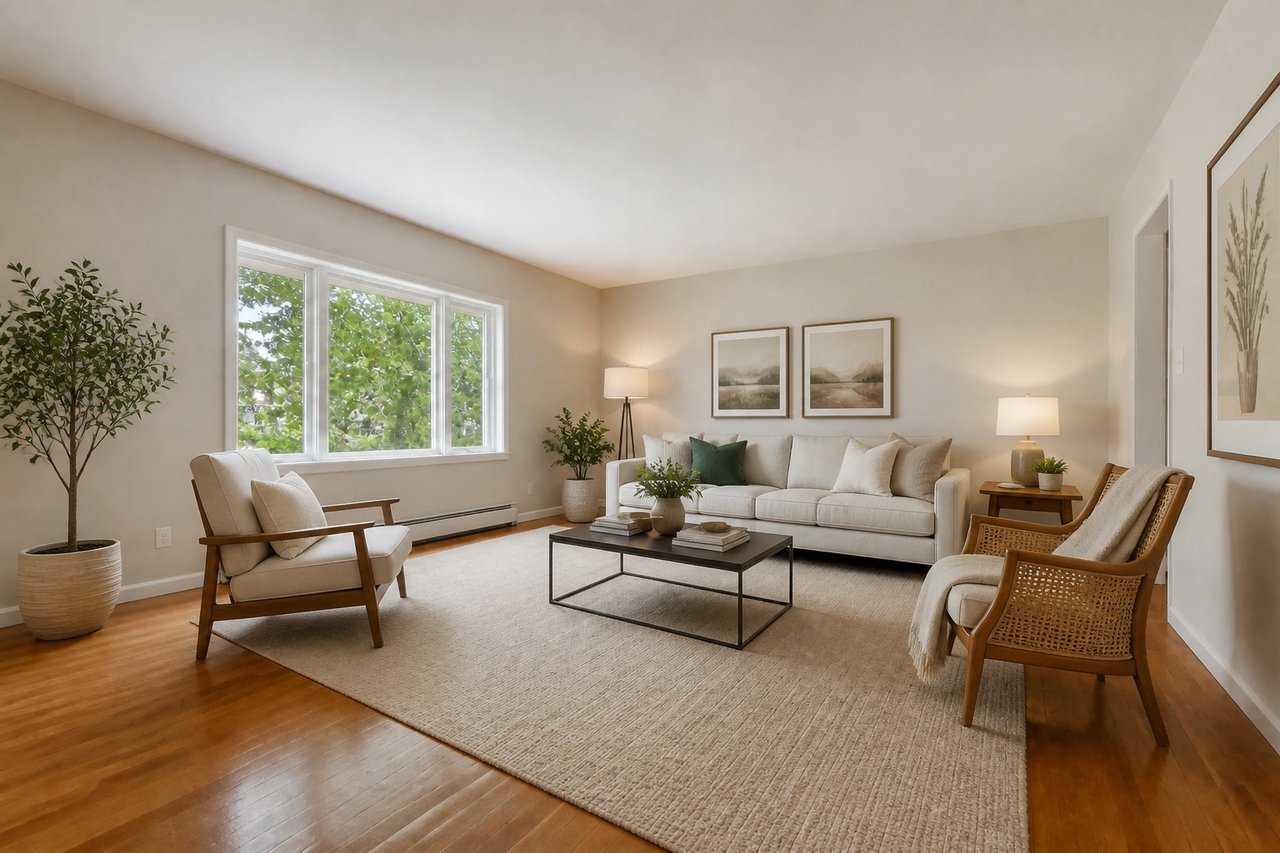
What is the best AI virtual staging workflow?
The best AI virtual staging workflow starts with a clear empty-room photo, creates buyer-friendly staged versions, keeps the original photo available, and labels staged images according to MLS or brokerage rules.
Try free virtual staging
Use this first to test whether one listing photo stages well.
Staging for realtors
Use the realtor page for repeat listing workflows and agent use cases.
Compare staging costs
Use the pricing guide when cost comparison is the main question.
Check MLS disclosure basics
Use the MLS guide before publishing virtually staged listing photos.
Before and after, from one photo
Drag to compare an empty room with its staged design, generated from the room's own photo.
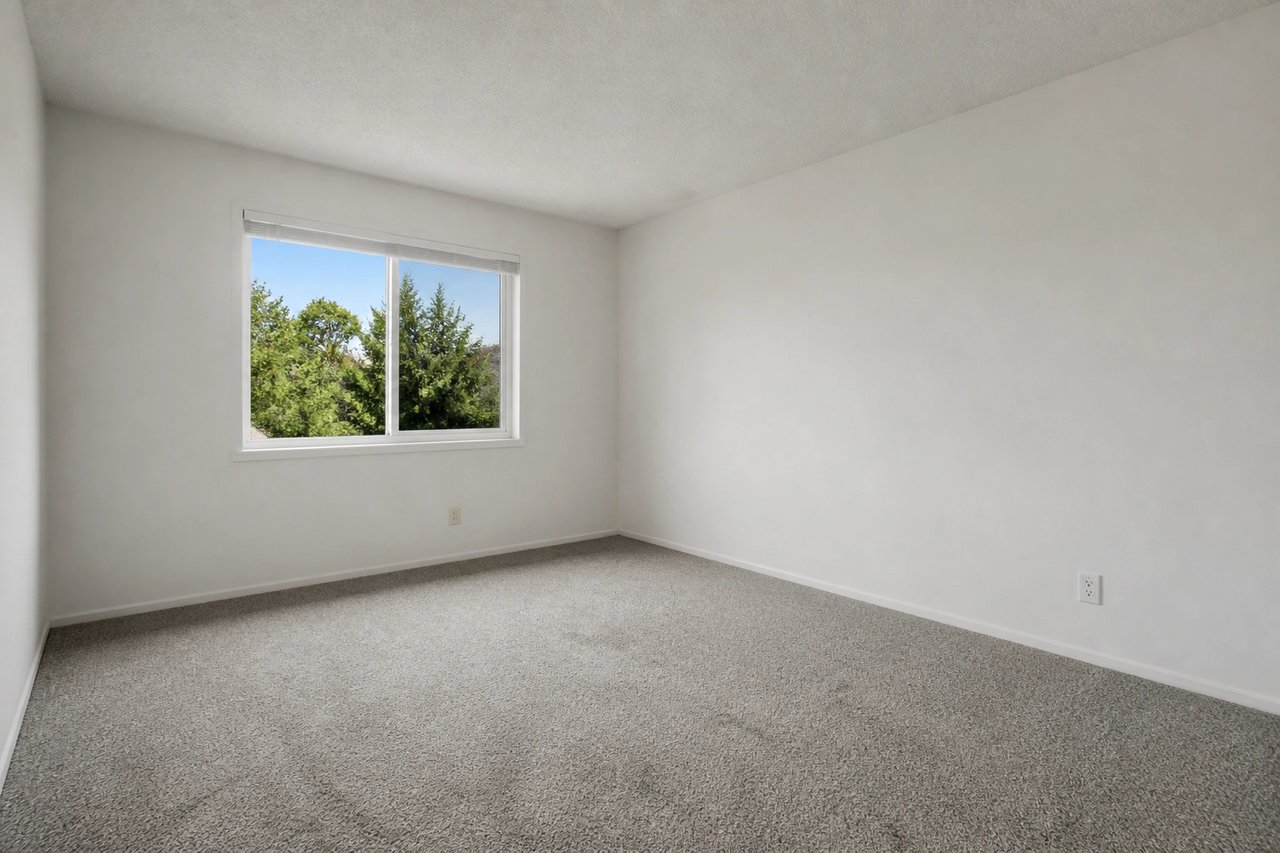
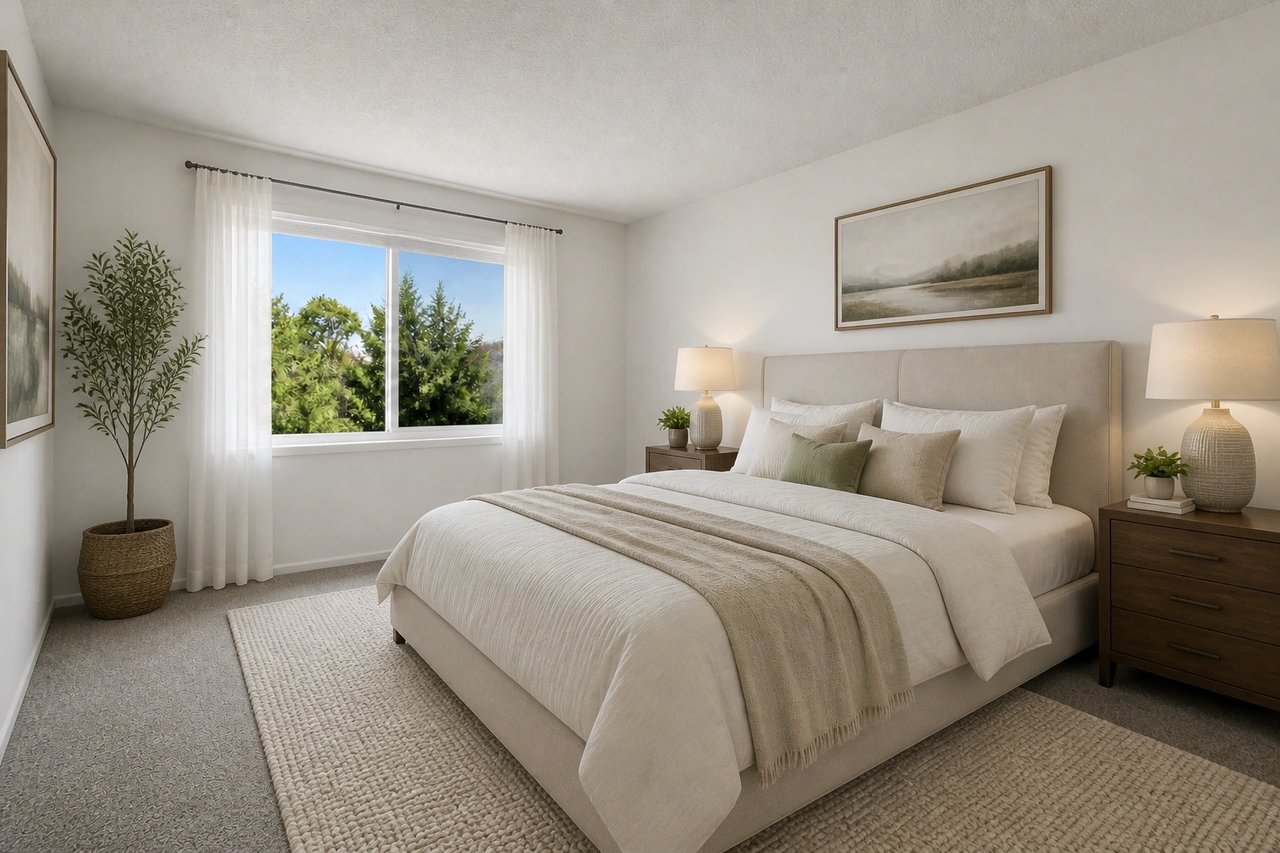
From empty room to staged listing
A visual staging workflow for agents, homeowners, photographers, and stagers preparing listing photos.
Step 1
Upload the room photo
Start with an empty, outdated, or unfurnished room photo from your listing shoot.
Step 2
Choose room and style
Pick a buyer-friendly direction like modern, Scandinavian, farmhouse, or luxury.
Step 3
Review, disclose, and publish
Compare the result at full size with the original, regenerate distortions, then label it according to local listing rules.
See the room staged before it lists
- See the room furnished before listing
- Preview stylish furniture, rugs, and decor on the actual room photo, so buyers picture living there.
- Stage for any buyer at once
- Generate several staged looks in parallel from 50+ styles and choose the direction that best explains the space.
- Create options in seconds
- Skip furniture rental and editor queues while keeping time for a careful quality and disclosure review.
- Refine before publishing
- Try another furniture, palette, or decor direction when the first result does not represent the room well.
Built for listing photos
Whether you're an agent listing a property, a homeowner selling, or a stager pitching options, the photo-first workflow fits.
Realtors & agents
Turn empty listing photos into furnished concepts, then review and disclose them before the property goes live.
Homeowners selling
Show your vacant home's potential and help buyers picture living there before the first showing.
Stagers & photographers
Offer fast, low-cost virtual staging options clients can react to in minutes, not days.
Simple plans, no watermark
All paid plans include 50+ styles and watermark-free images. Annual savings vary by plan.
Basic
For home projects
billed yearly at $108
200 images each month
- All 50+ design styles
- Virtual staging
- Upscale & paint
- Commercial license
Lite
For getting started
billed yearly at $249
800 images each month
- All 50+ design styles
- Virtual staging
- Upscale & paint
- Commercial license
Plus
For frequent designing
billed yearly at $449
2,000 images each month
- All 50+ design styles
- Virtual staging
- Upscale & paint
- Commercial license
Ultra
For pros & teams
billed yearly at $899
5,000 images each month
- All 50+ design styles
- Virtual staging
- Upscale & paint
- Commercial license
- Priority support
AI virtual staging questions
Clear answers for real estate teams using virtual staging in listing photos.
Stage your next listing today
Upload a room, choose a style, then review and disclose the staged image before the listing goes live.