Homeowners
Use home design software to plan renovations and decor, and preview styles before committing to a remodel.
AI Smart Decor is AI-powered home design software that redesigns or stages any room or home from a photo. Upload a photo and the software renders new interior design concepts, walls, flooring, furniture, lighting, and decor, in about 30 seconds. No CAD, no floor plans, and nothing to download, with 50+ styles for homeowners, designers, and real-estate agents.


Render 50+ looks across every room, from modern to coastal.
Cloud rendering software that needs no 3D model or install.
Design renovations or virtually stage listings from a photo.
Who this helps
Use AI home design software for practical planning across homes, projects, and listings.
Use home design software to plan renovations and decor, and preview styles before committing to a remodel.
Present client-ready concepts in minutes with AI rendering instead of slow manual modeling.
Virtually stage and refresh listings with home decor software so properties show their best.
Showcase finished interiors in model units and marketing before construction is complete.
Align with clients on finishes and layouts using clear visual concepts up front.
Pair photo-based AI renders with your CAD interior design software for faster client buy-in.
Stage empty or dated rooms digitally and offer several looks of the same space instantly.
Experiment with decor and color ideas at home with beginner-friendly design software.
How it works
A visual workflow for homeowners, designers, and agents who want results faster than traditional home design programs.
Step 1
Start with a clear image of any room or home exterior you want to redesign or stage.
Step 2
Choose modern, Scandinavian, minimalist, coastal, industrial, luxury, or another direction.
Step 3
The software generates photo-realistic interior design concepts in about 30 seconds.
What you can do
Whether you want the best interior design software, rendering programs without the learning curve, or home decor software for staging, you can do it all from a photo.
Unlike programs for home design that make you build a room from scratch, this software for house design starts with your real photo and renders new concepts in about 30 seconds.
If you want the best design interior software for speed, AI rendering beats manual modeling. Generate several interior design directions side by side before choosing one.
Traditional rendering programs need 3D models and powerful hardware. This rendering software produces photo-realistic results in the cloud with no setup, no plugins, and no download.
Among home decor software options, AI staging is the fastest way to furnish an empty room or refresh dated decor so a space looks ready to sell or live in.
Skip the CAD curve. These home design programs need no floor plans and no drafting skills, so first-time users get professional-looking results from a single photo.
This is not CAD software for interior design, but it pairs with it well. Use AI renders for fast client buy-in, then take the chosen direction into your interior design CAD software.
Use one tool as software for home design in every room, from living rooms and bedrooms to kitchens, bathrooms, and home exteriors, all from photos.
Most home design programs that produce reliable, photo-realistic, watermark-free renders are paid, and AI Smart Decor is no exception, with plans from $29/month. The product is not free. The one exception is our limited free tools at /free-tools, which need no signup so you can try AI room redesign and virtual staging before choosing a plan. If you only need quick, occasional concepts, start there; if you need volume and professional output, the paid software is built for that.
Real software outputs
Pick a direction from several AI renders before committing to a remodel or listing.

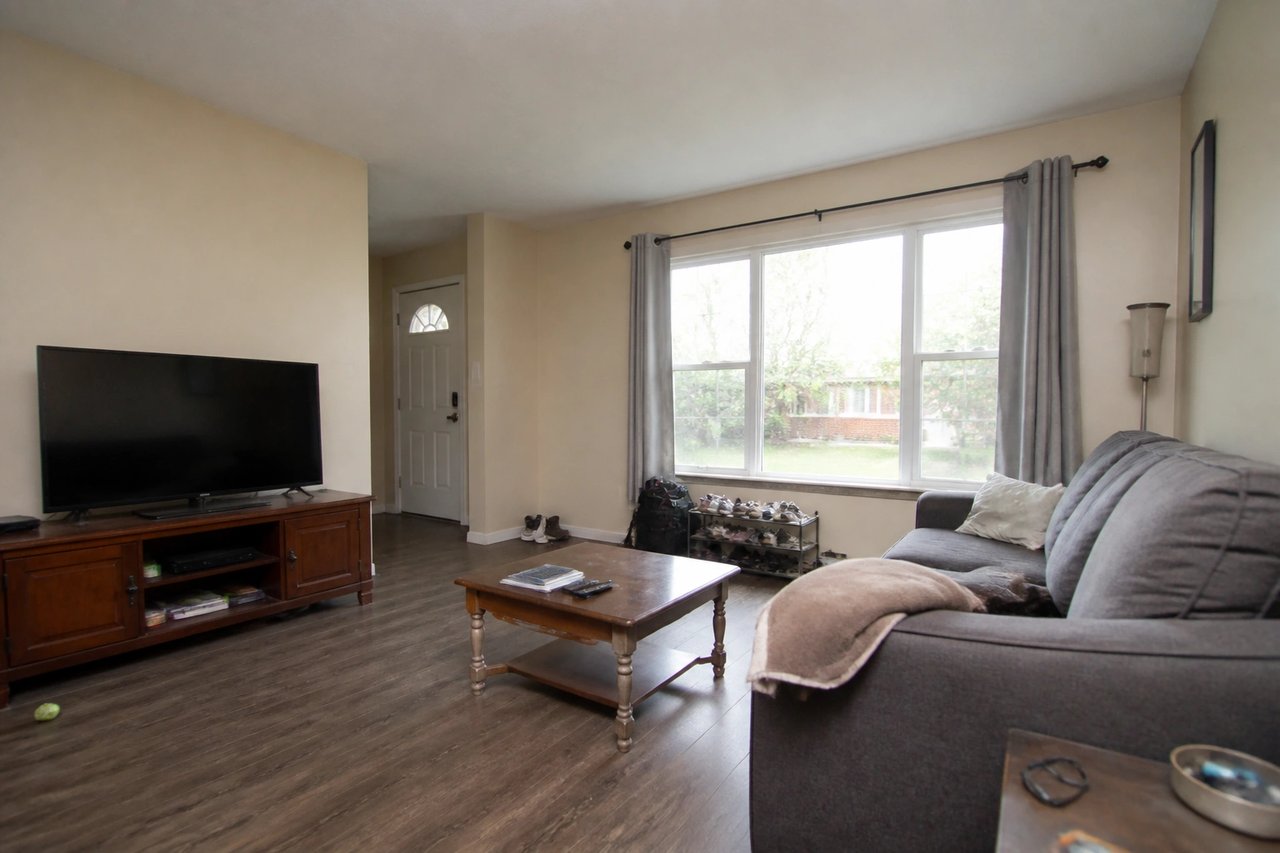
Before
Original room photo and geometry preserved.

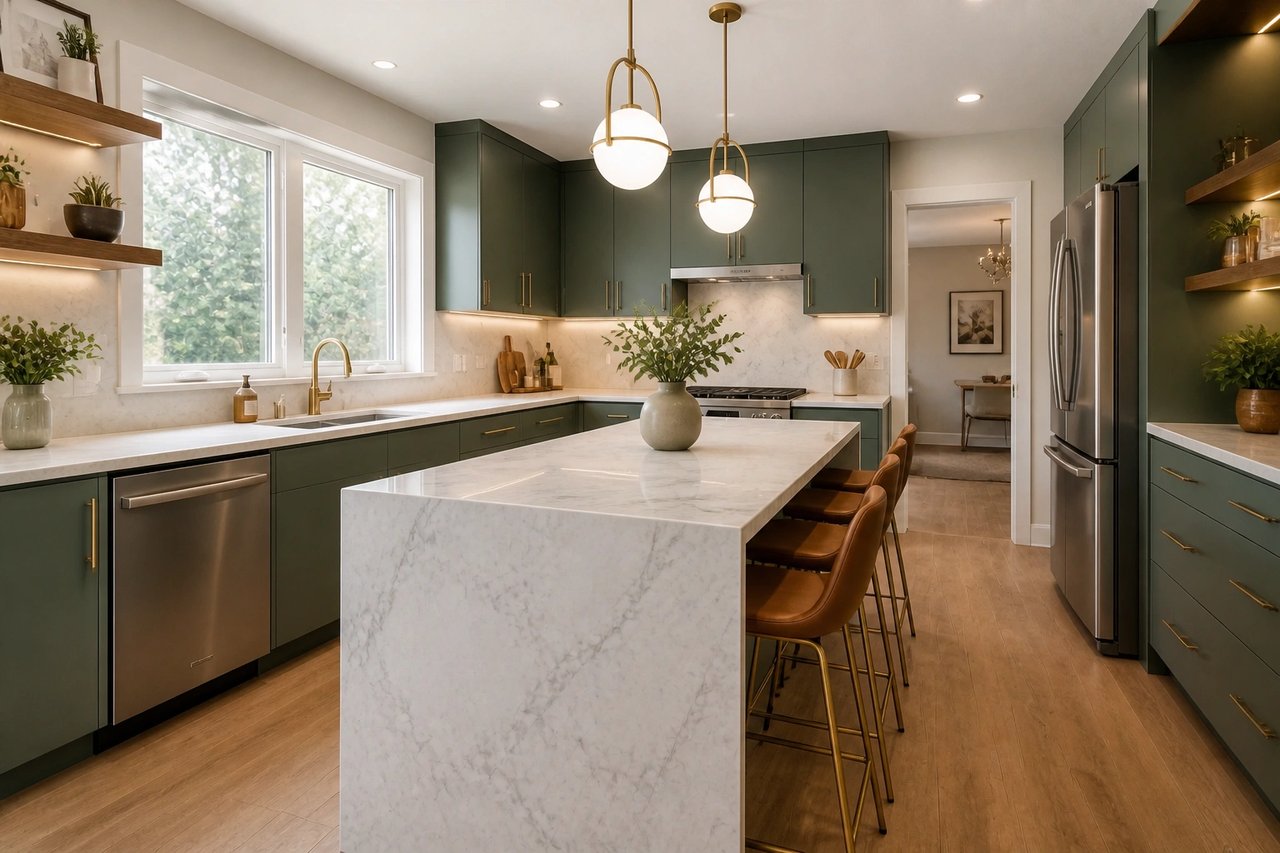
AI render · Option A
Updated neutral palette and modern furnishings.

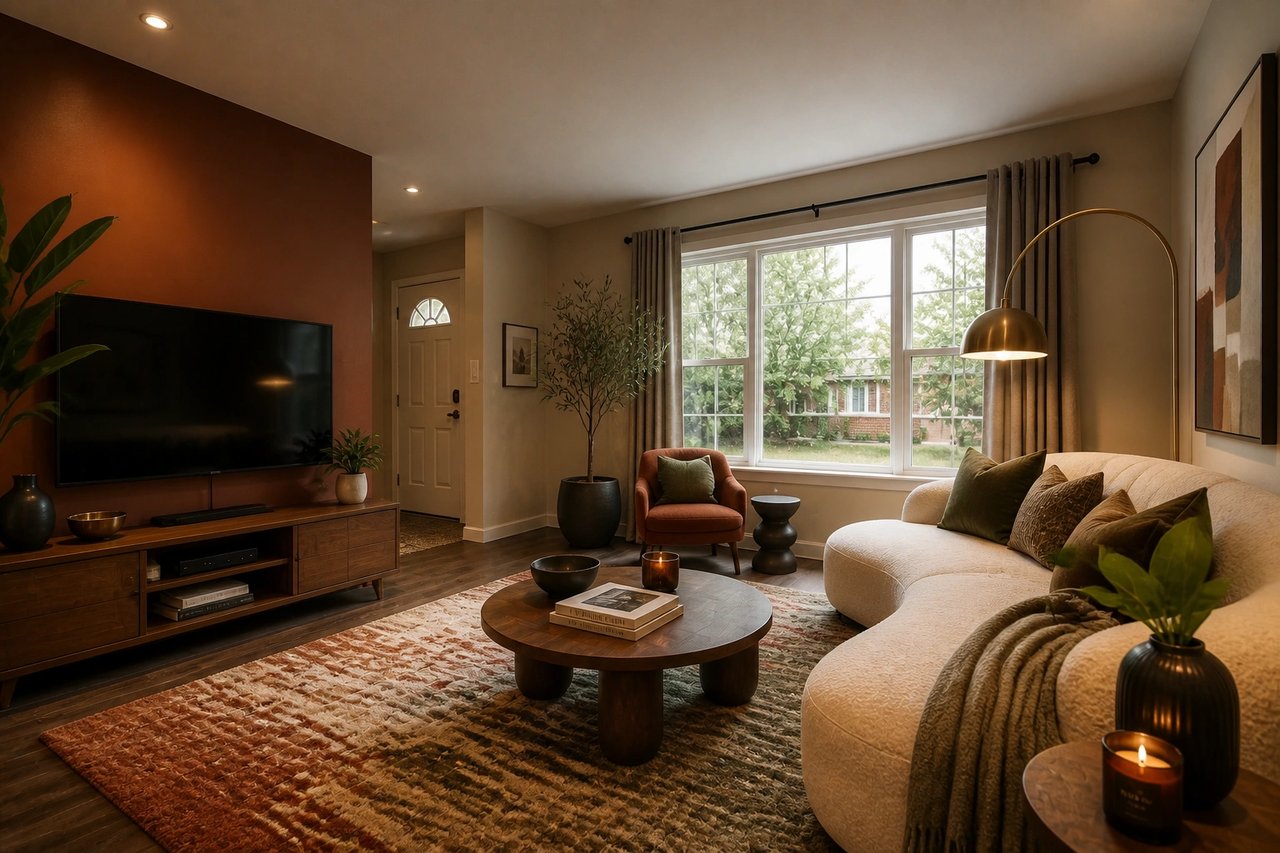
AI render · Option B
Alternate warm-modern styling direction.
Interior design CAD software is built for measured plans and specs. AI rendering software is built for speed, so you can see a finished room before you draft anything.
Redesign or stage any room or home from a single photo
Compare multiple interior design directions before spending on materials
No CAD skills, no floor plans, and nothing to download or install
Use AI renders as concepts for clients, contractors, and listings
AI renders are for visual direction. For measured floor plans, elevations, permits, and construction documents, use dedicated interior design CAD software and confirm structural work with qualified pros.
Learn more
Use these guides to compare AI design tools and plan better room transformations.
See broader home design workflows.
Read guideRedesign any room from a photo.
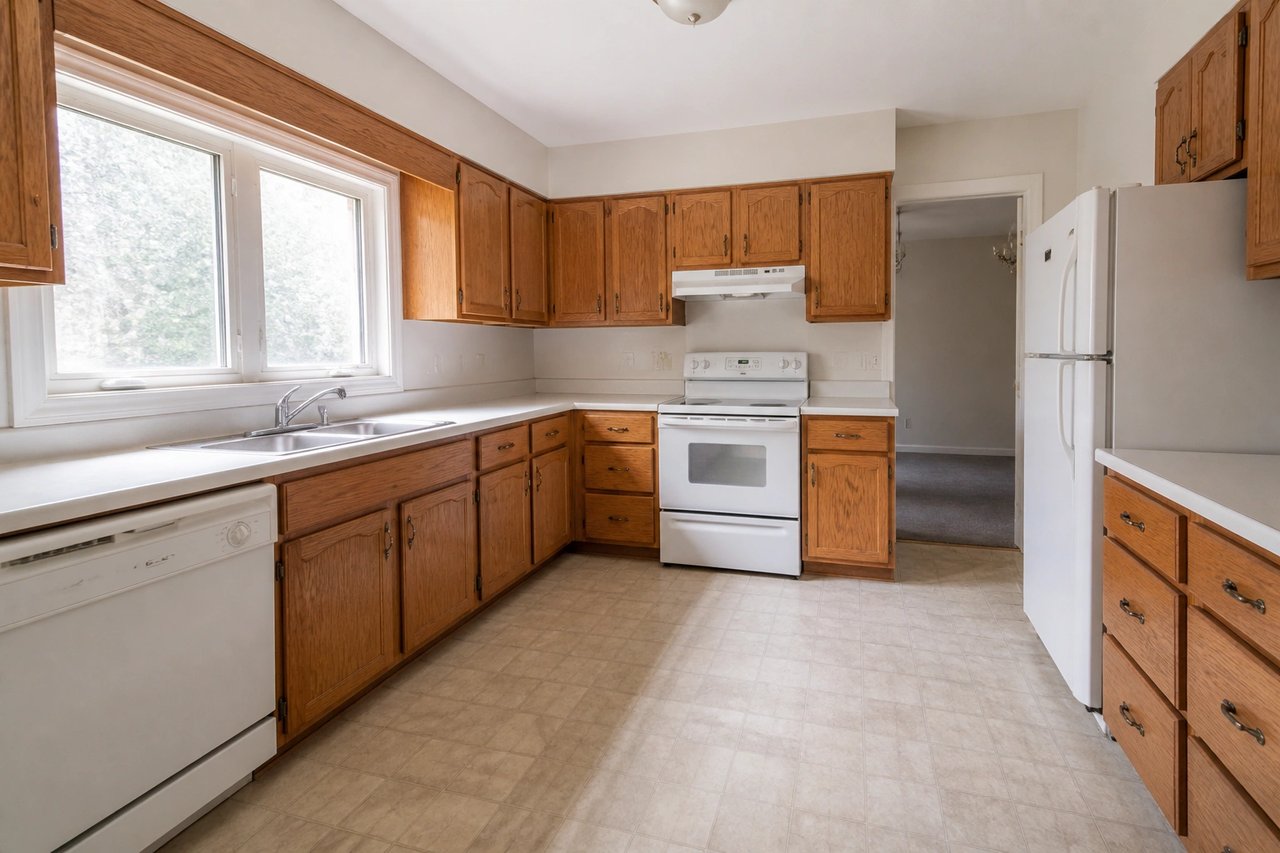
Read guidePlan kitchen remodels from a photo.
Read guideLearn photo-to-concept design basics.
Read guideGetting started with AI home design.
Read guideDesign from any browser, no install.
Read guideFree ways to try AI home design.
Read guideFAQ
Answers about using AI home design software, rendering, and what is free.
Yes. AI Smart Decor is AI-powered home design software that redesigns or stages any room or home from a photo. Upload a photo and the software generates new interior design concepts in about 30 seconds, including wall colors, flooring, furniture, lighting, and decor, while keeping the general room structure. It runs in your browser and on iOS and Android, so there is nothing to install. It is a paid tool starting at $29/month.
AI Smart Decor is paid home design software, not free, with plans from $29/month. Most reliable home design programs that produce photo-realistic, watermark-free renders are paid. If you want to try AI home design at no cost, we offer limited free tools at /free-tools that need no signup, so you can generate a room redesign or virtual staging before choosing a plan.
No. AI Smart Decor is web-based home design software, so there is nothing to download or install on a desktop. It works in any modern browser and also has iOS and Android apps. Unlike traditional CAD or rendering programs that require a powerful computer, the heavy rendering runs in the cloud.
Yes. AI Smart Decor is built for beginners as well as professionals. There are no floor-plan tools to learn and no CAD skills required. You upload a photo, pick a style, and the software generates the design. That makes it one of the easiest home design programs for first-time users, while still useful for designers and agents.
The best home design software depends on your goal. Traditional interior design CAD software like AutoCAD or SketchUp is best for technical drawings and floor plans. For fast, photo-realistic visual concepts, AI rendering software like AI Smart Decor is the quicker option because it redesigns a real photo of your space in seconds instead of requiring you to model a room from scratch.
No. AI Smart Decor is not interior design CAD software and does not produce measured floor plans, elevations, or construction documents. It is photo-based AI rendering software for visual concepts. For CAD drawings and engineering specs, use dedicated CAD interior design software alongside it.
Yes. The rendering happens automatically from your photo. Upload an image of any room or exterior, choose a direction, and the software produces photo-realistic renders in about 30 seconds. There is no 3D model to build, which makes it far faster than traditional rendering programs.
Yes. AI Smart Decor doubles as home decor and virtual staging software. Real-estate agents and homeowners use it to furnish empty rooms, refresh dated decor, and present multiple looks of the same space, which helps listings show better before photos go live.
Homeowners use it to plan renovations and decor, interior designers use it to present concepts to clients quickly, and real-estate agents use it to stage listings. Because it is software for home design that works from a photo, anyone can produce professional-looking results without design training.
Bright, wide photos that show the floor, walls, windows, and ceiling produce the most useful results. The clearer the input photo, the better the software can render furniture, lighting, and finishes.