The best RoomGPT alternative depends on what you need to do. AI Smart Decor fits photo redesign and virtual staging, Homestyler fits hands-on 3D planning, Planner 5D fits measured layouts, and IKEA Kreativ fits furniture shopping. RoomGPT itself remains a sensible choice for the simplest one-photo inspiration flow.

Quick comparison
| Tool | Best for | No-signup or trial access | Starting price | Style range | Key tools | Main drawback |
|---|---|---|---|---|---|---|
| AI Smart Decor | Photo redesign and virtual staging | Free no-signup tools; 3 monthly account generations | $9/month | 50+ styles | Room redesign, virtual staging, sketch-to-render | Anonymous generator does not save previous generations |
| Homestyler | 2D/3D design workspace | Starter plan available | Paid upgrades vary | Catalog-led styles | Floor plans, 3D rooms, furniture catalog | Slower than one-click AI redesign |
| Planner 5D | Layout and furniture fit | Starter plan available | Paid upgrades vary | Layout-first | Floor plans, dimensions, 3D planning | Not mainly a photoreal AI restyler |
| IKEA Kreativ | IKEA furniture preview | No-cost access | No-cost access | IKEA catalog | Room scan, erase furniture, place IKEA products | Limited to IKEA products |
| Interior AI | Professional AI concepts | Limited or paid access | Paid plans vary | Broad style library | Interior concepts, pro exports, staging-style outputs | More expensive and less beginner-simple |
| Collov AI | Shoppable room designs | Limited trial access | Paid upgrades vary | Product-led styles | Furniture recommendations, shopping workflow | Less useful for open-ended experimentation |
| RoomGPT | Fast rough inspiration | Current allowance is not public before login | Not stated on public homepage | Not stated publicly | Upload photo and generate a redesign | Purchase details require checking after login |
How we researched the tools
AI Smart Decor is our product, so this is not an independent ranking. For this update, we checked official product and pricing pages for access, starting cost, workflow, and published features. We do not assign numeric scores or claim a quality winner without showing raw test evidence. Read the full review methodology.
RoomGPT vs AI Smart Decor
| Feature | RoomGPT | AI Smart Decor |
|---|---|---|
| Best use case | Quick style inspiration | Paid room redesign, virtual staging, and project workflows |
| Room photo upload | Yes | Yes |
| Interior styles | Limited style list | 50+ interior styles |
| Virtual staging | Limited | Yes, built for empty rooms and listing-style visuals |
| Sketch-to-render | No clear mainstream workflow | Yes |
| Free access | Current allowance is not stated on the public homepage | No-signup tools plus 3 standard generations monthly for new accounts |
| Best for real estate | Light inspiration | Better fit for staged listing concepts and repeated image generation |
Choose RoomGPT if you only want a quick, low-commitment style preview. Choose AI Smart Decor if you need more styles, virtual staging, higher image volume, and a workflow that can support homeowners, agents, or design projects.
For a focused two-product breakdown with source notes, read AI Smart Decor vs RoomGPT.
What actually separates these tools
Before the rundown, it helps to know what I'm weighing. A bigger credit allowance isn't the thing that makes a RoomGPT alternative worth your time. The thing that matters is whether the render holds up: do the walls stay straight, does the window keep its frame, does "Japandi" come back as Japandi and not generic beige-modern with a houseplant dropped in? Speed matters too, but only up to a point — a fast tool that produces warped furniture is slower than a careful one, because you'll regenerate twice. And the quiet differentiator is room coverage. Plenty of tools nail a styled living room and then choke on an empty room or a bathroom, which is exactly where real estate staging lives.
With that lens, here's how the field breaks down.
1. AI Smart Decor — for redesign, staging, and repeated projects
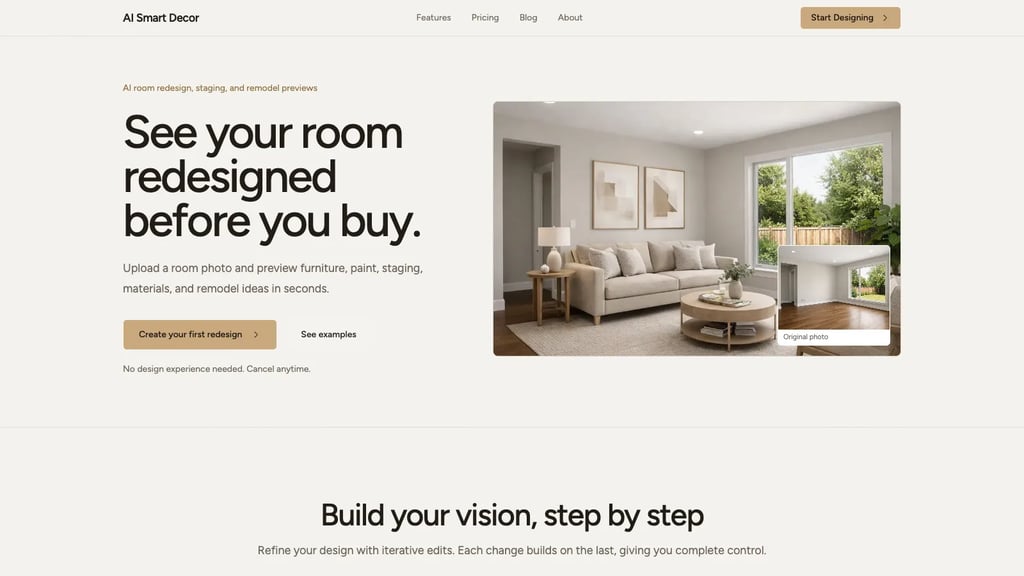
AI Smart Decor keeps the part of RoomGPT people actually like — drop in one photo, get a redesign — and fixes the parts they don't. You get 50+ interior styles instead of a handful, virtual staging for empty rooms, and sketch-to-render if you're working from a concept rather than a photo. For homeowners weighing a renovation, renters who can't knock down walls, and agents prepping a listing, it covers the most ground.
The access model is simple: if you do not want to pay and you are okay with losing the record of previous generations, use the free AI room design generator. It runs without signup and is perfect for testing a room photo quickly. If you want saved history, more project continuity, and enough volume for real work, the main app starts at Basic ($9/mo, 200 images), followed by Lite ($29/mo, 800 images), then Plus ($49/mo, 2,000) and Ultra ($99/mo, 5,000). If you're exporting listing photos or comparing five directions for a room, the image headroom on even the entry plan covers it easily.
One thing no tool can fix for you: a bad input photo. A dark, cluttered, angled shot produces muddy output here just like everywhere else. Shoot bright, shoot from a corner, and you'll see the difference immediately.
2. Homestyler — when you want a workspace, not a one-shot render
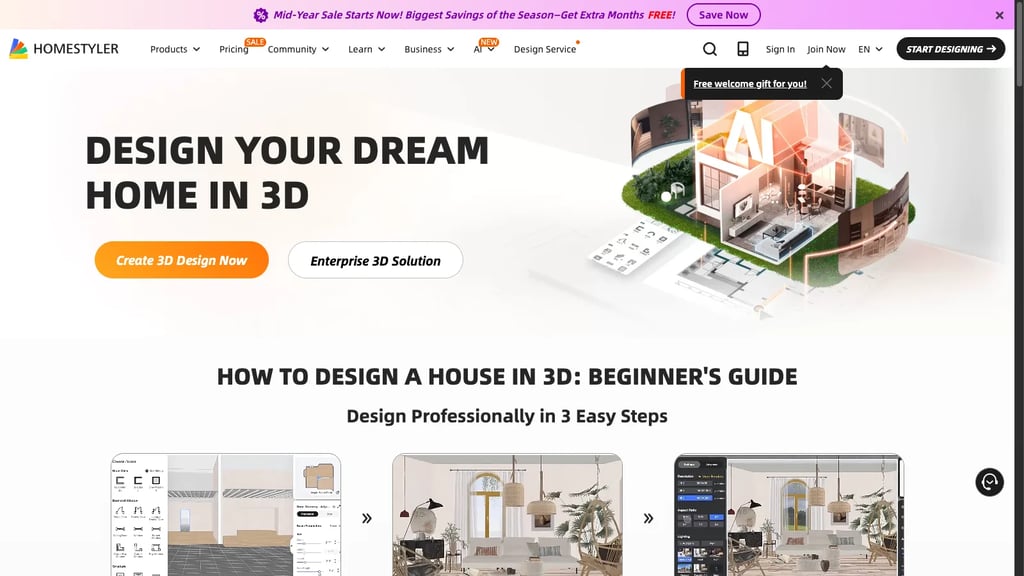
Homestyler is the one to pick if "redesign" for you means planning, not a single before/after image. It leans into furniture catalogs, 2D/3D layout, and a guided editor, and it has a usable starter tier. The trade-off is right there in the description: it's a design app, not a one-click style engine. The AI restyling is the weaker part of the package, and the interface asks more of you than RoomGPT's three buttons. If you're happy to spend twenty minutes learning a tool that then lets you place actual furniture, it pays off. If you want a styled image in thirty seconds, look elsewhere.
3. Planner 5D — the answer to "will it actually fit?"
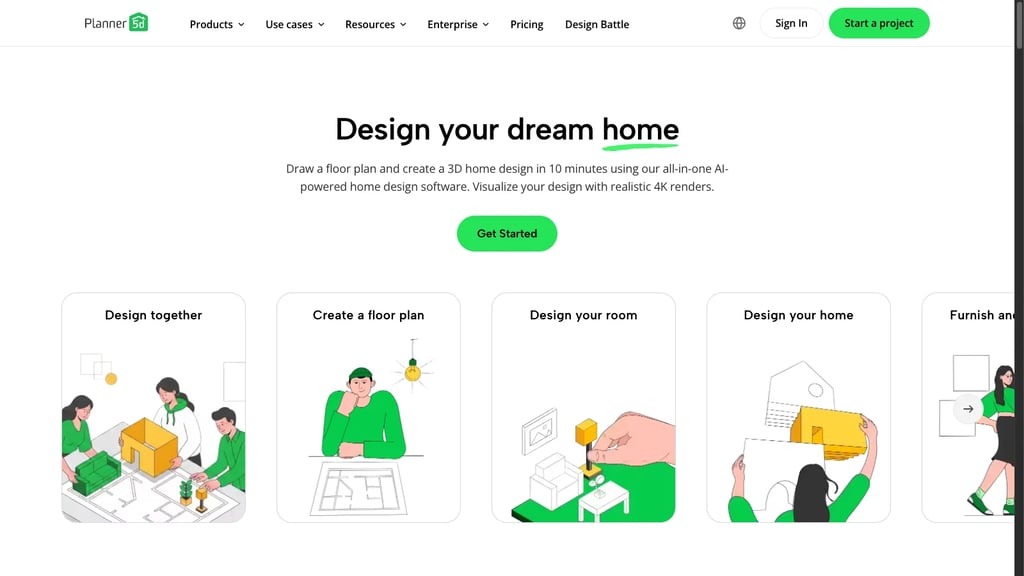
Planner 5D barely belongs in the same category as RoomGPT, and that's the point. It's a spatial planning tool — floor plans, dimensions, furniture placement — with a starter plan to begin. Where RoomGPT shows you a vibe, Planner 5D tells you whether the king bed leaves room to open the closet. Use it when measurements drive the decision: a sofa against a short wall, a dining table in a tight nook, a desk in a corner that may or may not clear the door swing. It's slower and it won't hand you a photoreal restyle, but for layout questions it answers what the pure AI tools can only guess at.
4. IKEA Kreativ — built around what you'll actually buy
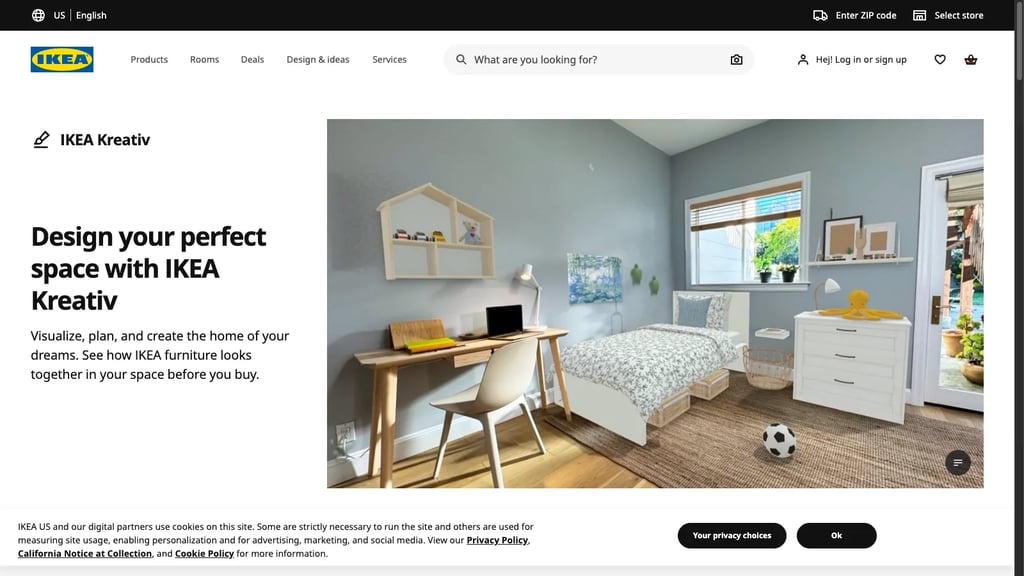
IKEA Kreativ earns its place if your shopping cart is already pointed at IKEA. You scan your room and drop real IKEA pieces into it, which makes the visualization directly actionable — you're previewing furniture you can order, not an AI's interpretation of a style. The boundary is obvious: it's the IKEA catalog and nothing else, so it's no help for broad style exploration, high-end concepts, or staging an empty room for sale. Treat it as a furniture-fit checker tied to a specific retailer, not a general room designer.
5. Interior AI — for a broader professional feature set

Interior AI sits at the more feature-rich, higher-cost end and publishes modes aimed at designers and real estate professionals. The flip side is cost and complexity: extra options add decision friction when you only want a quick look.
The RoomGPT vs Interior AI question comes down to workflow. RoomGPT suits a casual “what if my living room were Scandinavian?” concept. Interior AI offers a larger professional toolset. AI Smart Decor sits between those approaches with a simpler room-photo workflow plus virtual staging and prompt-based image editing.
6. Collov AI — for turning a look into a shopping list
Collov AI's angle is commerce. It's less about endless restyling and more about connecting a design direction to furniture you can actually buy, which is genuinely useful when the goal is to purchase the look, not just admire it. Starter usage is on the thin side and it's a touch more involved than RoomGPT, so it's a poor fit for loose experimentation. But if you've settled on a direction and want shoppable pieces that match, this is the workflow built for that last step.
7. RoomGPT — still the fastest way to a rough idea
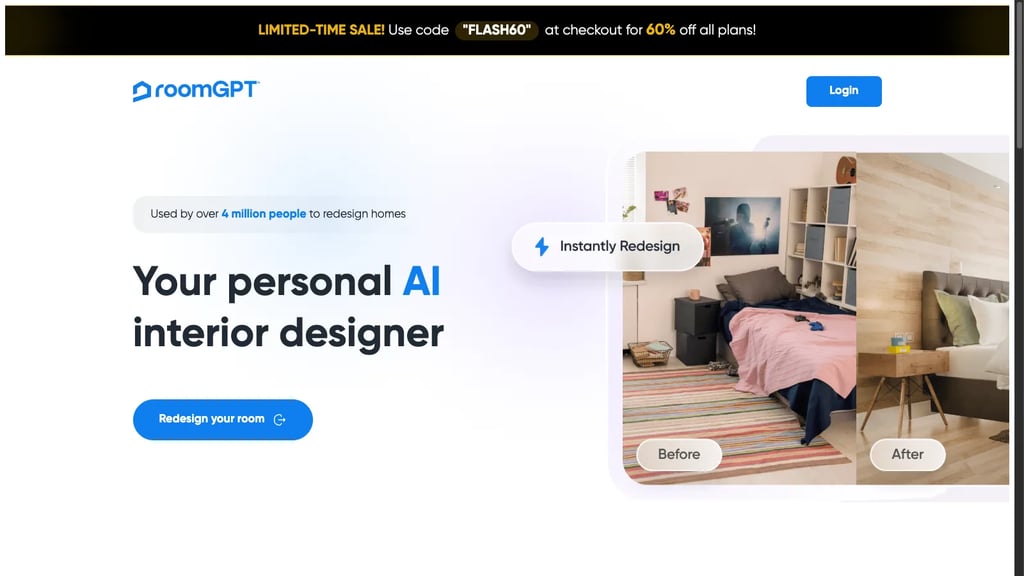
It is worth being fair to the original. RoomGPT communicates one job cleanly: upload a photo and get a redesigned room. For a first-timer who wants to glimpse a different theme, that simplicity is valuable. Its public homepage does not currently show pricing, the free allowance, style count, or export dimensions, so check those details after login instead of relying on an older comparison.
Matching the tool to the job
Choose AI Smart Decor when you want one photo-based workflow for redesign and virtual staging, 50+ styles, and a no-signup first test. Reach for Planner 5D when the real question is whether furniture fits, Homestyler when you want a hands-on design workspace, and IKEA Kreativ when you are specifically buying IKEA. Choose Interior AI for its broader professional modes, Collov AI for a shopping-led workflow, and RoomGPT when simplicity matters more than a longer feature list.
Getting better renders out of any of them
The tool matters less than people think; the input photo matters more. A few habits raise your hit rate everywhere:
- Shoot from a corner so two walls and the floor are visible — the AI reads depth from that geometry.
- Use daylight. Dim photos come back muddy, with soft, smeared furniture edges.
- Clear the clutter — laundry, boxes, pet beds, anything personal. The model will try to "design around" whatever it sees.
- Keep the camera level. A tilted frame throws off wall lines and furniture scale.
- Run three styles first — say Modern, Japandi, and Scandinavian — so you're comparing directions, not guessing.
- Regenerate the winner. Output varies run to run; the second pass on your favorite style is often the keeper.
- Check it against the original in a before/after view to confirm windows, doors, and floor lines still make sense.
For the full walkthrough, see how to use AI for room design and the AI room design guide.
When it's worth paying
If you're just exploring, no-signup tools and trials are plenty. The case for a paid plan kicks in when you need saved history, HD or high-resolution exports, frequent generations across many rooms, commercial rights for listings or client work, no usage caps, and dependable virtual staging quality. The sensible order is to confirm a tool nails the style and quality you want, then put money behind it — for an Airbnb refresh, a batch of listing photos, or a client presentation, a paid plan stops being optional.
Bottom line
The right RoomGPT alternative is the one that matches the job. AI Smart Decor preserves the upload-and-go workflow, then adds 50+ styles, staging, prompt-based iteration, and a free generator when saved history does not matter. Need a floor plan? Choose Planner 5D. Want a guided design workspace? Homestyler. Buying IKEA? Kreativ. Need a broader professional suite? Interior AI. Just chasing a quick idea? RoomGPT still fits.
Common RoomGPT alternative questions
What is the best RoomGPT alternative if I do not want to pay?
AI Smart Decor's free AI room design generator is the best starting point if you want to upload a room photo, test a redesign, and do not need a saved history of previous generations. IKEA Kreativ is useful if you are comfortable shopping from IKEA's catalog, while Homestyler and Planner 5D are better starting points for 3D planning and layout work.
What is the best RoomGPT alternative for virtual staging?
AI Smart Decor is the best RoomGPT alternative for virtual staging if you want a paid tool that can redesign furnished rooms and stage empty rooms in the same workflow. Interior AI is also strong when you need professional-looking concept images and higher-end export options.
What is the best RoomGPT alternative for floor plans?
Planner 5D is the best RoomGPT alternative for floor plans because it focuses on dimensions, room layouts, and furniture placement rather than one-click style images. Choose it when the core question is whether furniture will fit, not whether a room looks good in a new aesthetic.
Is RoomGPT still worth using?
RoomGPT is still worth using for fast inspiration and low-effort style previews. It is less suitable for repeated redesigns, commercial staging, high-resolution project output, or workflows that need furniture planning, virtual staging, or more control over the finished image.
