Empty a room from a single photo
Upload a furnished room photo and get a clean, empty version of the same space in seconds.
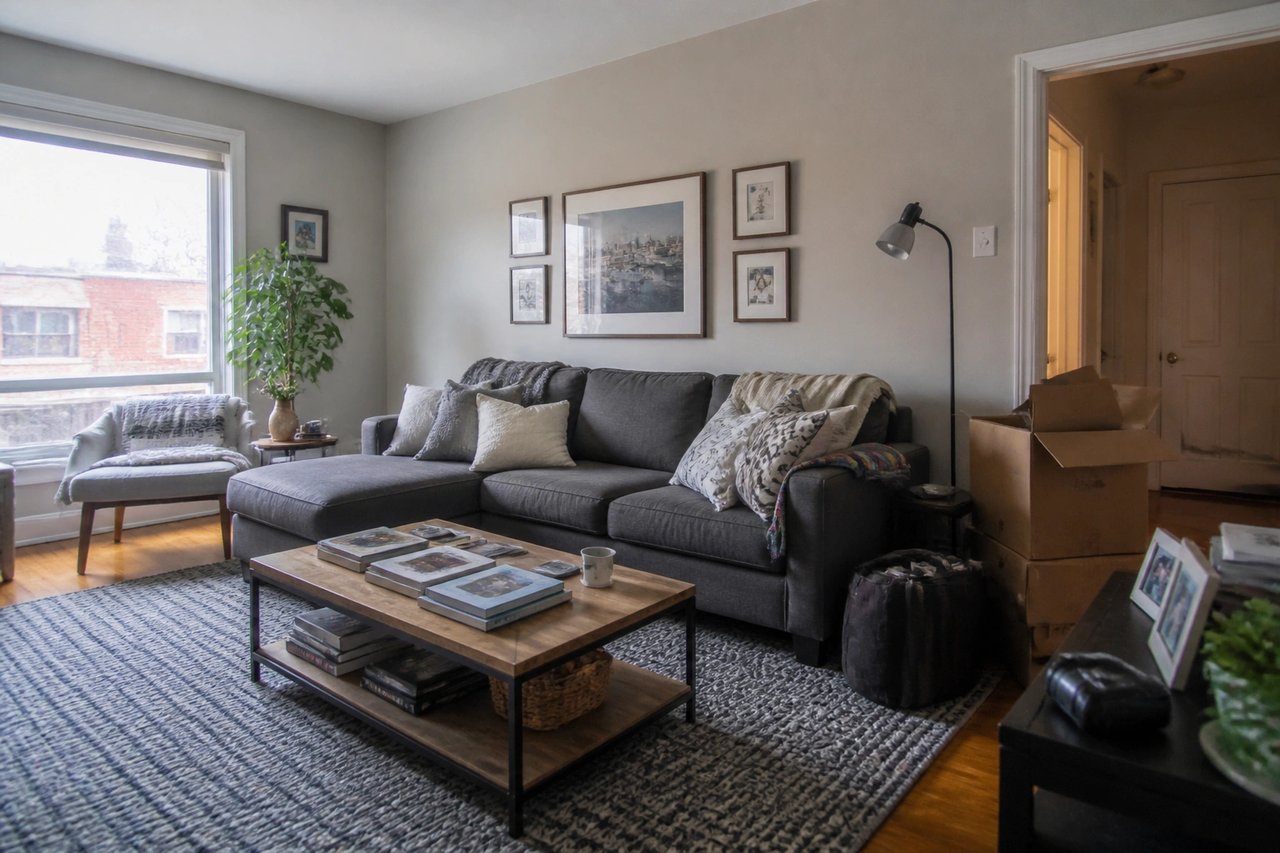
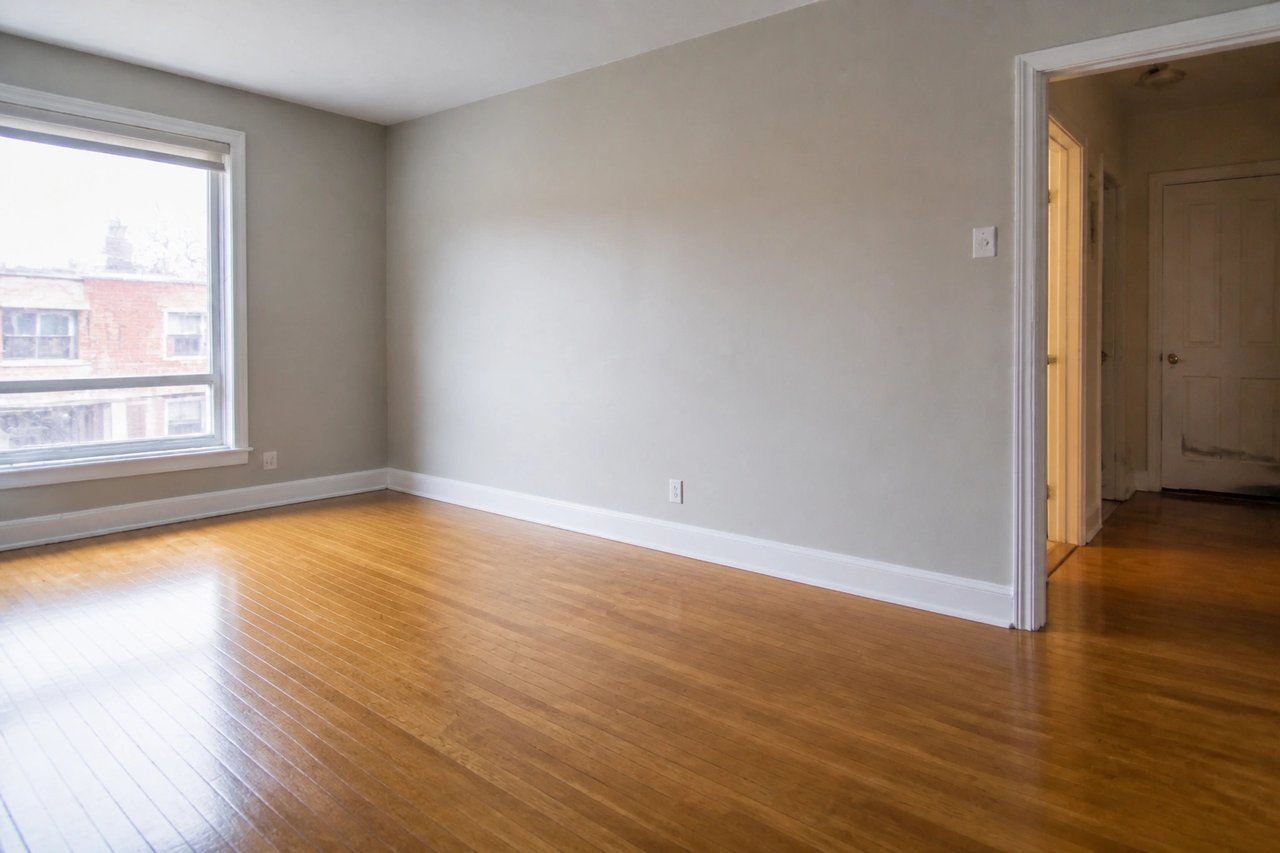
Before and after, from one photo
Drag to compare a furnished room with its cleared version, generated from the room's own photo.
From cluttered photo to clean room
A visual decluttering workflow for realtors, sellers, and stagers prepping a space for a listing.
Step 1
Upload a furnished room photo
Start with a well-lit image showing the furniture and clutter you want cleared, plus the fixed room geometry.
Step 2
Choose what to clear
Set the removal goal — empty the whole room or strip clutter for a cleaner listing base.
Step 3
Get a clean room result
Generate an emptied, realtor-ready version of the same space to use for listings, staging, or redesign.
Clear the room before you list
- Show the empty space buyers want
- Clear furniture and clutter from your actual photo so buyers and renters can read the bare room instead of someone else's stuff.
- Build a clean staging base
- Empty the room first, then restage it however you like, without old furniture fighting the new look.
- Clear a room in seconds
- Skip the move-out and reshoot. Get an emptied photo of the same space in seconds, not days.
- Keep the room, lose the clutter
- Preserve the walls, windows, and flooring while the furniture and personal items disappear.
Built for listing prep
Whether you're listing a property, selling your own home, or building a staging base, the photo-first workflow fits.
Realtors & agents
Clear a furnished room into a clean, neutral space so listings read bigger and buyers picture their own life in it.
Homeowners selling
Declutter a room photo before you list, without hauling furniture out for a single shoot.
Stagers & designers
Empty a room first to build a clean base, then restage or redesign it without the existing furniture in the way.
Simple plans, no watermark
All paid plans include 50+ styles and watermark-free images. Annual savings vary by plan.
Basic
For home projects
billed yearly at $108
200 images each month
- All 50+ design styles
- Virtual staging
- Upscale & paint
- Commercial license
Lite
For getting started
billed yearly at $249
800 images each month
- All 50+ design styles
- Virtual staging
- Upscale & paint
- Commercial license
Plus
For frequent designing
billed yearly at $449
2,000 images each month
- All 50+ design styles
- Virtual staging
- Upscale & paint
- Commercial license
Ultra
For pros & teams
billed yearly at $899
5,000 images each month
- All 50+ design styles
- Virtual staging
- Upscale & paint
- Commercial license
- Priority support
Furniture removal AI questions
Answers for realtors, sellers, and stagers.
Clear your room today
Upload a photo and get a clean, empty version of the same space before you list or stage it.