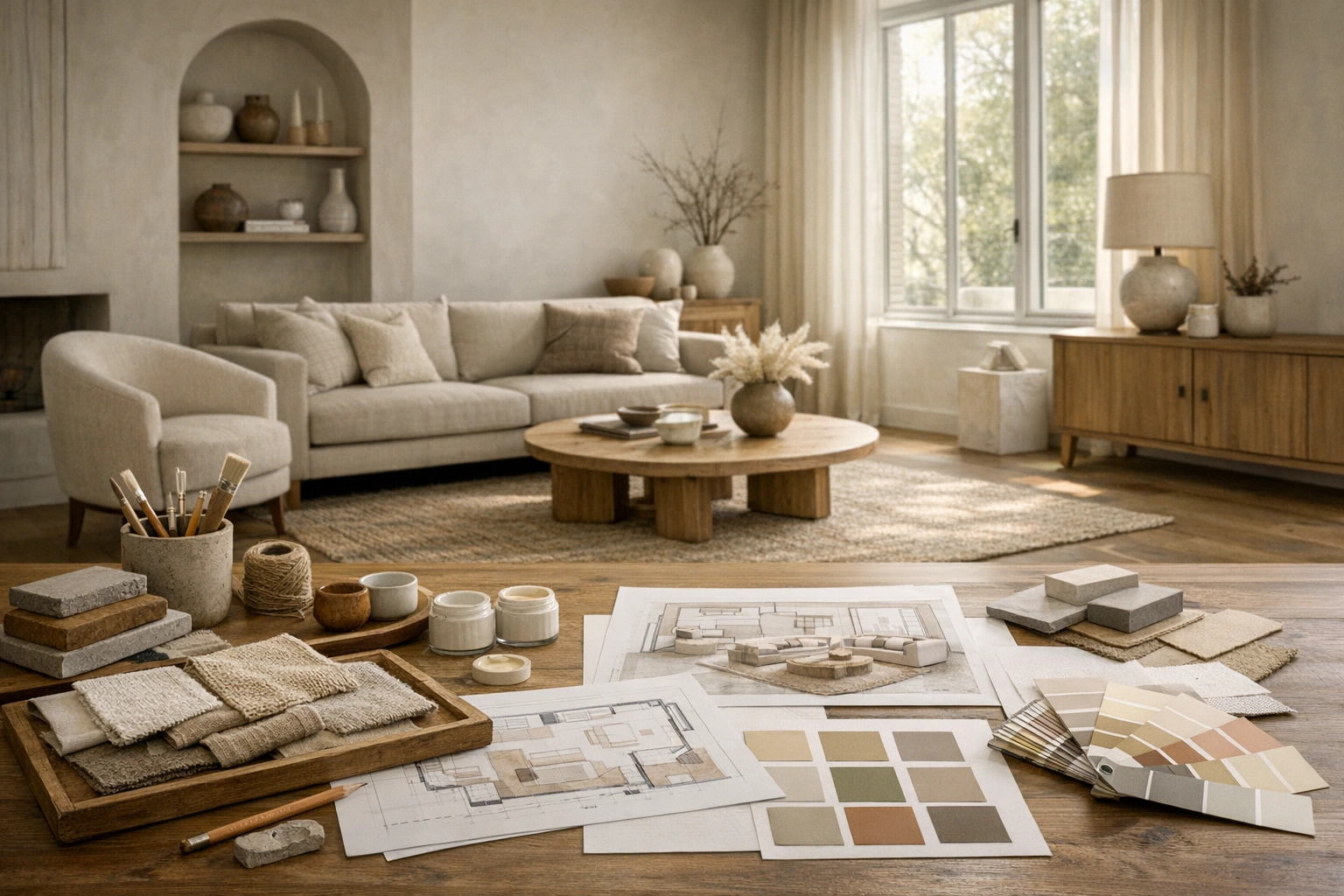
Free AI design tools are best used as planning tools, not as final design approval. They help you see what a room could look like before you spend money on paint, furniture, decor, staging, or design software. The trick is knowing which tool to use first and what each tool is actually good at.
If you are starting from a real room photo, begin with a room redesign tool. If you are selling or renting a vacant property, use a virtual staging tool. If the room already works but feels wrong, test paint, layout, or style ideas before changing anything in the real space.
Quick Answer: What are the best free AI design tools?
The best free AI design setup is a small stack: a room design generator for full-room ideas, a virtual staging tool for listing photos, a paint color visualizer for walls, a style generator for choosing direction, a prompt generator for clearer instructions, and a furniture placement tool for layout planning.
You do not need every tool for every project. Most homeowners need only two: one tool to create a visual direction and one tool to test the riskiest decision, such as wall color, sofa placement, or staging style.
Free AI Design Tool Stack
| Tool | Best For | Use It When |
|---|---|---|
| AI Room Design Generator | Full-room redesigns from photos | You want to see several versions of your actual room |
| Virtual Staging Tool | Furnishing empty real estate photos | You need listing images for a vacant or under-furnished room |
| Paint Color Visualizer | Testing wall colors | You are choosing between paint families or accent walls |
| Room Style Generator | Choosing an interior style | You know the room feels off but do not know what style fits |
| Interior Design Prompt Generator | Writing better AI prompts | Your results are too vague, random, or generic |
| Furniture Placement Tool | Planning room layout ideas | You need a better seating, bed, desk, or dining arrangement |
How to Choose the Right Tool
Start with the decision you need to make. A lot of bad AI design results come from using the wrong tool for the job.
Use a room design generator if you want a broad before-and-after concept. This is the best starting point for a living room, bedroom, office, kitchen, bathroom, or dining room because it gives you an overall design direction.
Use a virtual staging tool if the room is empty and the goal is to help a buyer, renter, or guest understand the space. Staging should make the room easier to read. It should not pretend the home has features it does not have.
Use a paint tool if the layout and furniture mostly work but the room feels cold, dated, dark, or unfinished. Paint is one of the easiest ways to make a room feel different, but it is also one of the easiest choices to regret if you only look at a tiny swatch.
Use a furniture placement tool if the room feels crowded, empty, or hard to walk through. A good layout plan often matters more than a new style.
Step-by-Step Workflow
Step 1: Pick One Room Goal
Write down the job before you upload anything. Good goals are specific:
- Make a small living room feel larger
- Stage an empty bedroom for a rental listing
- Test warm white, sage, and navy wall colors
- Create a calmer home office for video calls
- Plan furniture around a fireplace and TV
Avoid vague goals like “make it nice” or “modern room.” They usually lead to generic results.
Step 2: Take a Better Room Photo
AI tools work better with clear inputs. Stand in a corner or doorway, keep the camera level, and use natural daylight if possible. Include the floor, ceiling line, windows, doorways, and main furniture. If one photo hides half the room, take a second photo from the opposite side.
Remove temporary clutter if you do not want it influencing the design. Keep permanent features visible: flooring, trim, built-ins, radiators, fireplaces, windows, stairs, and ceiling height.
Step 3: Generate Three Directions
Do not judge the tool from one image. Generate at least three directions:
- One safe version close to your current style
- One bolder version with a different color or furniture mood
- One practical version focused on layout and function
This gives you a real comparison. You may not copy any image exactly, but you will usually see which direction feels right for the room.
Step 4: Check What Changed
Before you get attached to a result, compare it to the real photo. Reject any result that changes fixed features in a misleading way, such as moving windows, changing ceiling height, hiding damage, inventing built-ins, or making a narrow room look much wider.
For home projects, this protects your budget. For real estate, it protects trust.
Step 5: Turn the Image into a Buying or Staging Plan
The image is not the plan. It is the visual target. Translate it into real choices:
- Paint color family
- Main furniture pieces
- Rug size
- Lighting type
- Decor materials
- Room layout
- Items to remove
- Items to keep
Then measure before you buy anything. AI can suggest a look, but it does not know your exact dimensions, stock availability, or contractor limits.
Example: Redesigning a Small Living Room
Say you have a small beige living room with a dark sofa, a TV wall, and not enough storage.
Start with the AI room design generator and test “warm minimalist,” “Scandinavian,” and “modern cozy.” Save the version that makes the room feel brighter without adding oversized furniture.
Next, use the furniture placement tool to test whether the sofa should stay on the long wall or move opposite the window. If the AI concept uses a large sectional, replace that idea with a compact sofa and two small side tables.
Finally, use the paint color visualizer to compare warm white, greige, and a muted green accent. At that point, you have a direction that is useful enough to shop from.
Example: Staging an Empty Listing Photo
For an empty condo, start with the virtual staging tool. Stage the living room first, then the primary bedroom, then one flexible room as an office or guest room.
Keep the furniture style realistic for the listing price. A modest rental should not look like a luxury penthouse. Use staging to explain scale and use, not to oversell the property.
For disclosure and listing rules, read virtual staging for MLS listings and virtual staging for realtors.
Common Mistakes with Free AI Design Tools
The biggest mistake is treating a pretty image as proof that the design will work. Check measurements, clearance, door swings, walkway space, outlets, window treatments, and furniture depth.
Another mistake is chasing too many styles at once. If you test modern, farmhouse, coastal, industrial, and traditional in the same room, you may end up more confused. Pick two or three styles that fit the architecture.
The third mistake is using AI to hide real issues. Do not remove damage, change views, fake natural light, or make a room look larger than it is. This is especially important for real estate photos.
When a Free Tool Is Enough
A free tool is enough when you are still deciding direction. If you are choosing between two paint families, checking whether a sofa shape feels too heavy, or deciding whether a vacant bedroom should be staged as a bedroom or office, a free tool can answer the question.
Free tools are also useful for early conversations. A homeowner can show a partner three possible room directions. An agent can show a seller why an empty room needs staging. A renter can test a removable update before buying peel-and-stick wallpaper or a new rug.
Move to a paid plan only when the image needs to be used outside private planning: listing photos, client presentations, higher-resolution exports, repeated revisions, or a full set of rooms.
How to Keep Results Organized
Save each image with the room name, style, and decision. For example: living-room-warm-modern-layout-option-1. Keep a small note beside each result:
- What works
- What feels wrong
- What to test next
- What needs measuring
This keeps AI design from turning into another inspiration folder you never act on.
Best Free Tool Guides
- AI room design free
- Free AI room design tool
- Best free virtual staging
- Free virtual staging app
- Free AI design software
- How to use AI for room design
- How to design a room with AI
Final Checklist
Before you act on any AI design result, ask:
- Does the design keep the real room structure?
- Does the furniture scale make sense?
- Does the style fit the home, not just the image?
- Can I buy similar items within my budget?
- Have I measured the room?
- If this is a listing, have I checked disclosure rules?
Use free tools to narrow decisions, compare options, and avoid expensive guesses. The best result is not the prettiest image. It is the image that helps you make a better real-world choice.