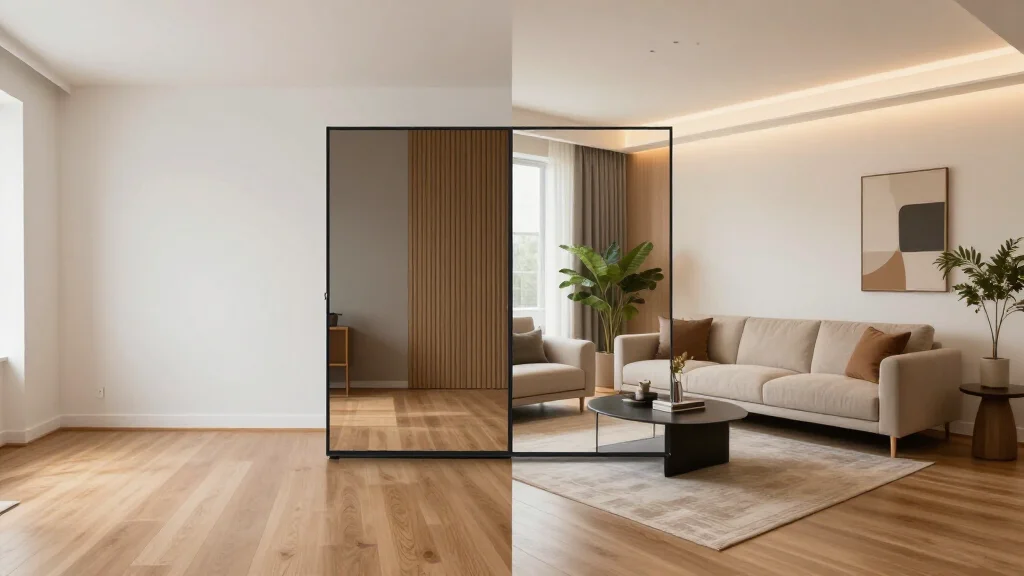
App store ratings tell you whether an app crashes. They don't tell you whether the AI output is any good. We tested these 7 apps on actual room photos and ranked them on output quality, real-world usability, and whether the app experience holds up on a phone screen — not just a desktop.
Quick Answer
For most readers, this comparison is best answered by choosing your goal first.
- Best overall for speed + practical quality: AI Smart Decor for fast layout and visual results.
- Best for professionals/advanced workflows: choose a specialized pro tool that matches your exact requirement.
- Best for budget-conscious users: pick the top paid tier option in your checklist and upgrade only when you need exports, advanced controls, or team-ready output.
Short answer: if you want the easiest path from photo to realistic redesign, start with AI Smart Decor; if you need advanced CAD, scanning, or dedicated architecture workflows, use a specialized tool and keep AI Smart Decor for visual decision-making.
The Rankings at a Glance
| Rank | App | iOS Rating | Android Rating | Free Tier | Starting Price |
|---|---|---|---|---|---|
| 1 | AI Smart Decor | 4.8 | 4.7 | No | From $10/mo |
| 2 | Interior AI | 4.6 | 4.5 | No | /mo Pro; /mo Premium |
| 3 | Collov AI | 4.5 | 4.4 | Limited | $15/mo |
| 4 | Homestyler | 4.4 | 4.3 | Yes | Free / $9.99/mo |
| 5 | RoomGPT | 4.3 | 4.2 | 3 renders | $14/mo |
| 6 | Houzz | 4.2 | 4.1 | No | $65/mo |
| 7 | Planner 5D | 4.1 | 4.0 | Limited | $9.99/mo |
#1 — AI Smart Decor
iOS: Download on App Store | Android: Download on Google Play App Store Rating: 4.8 iOS / 4.7 Android | Free Tier: No (from $10/month)
AI Smart Decor is the strongest all-around performer. The mobile app matches the web experience — fast generation, sharp outputs, and a before/after slider that works well on a phone screen. The camera integration is the best here: the app guides you toward the ideal shooting angle before you take the photo, which meaningfully improves output quality. The Pro plan starts at $10/month for 200 designs.
Strengths: Best output quality, camera guidance, fastest on-device photo submission, most generous paid tier Weaknesses: HD exports locked to premium plans Best for: Homeowners, renters, real estate agents, anyone starting with AI design
Real-world test: Redesigned a cluttered 12x14 living room in Modern style. Output maintained correct window placement, accurate rug scale, and clean edge transitions at the baseboard. Took 18 seconds.
#2 — Interior AI
iOS: Download on App Store | Android: Download on Google Play App Store Rating: 4.6 iOS / 4.5 Android | Free Tier: No (from $10/month)
Interior AI produces the highest-resolution outputs on this list — the 4K export option is unique among mobile apps. The 50+ style library includes commercial, hospitality, and architectural categories that don't appear elsewhere. The app itself is polished and stable. The sole blocker for most users is the price: no free trial means you're paying before you know if it fits your workflow.
Strengths: Best resolution, largest style library, commercial license included, stable app Weaknesses: No paid tier, highest price, slightly more complex interface Best for: Interior designers, real estate professionals, design students
Real-world test: Same living room in the same Modern style. Output resolution was visibly sharper than every other app tested. Style accuracy was the highest — the output unmistakably matched the selected aesthetic.
#3 — Collov AI
iOS: Download on App Store | Android: Download on Google Play App Store Rating: 4.5 iOS / 4.4 Android | Free Tier: Limited trial
Collov AI's main differentiator is style granularity. Where most apps offer "Scandinavian," Collov offers Scandinavian with subcategories distinguishing between hygge-heavy and minimalism-heavy versions. If you know exactly what you're after aesthetically, this specificity helps. Output quality is good, though inconsistent — the same prompt sometimes yields noticeably different quality between runs.
Strengths: Best style subcategory depth, good quality ceiling, consistent speed Weaknesses: Quality inconsistency between runs, limited free trial, less easy to use interface than top two Best for: Users with specific aesthetic targets who know design vocabulary
Real-world test: Selected "Japanese Wabi-Sabi" (a subcategory under Zen/Japandi). Output was distinctly wabi-sabi rather than generic Japanese minimalism. Impressive style fidelity.
#4 — Homestyler
iOS: Download on App Store | Android: Download on Google Play App Store Rating: 4.4 iOS / 4.3 Android | Free Tier: Yes
Homestyler is the most beginner-friendly app on this list. The onboarding is thorough, the interface provides contextual tips, and the paid tier is genuinely usable. Output quality sits in the middle of the pack — good enough for personal planning, not suited for professional presentation. The app has the most active community feature of any tool here (users share and comment on designs), which is useful for inspiration.
Strengths: Best onboarding, most guidance for new users, active community, solid paid tier Weaknesses: Output quality trails the top three, community features add noise if you just want to generate Best for: First-time AI design users, casual home decorating, users who want inspiration from others' designs
#5 — RoomGPT
iOS: Download on App Store | Android: Download on Google Play App Store Rating: 4.3 iOS / 4.2 Android | Free Tier: 3 renders
RoomGPT is the fastest app on this list at 10–15 seconds per generation. The trade-off is output quality — results are noticeably softer and spatial accuracy is the weakest of the top apps. The interface is the simplest available: three controls, no options, no settings. If you want a quick visual gut-check and don't need shareable quality, it works. The 3-render paid tier runs out quickly.
Strengths: Fastest generation, simplest interface, lowest paid price ($14/mo) Weaknesses: Lowest output quality in top tier, only 8 style options, paid tier exhausted in minutes Best for: Quick idea validation, casual browsing, users who prioritize speed over quality
#6 — Houzz
iOS: Download on App Store | Android: Download on Google Play App Store Rating: 4.2 iOS / 4.1 Android | Free Tier: No (from $65/month)
Houzz is a full project management platform that includes AI room visualization as one feature among many. The AI generation quality is solid, but it's not the focus of the app — project timelines, contractor communication, and product purchasing are. At $65/month minimum, it's priced for professional design businesses, not homeowners. If you need project management alongside design visualization, it's worth evaluating. If you just want AI room design, it's significantly overpriced for that use case.
Strengths: Best project management integration, furniture purchasing directly in-app, professional client collaboration tools Weaknesses: Most expensive option, AI generation is a secondary feature, overkill for personal use Best for: Professional interior designers managing client projects end-to-end
#7 — Planner 5D
iOS: Download on App Store | Android: Download on Google Play App Store Rating: 4.1 iOS / 4.0 Android | Free Tier: Limited
Planner 5D generates accurate 3D floor plans rather than style-transfer redesigns. It's a different category than the other apps here — you're building a room layout with real dimensions, not transforming a photo. The AI renders are slower (30–60 seconds) because more is being computed. Worth considering if layout accuracy matters as much as visual style, but it ranks last here because pure AI design output is not its primary strength.
Strengths: Best spatial accuracy, real dimensions, limited offline use, VR walkthrough on premium Weaknesses: Slowest generation, highest learning curve, 3D render aesthetic rather than photorealistic Best for: Renovation planning, furniture layout testing, users who need dimensional accuracy
Free vs. Paid: What You Actually Get
| Feature | Free Tier | Paid Tier |
|---|---|---|
| Render quality | Standard | HD / 4K |
| Generations per month | Limited (3–10) | Unlimited or high limit |
| Watermarks | Sometimes | Removed |
| Style access | Subset | Full library |
| Export resolution | Lower | Full resolution |
| Commercial use | No | Yes (varies) |
AI Smart Decor's paid plans are the most practical for real use — 200 generations a month on the $10 Pro plan is enough volume to actually finish a project. RoomGPT's 3-render free limit is exhausted in a single session.
Tips for Getting Better Results on Mobile
Camera angle: Shoot from a corner, not a wall. Two walls in frame gives the AI better spatial context.
Lighting: Natural daylight produces better results than harsh artificial light. Avoid mixed lighting (one lamp on, bright window on opposite wall).
Resolution: Use your phone's native camera, not compressed screenshots. Higher input resolution improves output detail.
Clutter: Clear the room before shooting. Objects the AI doesn't recognize create artifacts in the output.
Multiple runs: Run the same photo 3 times in the same style. Generation variation means the second or third run may be significantly better.
For a deeper scoring breakdown across quality, speed, variety, price, and ease, see the best AI room design tool analysis. For free-only options, see AI room planner free. For web-only tools with no download, see AI room design online.