The most expensive part of a renovation is rarely the materials. It is the decision you commit to and then regret three weeks in, after the tile is already grouted. Home renovation AI exists to move that regret earlier, into a stage where changing your mind costs nothing but another generation. You photograph the room you have, describe the room you want, and get back a realistic before-and-after you can stare at, argue over, and revise before a single dollar leaves your account.
That is the whole pitch, and it is a good one. But the tool is only as honest as the way you use it, and most people use it like a fantasy generator. This guide is about using it like a planning instrument instead.
Throughout, the examples assume AI Smart Decor, which works from a single room photo and is built for exactly this kind of pre-spend visualization. It is a paid tool (plans start at $29/mo on Lite, which covers 800 image generations), so the cost discipline below matters: you want to spend generations on decisions, not on doomscrolling pretty kitchens. If you only want to kick the tires first, the no-signup free tools let you run a few designs without an account.
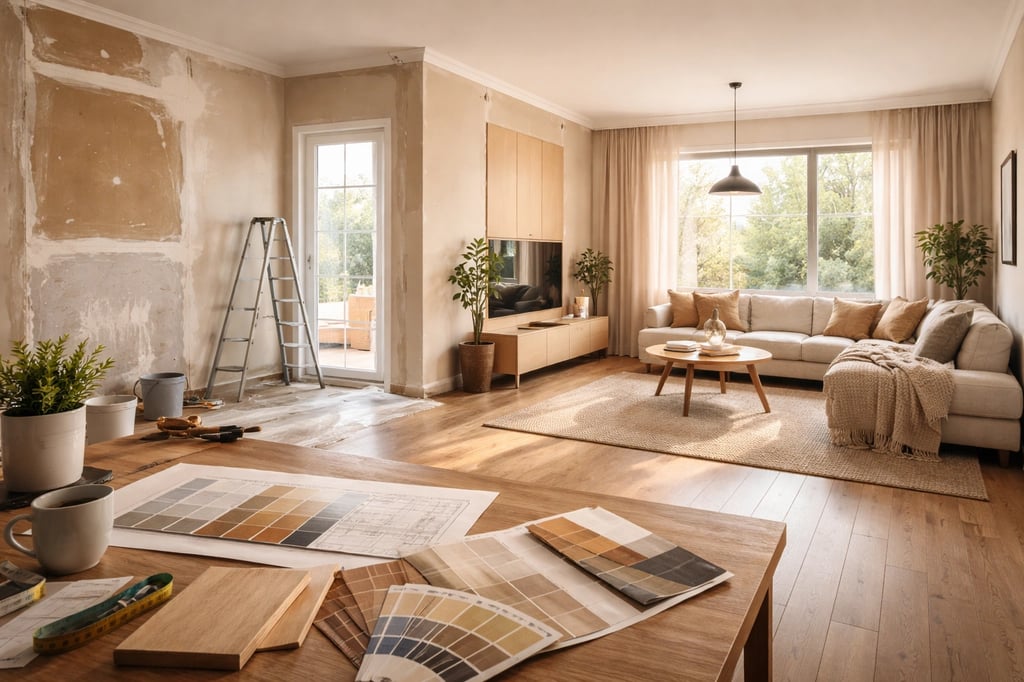
What it does well, and where it quietly lies
A renovation AI reads your photo for walls, floors, windows, light direction, and room type, then re-renders the space against your prompt. The render is photorealistic, which is precisely the problem: it looks like a finished room, so your brain treats it as feasible. It is not a feasibility report. It is a mood, rendered convincingly.
Here is the honest split. The tool is genuinely strong at the reversible, surface-level decisions where seeing beats imagining: paint and cabinet color, backsplash and tile mood, lighting temperature, furniture scale and placement, the overall vibe of a style direction. It is unreliable, and sometimes confidently wrong, about anything structural or dimensional. It will happily widen a window, float a kitchen island where there is no plumbing, or raise a ceiling, because it is matching an aesthetic prompt, not checking a building code.
So the discipline is simple: let AI own the questions that are cheap to undo, and keep the questions that are expensive to undo with a tape measure, a contractor, and real samples in your actual light.
Write the prompt around what stays, not what changes
Most weak results come from prompts that only describe the dream. "Make this a warm modern kitchen" gives the model permission to rebuild everything, including the parts you cannot afford to touch. The fix is to lead with constraints.
Tell it the room type, the style you want, the palette, and the material direction, sure. But put equal weight on what must be preserved: appliance positions, plumbing, window and door locations, ceiling height, load-bearing walls. And state the budget level out loud, because "luxury hotel bathroom" and "realistic refresh for a normal home" produce completely different renders from the same photo. The model defaults to expensive and dramatic unless you tell it not to.
A blunt rule of thumb: if you would need a permit or a plumber for it, name it in the "keep this" half of your prompt unless you have already decided it can move.
The four projects where it earns its keep
Paint and color
This is the strongest use case, full stop. Testing a navy cabinet against a sage one, or warm white trim against crisp white, costs you two generations instead of two sample pots and a weekend of squinting. The one caveat that never goes away: screens lie about color under real light. Use AI to shortlist two or three contenders, then buy samples for only those and check them at morning, noon, and night on your actual walls.
Kitchen refreshes
AI shines on the cosmetic layer of a kitchen, cabinet color, backsplash, counter direction, hardware finish, pendant lighting, island styling, without you touching the layout. Generate one version with painted cabinets, one with natural wood, one with a two-tone island, and compare. Keep the sink and appliances where they are unless you are budgeting for the plumbing and electrical that moving them requires. For deeper planning beyond the visuals, see kitchen design ideas.
Bathrooms
Tile mood, vanity style, mirror shape, fixture finish, lighting temperature, this is exactly what is hard to picture from a showroom and easy to picture in a render. The catch is that AI overdoes bathrooms more than any other room. Ask for marble and it gives you a spa hotel. If this is a normal home on a normal budget, say so explicitly and ask for durable, easy-to-clean finishes.
Living rooms
Living rooms rarely need demolition; they need the furniture, lighting, and scale fixed. Test a bigger rug, a different sofa size, curtains, a wall color, media storage. If there is a fireplace, built-ins, or a TV wall, tell the AI to keep that focal point and rework the room around it. Pair the living room design ideas guide with the furniture placement tool for the layout side.
Rentals and pre-sale
If you are prepping a rental, an Airbnb, or a listing, you want changes that photograph well and finish fast: paint, lighting, hardware, cabinet pulls, rugs, curtains, staging. For empty rooms, run renovation concepts alongside virtual staging for realtors so a buyer can see both the upgrade path and the furnished result.
A workflow that produces decisions, not just images
Shoot the room like a listing photo
Shoot from a corner or the doorway, camera held level, capturing as much floor-to-ceiling line as you can. Turn on the lamps, open the blinds, and do not aim straight into a bright window, backlight throws the whole exposure off. A tilted, dark, or tightly cropped photo makes the AI guess the room's geometry, and it guesses badly. For odd-shaped rooms, grab two or three angles. A kitchen wants the cabinet wall, the sink wall, and the island; a bathroom wants the vanity, shower, and floor; a living room wants the seating wall and whatever wall carries the TV, fireplace, or built-ins.
Name the problem in one sentence
Before you generate anything, write a single sentence describing what is actually wrong. "This kitchen feels dark and dated, but the layout stays." "This rental living room needs warmth without permanent changes." "This bathroom should read cleaner, vanity and plumbing untouched." That sentence is your filter. A render is only a good render if it solves that sentence, no matter how attractive it looks otherwise.
Split cosmetic from construction
This is the move that keeps a renovation from quietly tripling in scope. Sort every change into two buckets. Cosmetic: paint, lighting, rugs, curtains, furniture, cabinet color, hardware, mirrors, styling. Construction: moving walls, adding windows, relocating plumbing or appliances, rebuilding stairs, changing ceiling height. If money is tight, prompt for the cosmetic bucket only. If you are planning a real remodel, still tell the AI to hold the load-bearing walls, windows, doors, and ceiling height fixed unless you already know they can move. Two short prompts make this concrete:
Keep the current kitchen layout, appliance positions, window, and ceiling height. Update cabinet color, backsplash, counters, lighting, hardware, and styling only.
Preserve the bathroom footprint and plumbing locations. Create a realistic refresh with better vanity lighting, practical storage, warm tile, and easy-to-clean finishes.
Pick by scorecard, not by prettiness
Do not commit to the first render that makes you gasp. Run each contender through five questions: Does it keep the structure realistic, or does it rely on a window that cannot exist? Can the main materials be sourced where you actually live? Does it fit the rest of the house, or will one room feel teleported in from a different home? Does it solve your one-sentence problem? And can it be phased, so paint and lighting come first and the heavy work waits?
Keep two finalists: a dream version and a practical one. The practical version is almost always the one that gets built; the dream version is what you show people to explain where it is headed.
Where AI stops and professionals start
Treat the render as a conversation, never as a construction document. AI cannot reliably confirm whether a wall can come out, whether the electrical or plumbing will support the change, what the materials truly cost, or whether any of it passes code in your jurisdiction. It does not know your contractor's availability or your load-bearing conditions. None of that shows up in a pretty image. Use the visuals to decide direction; use a licensed professional to decide what is buildable.
Example prompts to start from
Budget kitchen refresh
Refresh this kitchen without changing the layout. Keep the cabinets, windows, flooring, and appliance positions. Show painted cabinets, a simple backsplash, warmer lighting, new hardware, cleaner counters, and minimal styling. Keep the result realistic for a modest renovation budget.
Small bathroom refresh
Update this small bathroom while keeping the plumbing locations, vanity size, window, and door. Use warm neutral tile, better mirror lighting, practical storage, simple fixtures, and a calm look. Avoid luxury hotel materials and impossible layout changes.
Living room makeover
Redesign this living room with the same walls, windows, flooring, and ceiling height. Improve the seating layout, rug size, lighting, curtains, media storage, and wall color. Make the space comfortable for daily family use and realistic for a normal home.
A solid all-purpose starting prompt
When you are not sure how to begin, this one bakes in the constraints that keep results buildable:
Redesign this room as a realistic home renovation concept. Preserve the room structure, windows, doors, ceiling height, and major architectural features. Update the space with warm modern materials, better lighting, improved furniture layout, a cohesive neutral color palette, practical storage, and durable finishes. Make it photorealistic, budget-conscious, and suitable for a real home renovation. Avoid unrealistic architecture, impossible windows, and luxury materials unless specified.
The cheap changes that move the needle most
If you are working from the cosmetic bucket, the highest-impact-per-dollar moves are almost always the same handful: fresh paint on walls and trim, painted cabinets, swapped hardware, a fixture change, a rug that is actually large enough for the room, and restyled open shelves. A backsplash or new wall paneling sits a step up in effort but still well below demolition. None of it requires a permit, and a render is the fastest way to find out which one transforms your specific room versus which one you barely notice.
The mistakes that ruin otherwise good plans
The failure patterns repeat. People prompt for a remodel without saying what must stay, then fall for a render that quietly moved a wall. They pick a concept that blows the budget because nobody told the AI there was a budget. They skip measurements, treat the image as a blueprint, forget that lighting and storage make or break daily use, or let every room drift into a different style until the house has no through-line. Almost all of it traces back to one habit: judging a render by how good it looks instead of how true and affordable it is.
Turning the render into a contractor conversation
The best thing you can hand a contractor is not a wish, it is an annotated image. Bring your finalist and split it out loud into must-haves and nice-to-haves: keep the layout, repaint the cabinets, replace the lighting, add storage, leave the plumbing alone. Then ask them to price it by category, paint, lighting, flooring, cabinets, counters, structural, so you can see where the money concentrates. That is how one inspiring picture becomes a phased plan you can actually fund, doing paint and lighting now and saving the counters for next year.
The short version
Use home renovation AI at the front of the process, not the middle. Generate several directions, run them through the scorecard, keep a dream version and a practical one, and validate measurements, materials, and structure with professionals before any money moves. Used that way, AI Smart Decor is not a magic remodel button, it is the cheapest possible way to see the destination clearly before you start spending to get there.