What is the best free AI room design tool?
AI Smart Decor is the best free AI room design tool to start with. A new account gets 3 free images on a photo of your own room, with no card, no watermark, step-by-step edits and saved history. Plans then start at $9/mo for 200 images. RoomsGPT is next (3 a day as a guest, 4 with an account). For free floor plans, use Homestyler or Planner 5D. Remodel AI and REimagineHome offer short free trials, not free plans.
See your room redesigned before you buy a thing. Upload a photo of your room and compare 50 styles on the space you actually live in. Plans start at $9/month for 200 designs. Start designing
Free limits change often, so confirm before you rely on them.
Which free AI room design tools are actually free?
| Rank | Tool | Best for | Starting price | Free option | Key limitation |
|---|---|---|---|---|---|
| 1 | AI Smart Decor | Best overall: restyling your own room photo, with clean downloads | 3 free images; plans from $9/mo | 3 free images on a new account, no card | Account required; paid plan after 3 images |
| 2 | RoomsGPT | Free daily restyles with a cheap upgrade | Free; Plus $4.99/mo | 3 designs a day as a guest, 4 with a free account | Watermarked downloads and ads on the free plan |
| 3 | Homestyler | Free 3D room planning with renders | Free; Pro+ from $6.80/mo | Free Basic plan, unlimited 1K renders | You build the room in 3D instead of uploading a photo |
| 4 | Planner 5D | Free measured floor plans | Free; Premium $19.99/mo | Free plan, unlimited projects | Half the furniture catalog; not a photo restyler |
| 5 | Remodel AI | Trying one-click photo tools | $29/mo | 3 free designs (trial) | Trial ends after 3; HD and watermark-free downloads are paid |
| 6 | REimagineHome | Trying staging with real products | $14/mo | 5 free designs, no card (trial) | Trial ends after 5 |
| 7 | Collov AI | Trying listing staging | $19/mo | 5 trial photos, watermarked | Trial ends after 5 |
| 8 | DecorAI | Trying a wide tool catalog | $24/mo | 3-design trial | Rolls into $24/mo unless you cancel |
RoomGPT (roomgpt.io) does not show its free allowance or prices before login, so check its site directly.
Ranks 1 to 4 have free options that keep working. Ranks 5 to 8 are trials: a fixed number of designs, then you pay.
How did we compare free AI room design tools?
"Free" covers very different deals, so we sorted tools by what you can keep doing without paying:
| Type of free | What it means | Examples |
|---|---|---|
| Free plan, no account | Use it today with no signup, within a daily limit | RoomsGPT guest mode |
| Free plan, with account | Ongoing free use after you sign up | RoomsGPT free account, Homestyler Basic, Planner 5D Free |
| Free trial | A fixed number of designs, then a paid plan | Remodel AI (3), REimagineHome (5), Collov AI (5), DecorAI (3) |
| Paid app with free images to try | Try the full app with a few free images, then choose a plan | AI Smart Decor app (3 free images, then from $9/mo) |
Within the photo restylers, we ranked by the quality of what you can keep (watermarks, saved history, editing), then by how much you can do for free. Planners and shopping tools are grouped after them because they do a different job.
Which free tool is best for restyling a photo of your room?
1. AI Smart Decor
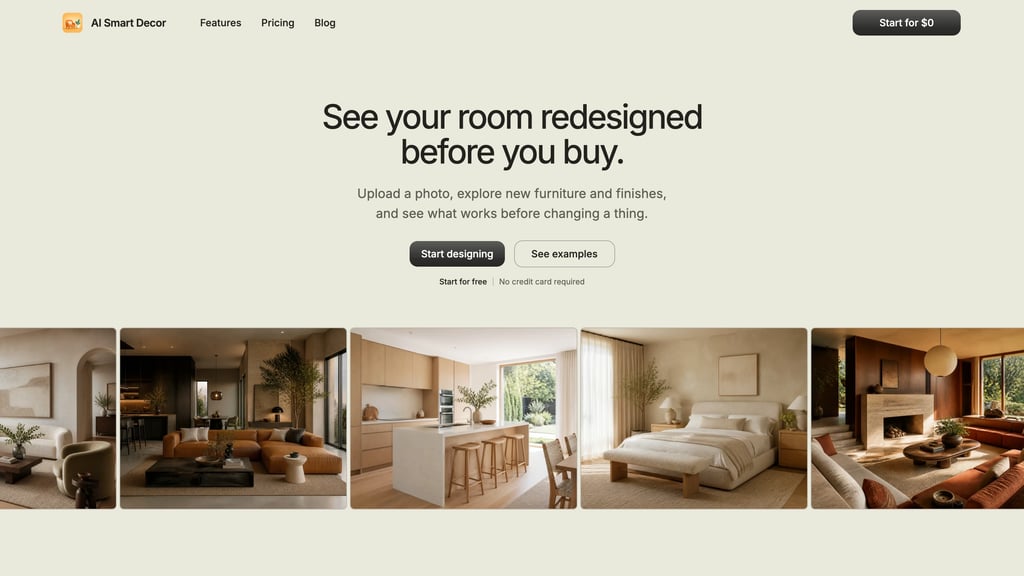
AI Smart Decor redesigns your room so it still looks like your room, with 50 styles, 10 room types, step-by-step editing of the same room, up to 6 styles of one photo at once, saved history and watermark-free full-size PNG downloads. A new account gets 3 free images, no card needed, then plans start at $9/mo for 200 images (Lite $29 for 800, Plus $49 for 2,000, Ultra $99 for 5,000). It runs on the web and as an iOS app.
2. RoomsGPT
RoomsGPT has the clearest free plan among the photo restylers: 3 designs a day as a guest, or 4 with a free account, with no card. Downloads carry a small watermark and the free plan shows ads. Its paid plans are also the cheapest we found, starting at $4.99/mo for 200 credits.
Not to be confused with RoomGPT (roomgpt.io), a separate one-photo restyler that does not publish its free allowance or prices before you log in.

Which free tools are best for planning a room layout?
3. Homestyler
Homestyler's free Basic plan includes a browser-based 3D floor planner, more than 100,000 free 3D models and unlimited 1K renders. You build the room yourself rather than uploading a photo, which takes longer but gives you a real layout. Pro+ (from $6.80/mo) adds 2K and 4K renders, watermark removal and monthly AI credits.
4. Planner 5D
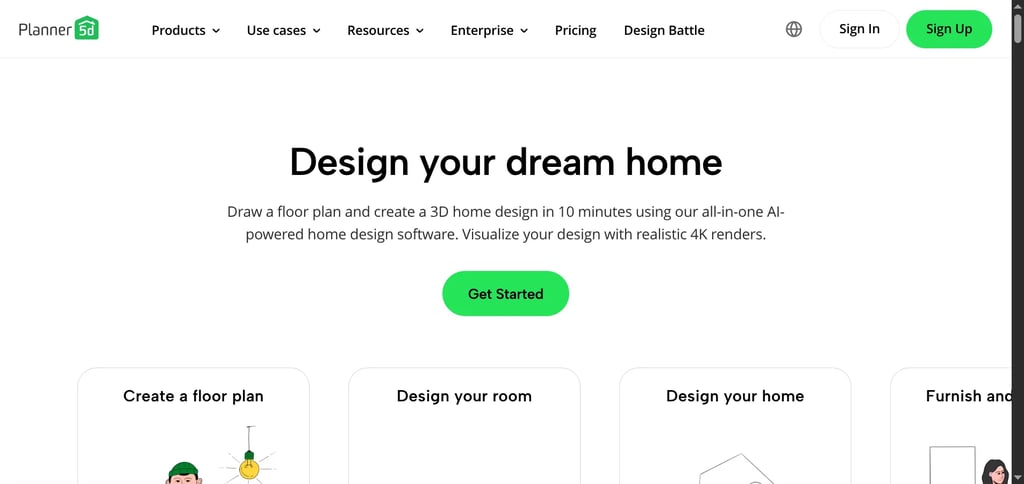
Planner 5D's free plan lets you create unlimited projects on web and mobile with half of its furniture catalog. It is the right free tool when you need to know whether furniture fits. Premium is $19.99/mo or $59.99/yr and unlocks the full catalog and floor-plan upload.
Which paid tools can you try before paying?
These are worth a test drive, but the free part ends quickly.
- Remodel AI: 3 free designs with access to all of its 30+ styles and 8 tools. HD and watermark-free downloads start on Pro at $29/mo.
- REimagineHome: 5 free designs with no card. Paid plans start at $14/mo for 30 credits.
- Collov AI: 5 watermarked trial photos. Paid plans start at $19/mo for 60 photo credits.
- DecorAI: 3 designs for "$0 today then $24/month". Cancel before the trial ends if you only want to test.
- AI Smart Decor app: try the full editor with 3 free images on the web, then from $9/mo for 200 images.
General chat assistants such as ChatGPT and Gemini can also restyle a room photo you upload. Their free limits change often, and they do not keep a room-by-room project history, so check their current terms.
When is a free AI room design tool enough?
A free tool is usually enough when:
- You are choosing a direction. Trying 3 to 5 styles on one room fits inside most daily limits.
- You want a second opinion. Run the same photo through two free tools and compare.
- You are making one decision. Two paint colors or two sofa styles is a small job.
- You need a layout, not a picture. Homestyler and Planner 5D's free plans go a long way.
When should you pay instead?
Free output is a test, not a finished result. Consider a paid plan when:
- You need clean images in volume. Free downloads from RoomsGPT are watermarked, and AI Smart Decor's 3 free images run out quickly.
- You want to refine one room over many steps. Free tools treat each design as a fresh start.
- You are working on several rooms. Daily limits and trials run out fast on a whole-home project.
- You want your work saved. No-signup tools do not keep history.
The best upgrade is AI Smart Decor Basic ($9/mo for 200 images): your own room, 50 styles, step-by-step edits and watermark-free downloads. RoomsGPT Plus ($4.99/mo) is another low-cost option. Remodel AI Pro ($29/mo) gives more one-click tools for the money.
What mistakes should you avoid with free AI design tools?
Testing only one tool. The same photo can give very different results across tools. Compare at least two before deciding which to pay for.
Judging by the first image. Results vary between runs. Try again, or try a slightly different angle, before you give up on a tool.
Using a poor photo. A dark, blurry or cluttered photo gives poor results everywhere. Shoot from a corner at chest height in daylight.
Assuming every "free" offer is the same. A no-signup daily limit, a 3-design trial and a free floor planner are very different deals. Check the limit, the watermark and what happens when it runs out.
Forgetting a trial renews. Some trials, like DecorAI's, roll into a subscription. Set a reminder.
How do you choose the right free tool?
- Want to see your room in a new style? Start with AI Smart Decor's 3 free images, or RoomsGPT's guest mode if you don't want an account.
- Need a measured layout? Use Planner 5D or Homestyler.
- Want to test one-click tools or staging? Use Remodel AI's or REimagineHome's free trial.
- Ready to keep refining one room? Move to the AI Smart Decor app from $9/mo for 200 images. RoomsGPT starts at $4.99/mo and Remodel AI at $29/mo.
Then judge the result with three questions: did it keep the real room structure, does the furniture scale look believable, and did it help you make a decision? If not, the image is not useful, however polished it looks.
Related Articles
- Best AI interior design apps, ranked by what you need
- Best AI tools to redesign a room from your own photo
- Best free AI room planners
- RoomGPT alternatives
See your room redesigned before you buy a thing. Upload a photo of your room and compare 50 styles on the space you actually live in. Plans start at $9/month for 200 designs. Start designing
