Gamers
Visualize custom gaming room designs and battlestation layouts before committing to desks, lighting, and gear.
AI Smart Decor is a gaming room designer that works from a photo. Upload a photo of your gaming room and let the AI test wall colors, RGB and ambient lighting, desk and battlestation layouts, seating, shelving, and decor before you build. Designing a custom gaming room from a photo takes about 30 seconds, with 50+ styles from neon RGB to dark minimalist.


Preview accent walls, RGB schemes, and surface combinations.
Explore neon, ambient, and on-camera streamer lighting looks.
Create desk and seating layouts before furniture and gear.
Who this helps
Use AI gaming room visuals for practical planning across setups, builds, and content spaces.
Visualize custom gaming room designs and battlestation layouts before committing to desks, lighting, and gear.
Quickly design an on-camera backdrop with LED lighting, shelving, and decor that looks great on stream.
Plan a safe, organized gamer room for kids or teens with practical layouts and budget-friendly directions.
Explore gaming room ideas that refresh a space with color, lighting, and decor without permanent changes.
Design consistent, brand-aligned gaming rooms and practice spaces for players and content shoots.
Experiment with unique gaming room ideas and see your battlestation vision realized effortlessly.
Quickly create and present detailed gaming room concepts tailored to client and gamer preferences.
Showcase gaming lounge and gaming cafe concepts to plan layouts that attract and retain players.
How it works
A visual planning workflow for gamers, streamers, parents, and designers exploring gaming room updates.
Step 1
Start with a clear image showing walls, desk, seating, floor, and lighting.
Step 2
Choose neon RGB, dark minimalist, cozy streamer, retro arcade, futuristic, or another style.
Step 3
Preview wall colors, LED lighting, desk layouts, decor, and battlestation ideas before you build.
Gaming room ideas to try
Whether you want gaming room ideas for small rooms, an RGB-lit gamer room, a custom battlestation, or retro game room decoration, you can visualize each direction from your own photo before you build.
Visualize space-saving desk layouts, wall-mounted screens, vertical storage, and brighter palettes that make small gaming rooms feel larger. Test gamer room ideas from a photo before you rearrange or buy.
Explore neon RGB accent walls, LED strips, ambient backlighting, and color-matched setups. Compare several lighting-led gaming room directions side by side in seconds.
See how desk placement, dual or triple monitors, and seating change flow and ergonomics, so you can plan a custom gaming room battlestation before committing to furniture.
Preview a clean, dark minimalist gamer room with matte walls, subtle accent lighting, and tidy cable management to find the understated look you actually want.
Generate cozy streamer gaming room concepts with warm lighting, soft textures, plants, and shelf decor that look great on camera. Compare directions from your photo before you buy.
Plan retro arcade game room ideas with bold colors, neon signage, and themed game room decoration to bring nostalgic energy into your space before you commit.
Get game room decoration ideas and themed gaming room ideas across multiple styles, from futuristic to retro, so you can choose a direction fast.
Building a great gaming room can range from a quick refresh to a full custom build. A simple update with paint, LED lighting, and decor can land in the low hundreds, while a custom gaming room with a new desk, chair, multiple monitors, soundproofing, and a PC can run into the thousands. The final cost depends on hardware, furniture, and finishes, so plan your budget around your priorities. Visualizing the direction with this gaming room designer first, from $29/month, helps you avoid expensive second-guessing before you buy a single piece of gear.
Real gaming room outputs
Pick a direction from multiple AI renders before committing to gear and furniture.

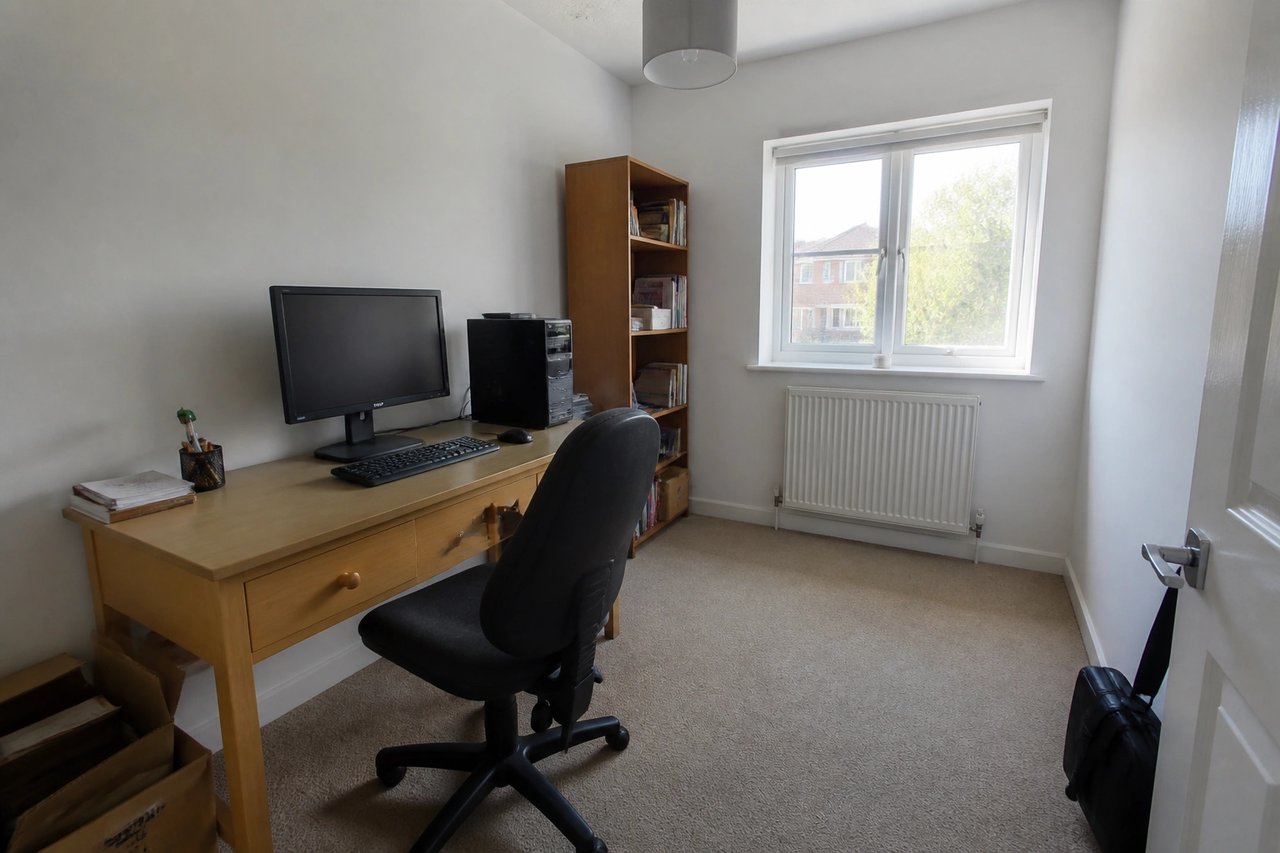
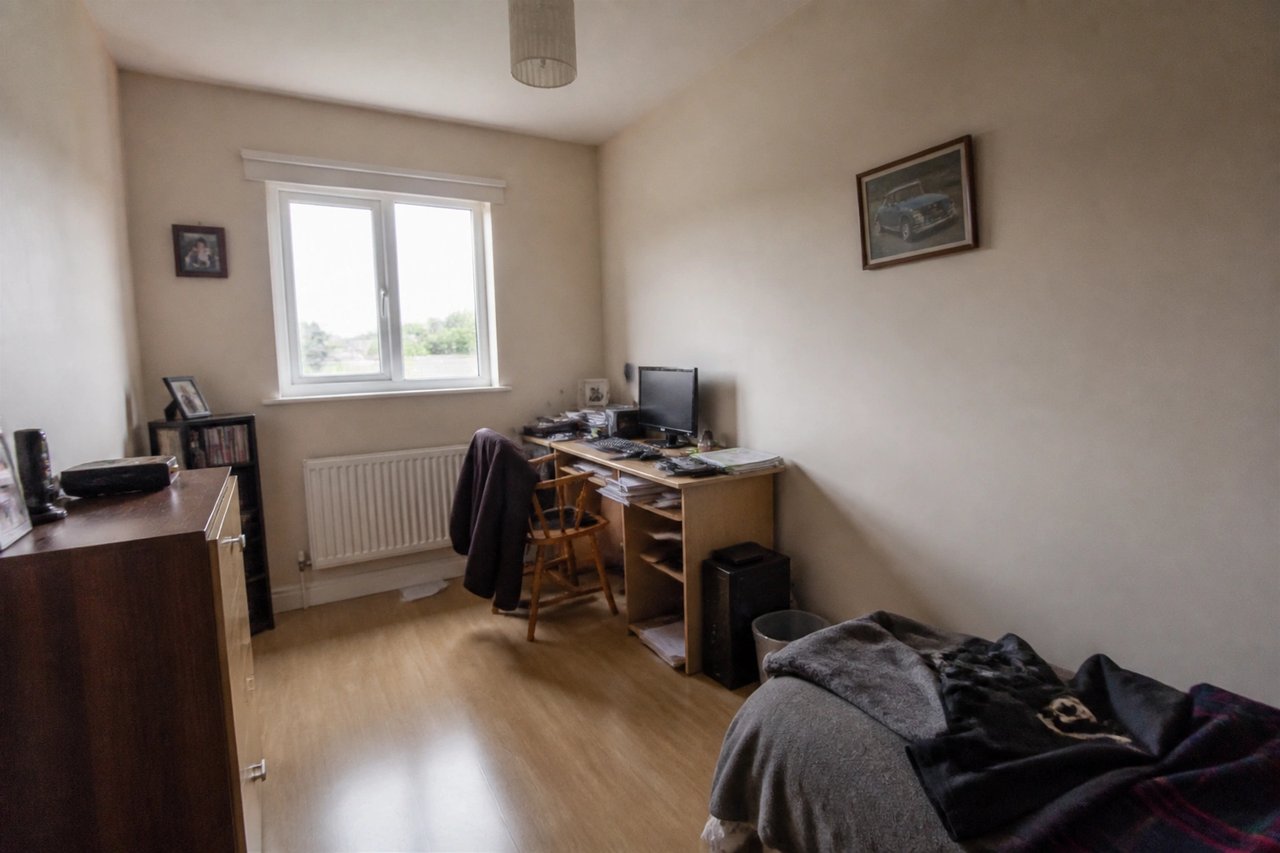
Before
Original layout and geometry preserved.

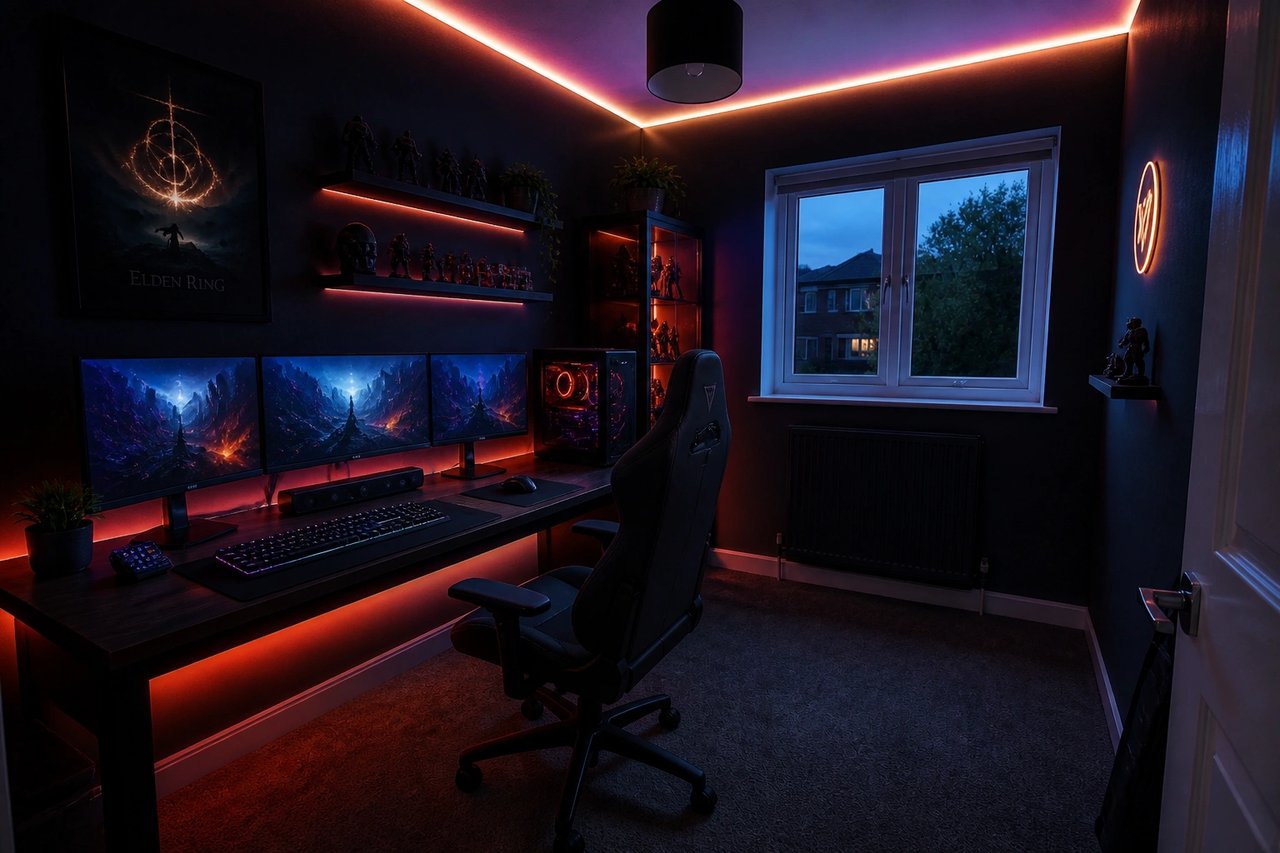
AI redesign · Option A
Neon RGB accent wall and battlestation lighting.

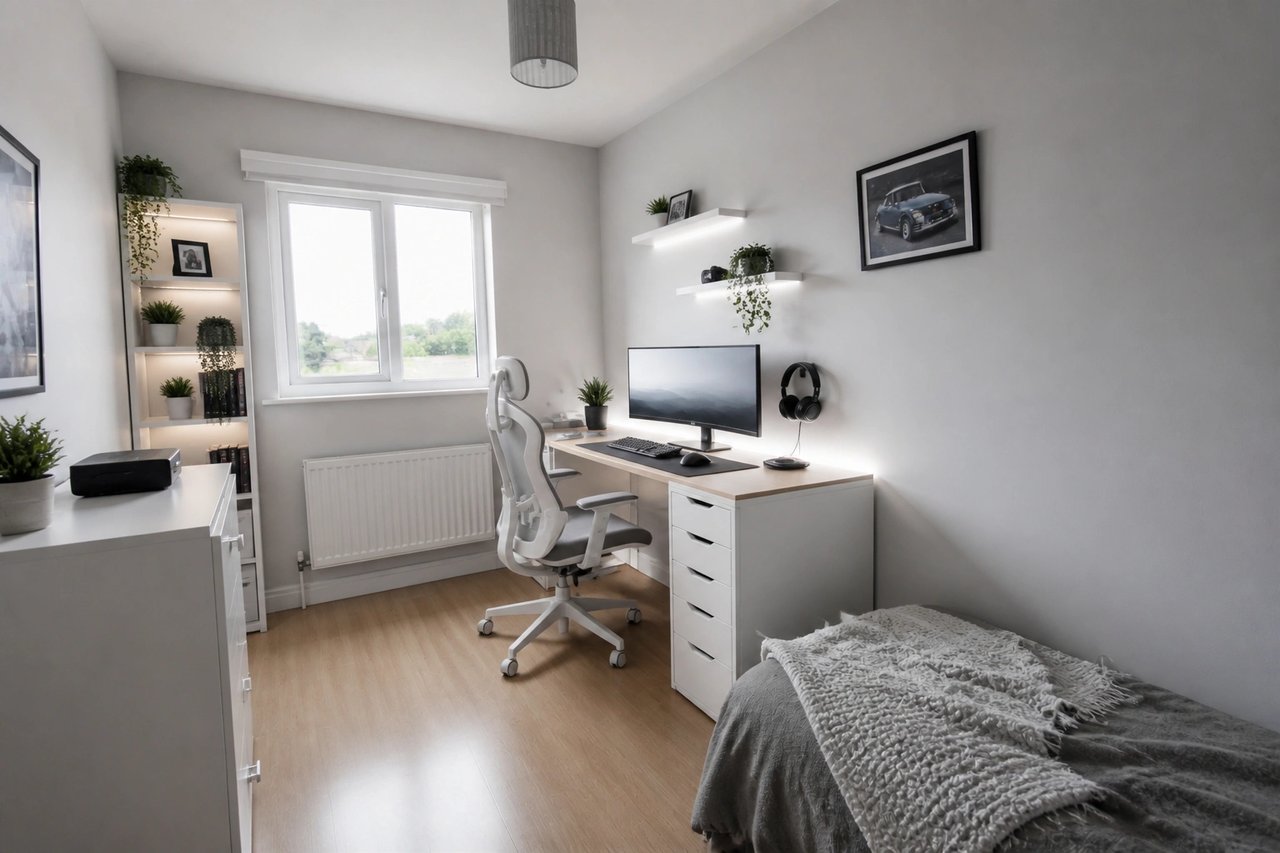
AI redesign · Option B
Alternate dark minimalist gaming styling direction.
Gaming room builds add up fast. AI concepts help narrow color, lighting, and layout decisions before you spend on desks, gear, and paint.
Preview wall colors, RGB and ambient lighting, desks, seating, and shelving
Compare gaming room directions before buying furniture, gear, or paint
Create visual concepts for small gaming rooms, rentals, dorms, and full custom builds
Use AI outputs as inspiration for streamers, gamers, and shared family game rooms
AI gaming room concepts are for visual direction. Confirm measurements, electrical loads, outlet placement, soundproofing, ventilation, mounting, and any structural work with qualified pros.
Learn more
Use these guides to compare AI design tools and plan better room transformations.
FAQ
Answers about using AI for gaming room ideas and visual planning.
Yes. Upload a clear photo of your space and this AI gaming room designer generates new visual concepts from that photo, including wall colors, LED and ambient lighting, desk and battlestation layout, shelving, seating, and decor, while keeping the general room structure. AI Smart Decor is a paid tool starting at $29/month, with no free tier.
AI Smart Decor is a paid AI gaming room designer, not a free one. Plans start at Lite for $29/month (800 designs), Plus at $49/month (2,000 designs), and Ultra at $99/month (5,000 designs). If you are searching for the best free gaming room ideas app, know that high-quality, photo-realistic gaming room renders without watermarks generally require a paid tool. There is no free tier here.
Yes. Upload a photo of a small space and the AI generates gaming room ideas for small rooms, including space-saving desk layouts, wall-mounted screens, vertical storage, and brighter palettes. It is a fast way to explore gamer room ideas before buying furniture or rearranging.
Yes. Pick a direction and the AI generates custom gaming room concepts from your photo, with RGB lighting schemes, accent walls, dual-monitor desks, and themed decor. It is a quick way to preview a custom gaming room look before spending on hardware, furniture, or paint.
Yes. The AI can visualize different battlestation layouts and show how desk placement, monitor arrangement, cable management zones, and seating change flow and ergonomics, so you can plan the gaming setup before buying gear.
Upload your photo and the AI returns game room ideas and gaming room ideas across multiple styles in seconds, covering everything from LED lighting and accent walls to desk layout and decor. Use the outputs to compare directions before buying furniture or starting a build.
Gaming room costs vary widely by location, scope, and gear. A simple refresh with paint, lighting, and decor can run a few hundred dollars, while a full custom gaming room with a new desk, chair, monitors, soundproofing, and PC can run into thousands. The cost depends on hardware, furniture, and finishes, so plan your budget around your priorities. Visualizing the gaming room direction with AI first, from $29/month, helps you narrow choices before you spend.
Yes. Upload a clear photo of your current setup and generate new visual concepts while preserving the general room structure. It is useful for refreshing a tired gamer room, planning LED lighting, choosing accent wall colors, and exploring battlestation layouts before you commit.
No. AI concepts are for visualization and planning. Confirm electrical loads, outlet placement, soundproofing, ventilation, mounting, and any structural changes with qualified professionals.
Bright, wide photos that show walls, desk, seating, floor, shelving, and lighting produce the most useful gaming room concepts.