Preview new countertops from a photo
Upload a kitchen photo and see quartz, marble, wood, and stone counters on your own space in seconds.
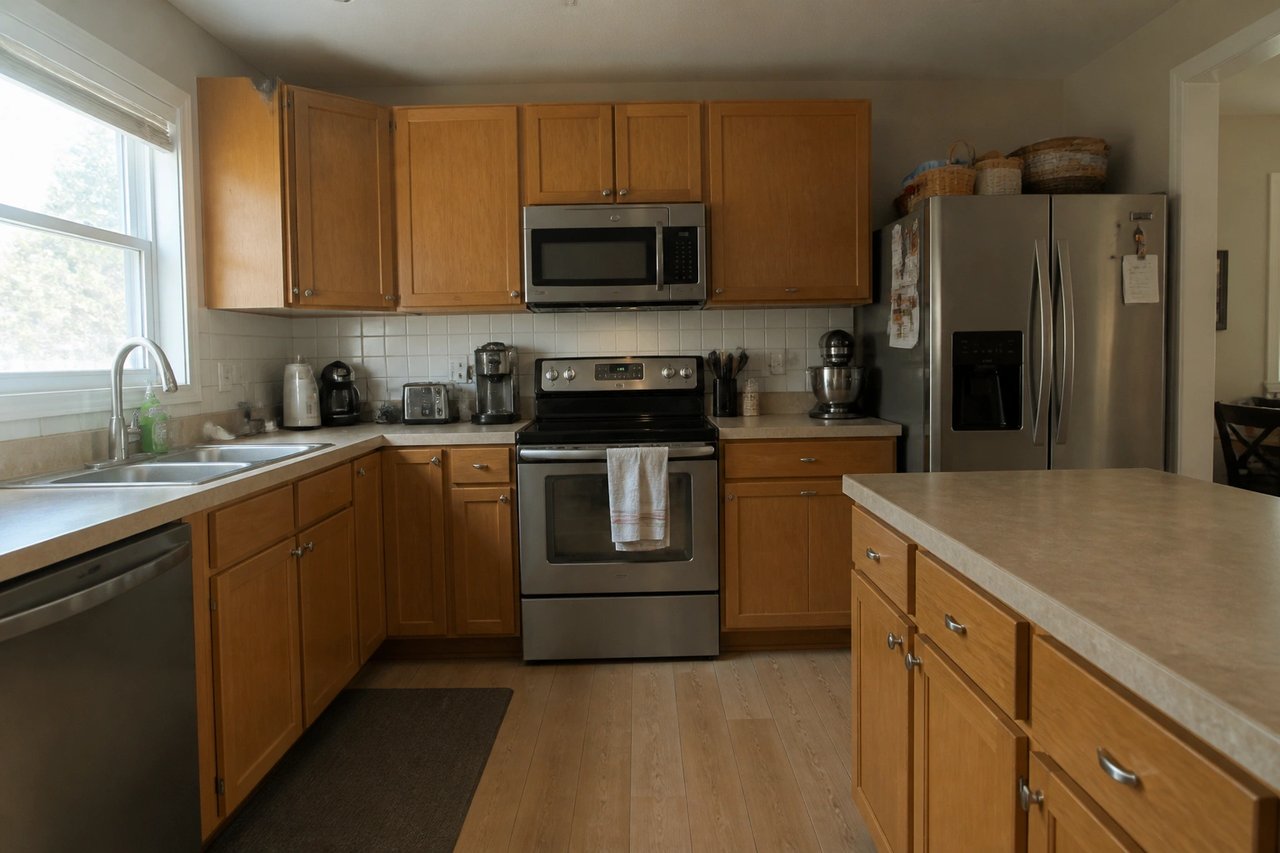
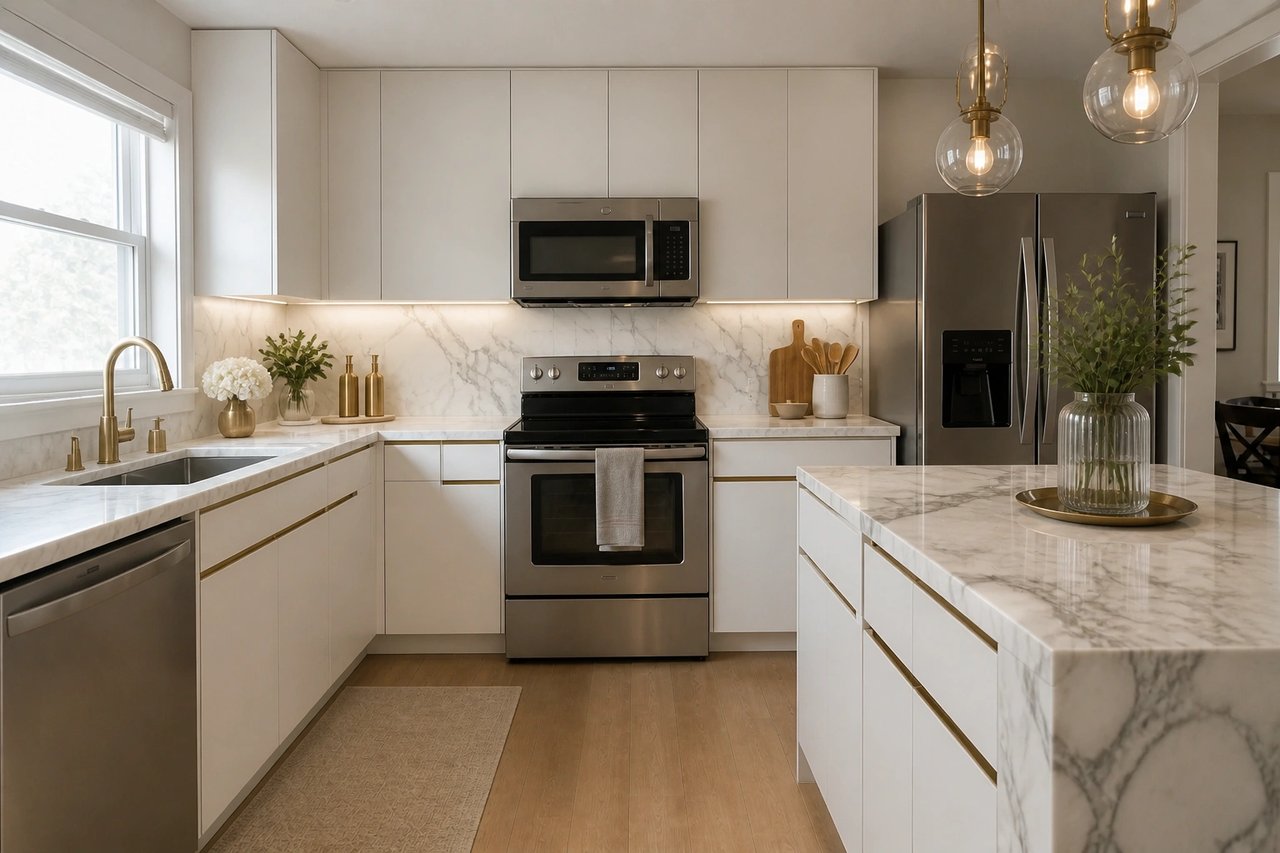
Before and after, from one photo
Drag to compare real countertop transformations, each generated from the kitchen's own photo.
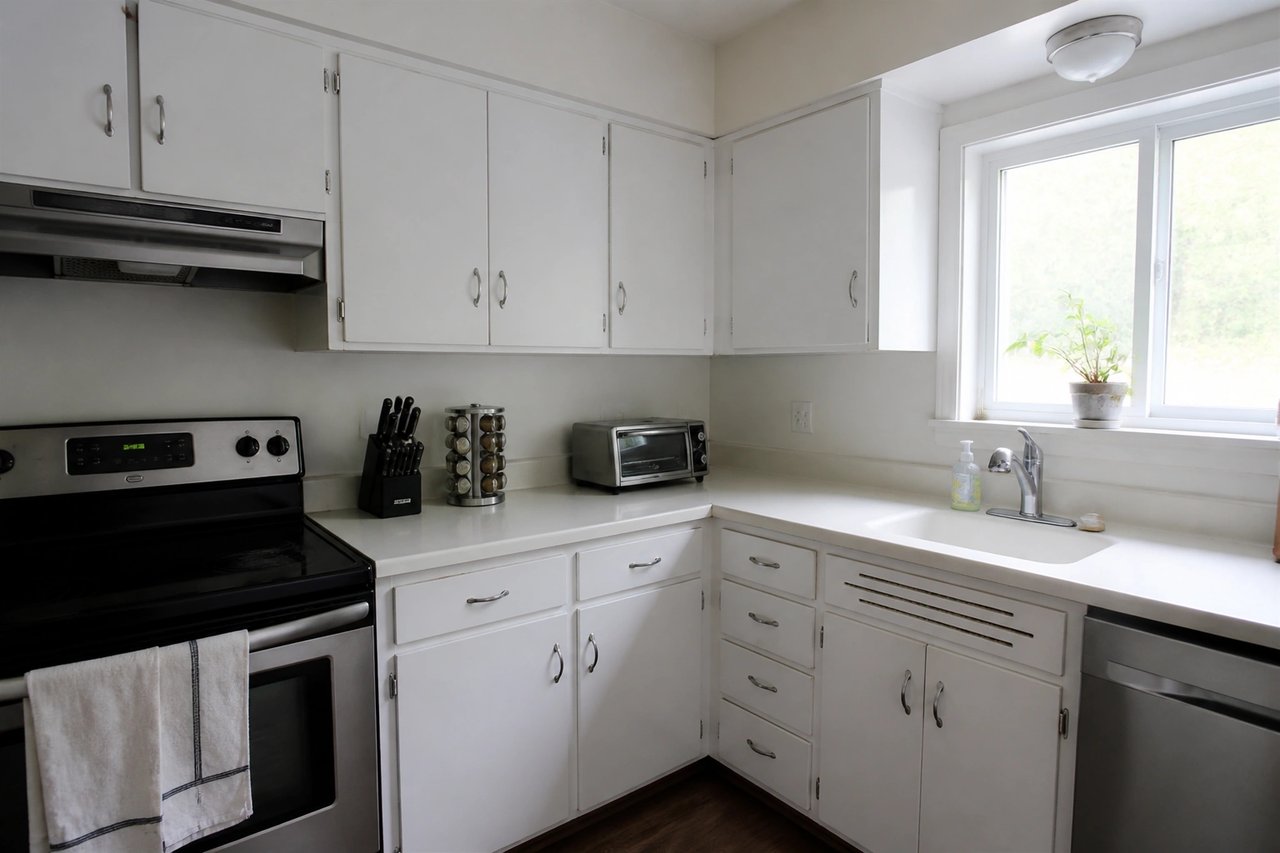
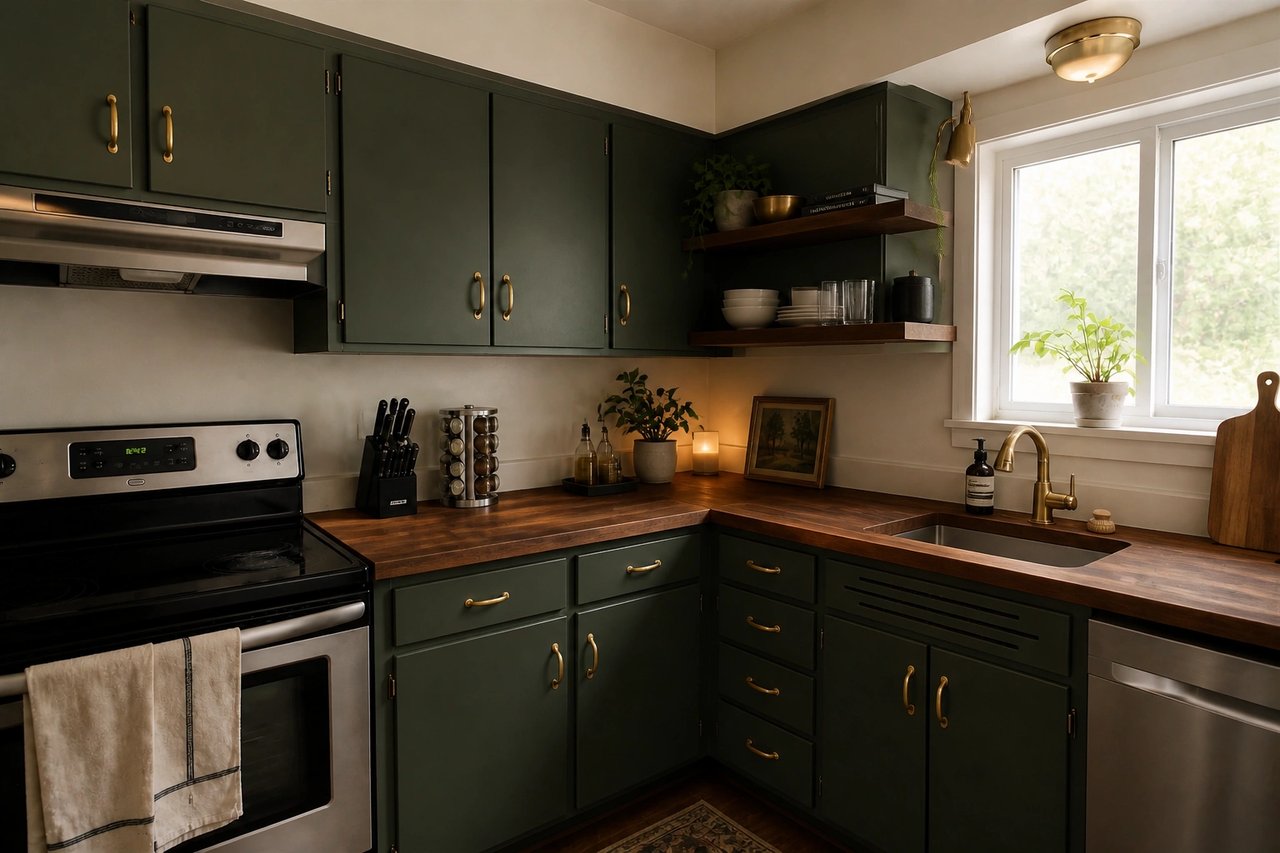
From kitchen photo to countertop concept
A visual planning workflow for homeowners, remodelers, flippers, and designers comparing countertop materials.
Step 1
Upload a kitchen photo
Start with a clear image that shows your counters, cabinets, backsplash, and the fixed room geometry.
Step 2
Pick a countertop direction
Choose quartz, marble, granite, butcher block, concrete, or a stone-look surface and color.
Step 3
Generate countertop concepts
Compare realistic surface options against your real cabinets before ordering slabs or samples.
See the counters before you order slabs
- See the counters before you order
- Preview new surfaces on your actual kitchen, so you commit with confidence instead of guessing from a sample chip.
- Compare materials at once
- Generate quartz, marble, wood, and dark-stone counters in parallel and pick the one that fits your cabinets.
- Decide before the showroom trip
- Slabs are expensive. Narrow color and material choices in seconds, not weekends of sample shopping.
- Refine until it's right
- Swap counter material, tone, and edge style live until the surface matches what's in your head.
Built for countertop projects
Whether you're updating your own counters, flipping a property, or pitching a client, the photo-first workflow fits.
Homeowners & remodelers
Test counter materials and colors on your real kitchen before booking an install or ordering slabs.
Realtors & flippers
Show buyers a tired kitchen's potential, or plan a counter swap that lifts the listing before you sell.
Designers & fabricators
Generate countertop direction clients can react to in minutes, before detailed quotes or templating.
Simple plans, no watermark
All paid plans include 50+ styles and watermark-free images. Annual savings vary by plan.
Basic
For home projects
billed yearly at $108
200 images each month
- All 50+ design styles
- Virtual staging
- Upscale & paint
- Commercial license
Lite
For getting started
billed yearly at $249
800 images each month
- All 50+ design styles
- Virtual staging
- Upscale & paint
- Commercial license
Plus
For frequent designing
billed yearly at $449
2,000 images each month
- All 50+ design styles
- Virtual staging
- Upscale & paint
- Commercial license
Ultra
For pros & teams
billed yearly at $899
5,000 images each month
- All 50+ design styles
- Virtual staging
- Upscale & paint
- Commercial license
- Priority support
Countertop AI questions
Answers about using AI to preview countertop materials and plan a surface swap.
Design your countertops today
Upload a photo, choose a material, and see your new counters before you spend on slabs.