See your construction project finished from a photo
Upload a photo of the unfinished space and preview the finished flooring, paint, and lighting in seconds.
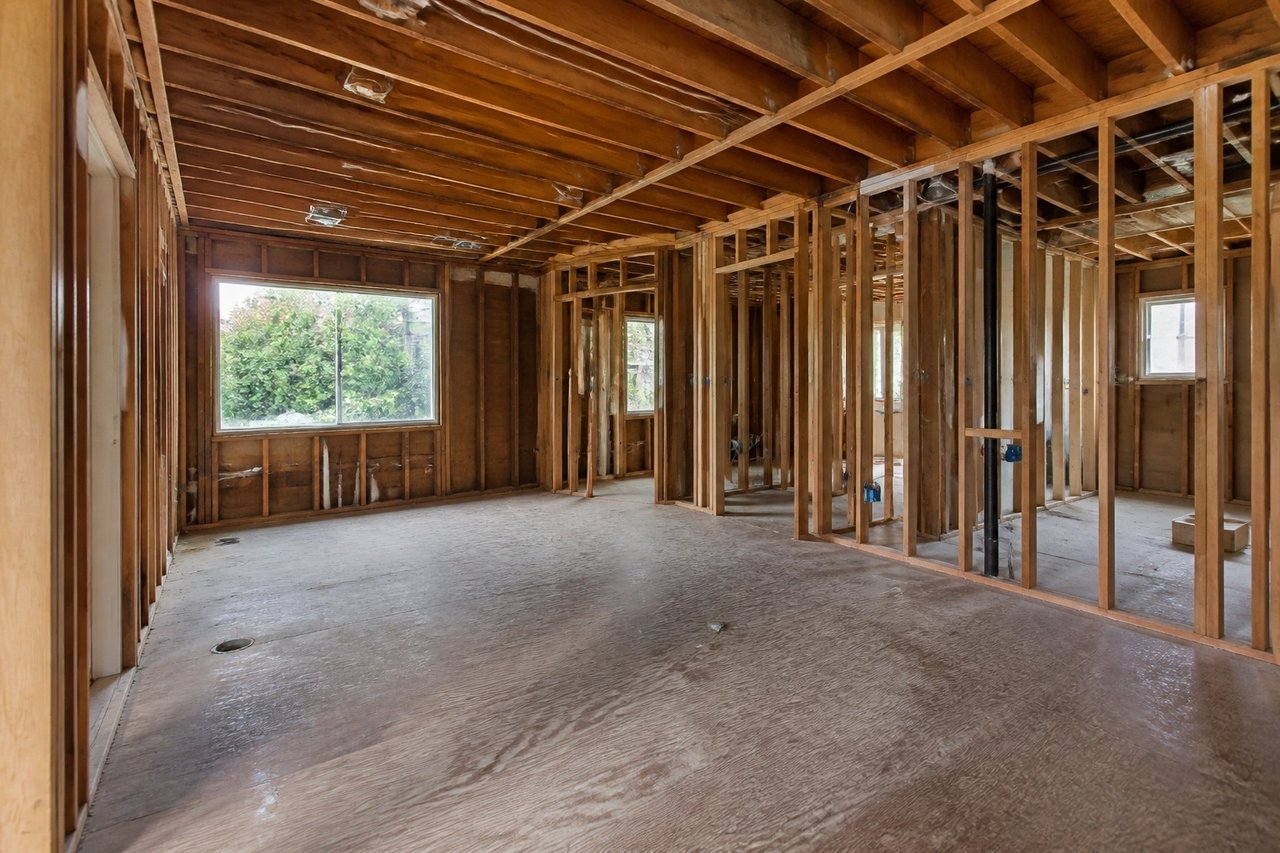
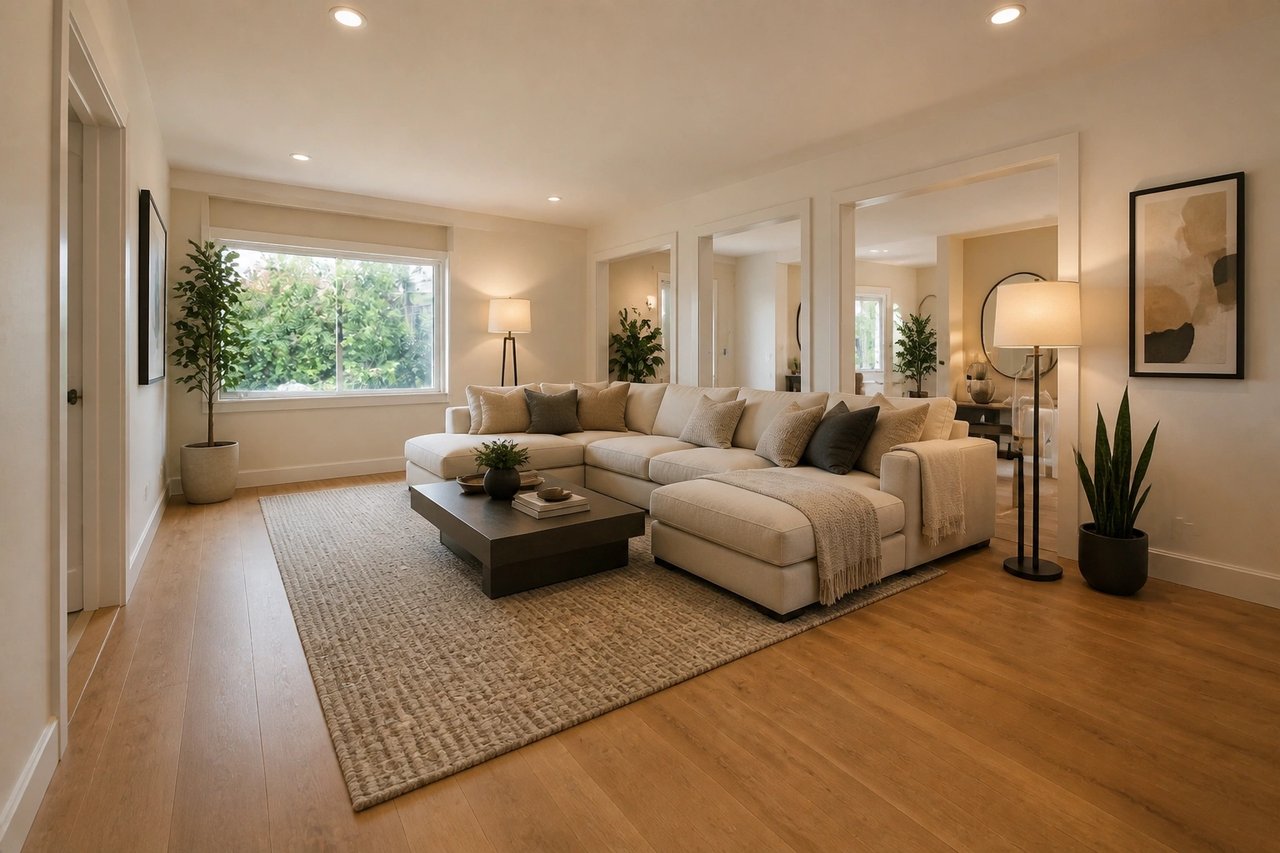
Before and after, from one photo
Drag to compare an unfinished space with its finished design, generated from the project's own photo.
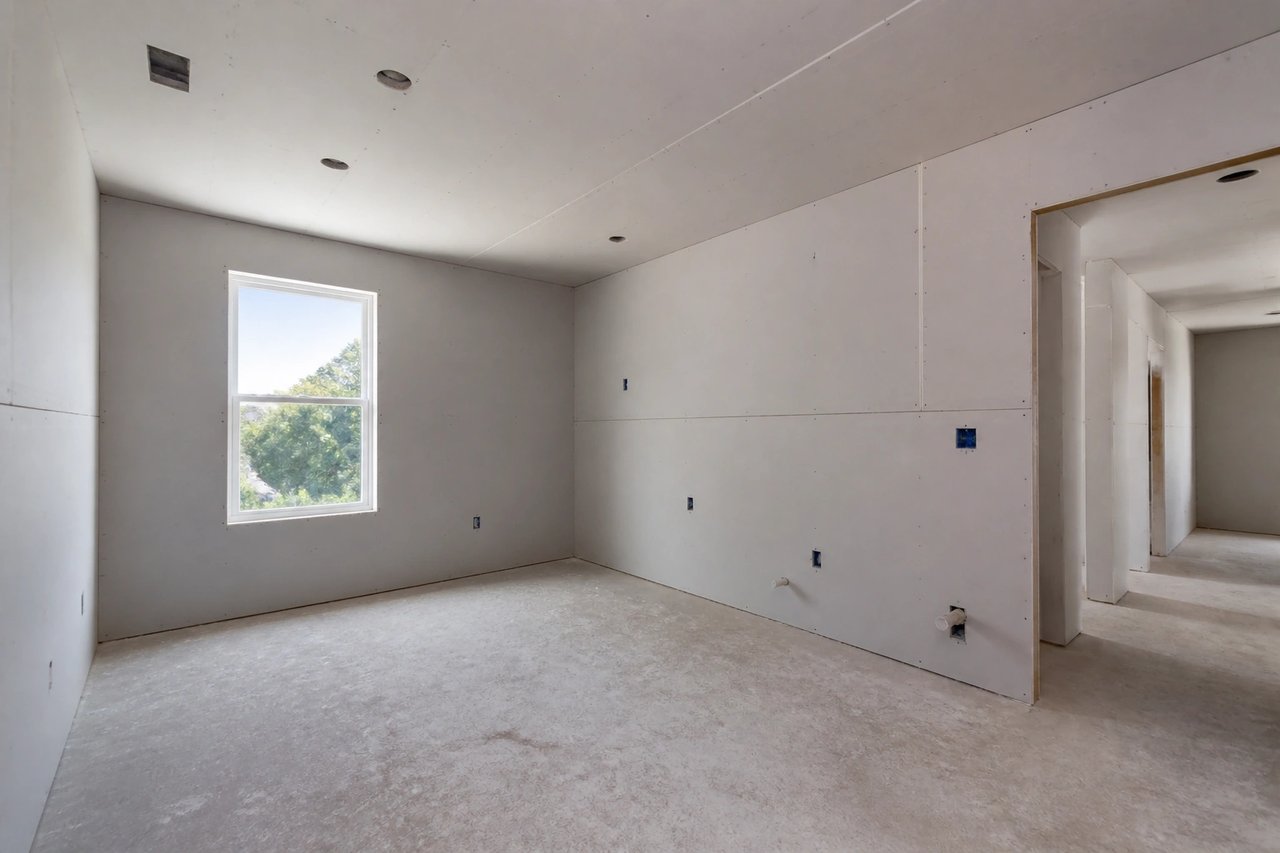
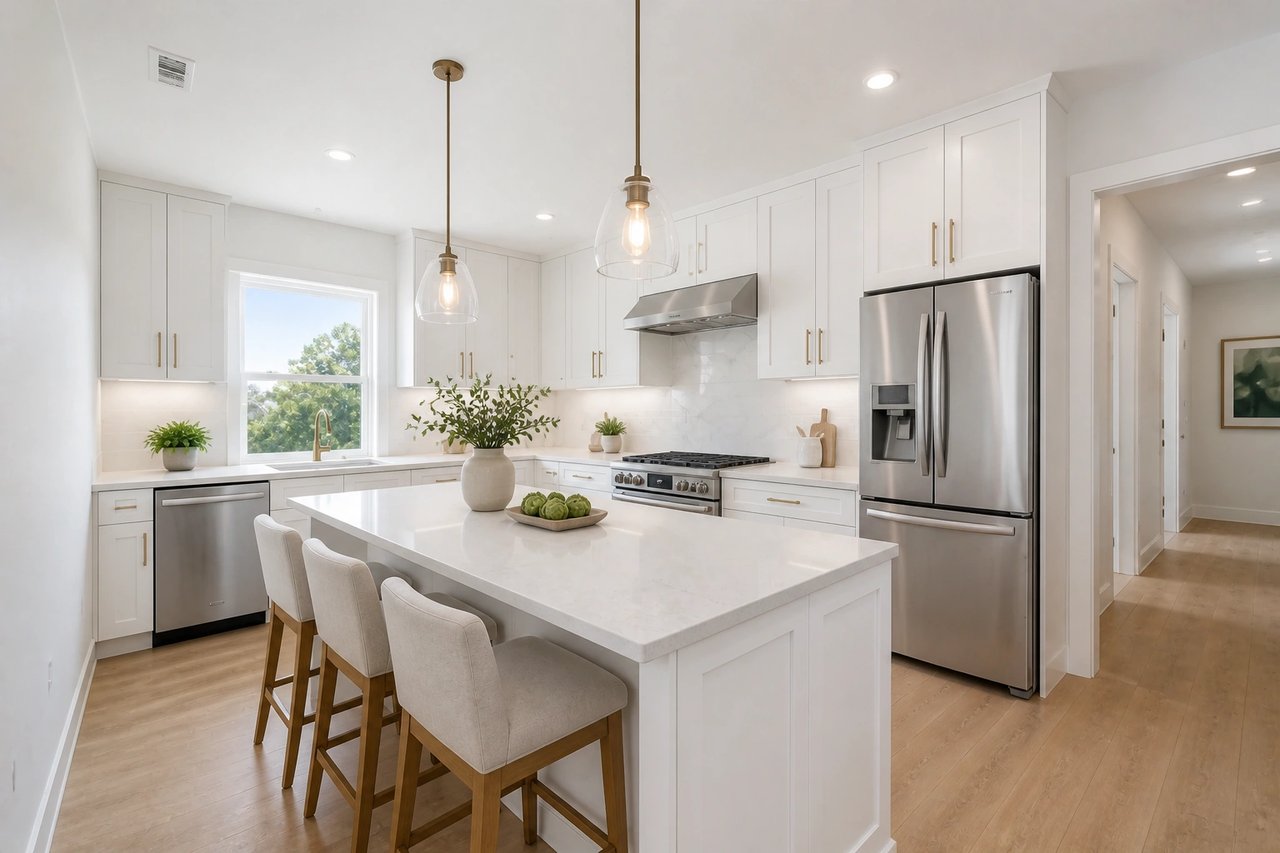
From construction photo to finished concept
A visual planning workflow for homeowners, builders, contractors, and architects aligning on finishes.
Step 1
Upload a construction photo
Start with a well-lit image that shows the unfinished space and the fixed room geometry.
Step 2
Choose the finish direction
Select style, materials, color, flooring, and lighting so the AI output matches the project goal.
Step 3
Generate finished concepts
Compare realistic finished options to align clients, plan finishes, and shop with confidence.
See the finished space before you build
- See the finished space before you build
- Preview flooring, paint, cabinetry, and lighting on your actual unfinished room, so you commit instead of guessing.
- Compare finish directions at once
- Generate several finished looks in parallel from 50+ styles and pick the one that fits the project.
- Align everyone in seconds
- Turn a bare construction photo into a finished concept in seconds, not days of revisions and back-and-forth.
- Refine until it's right
- Swap finishes, palette, and lighting live until the space matches what the client signed off on.
Built for construction projects
Whether you're renovating your own home, building for a client, or pitching a development, the photo-first workflow fits.
Homeowners renovating
See your gutted or framed space finished before you choose flooring, paint, fixtures, or cabinetry.
Builders & contractors
Show clients a finished concept from the jobsite photo to lock finish decisions before ordering materials.
Architects & developers
Generate finished interior directions stakeholders can react to in minutes, before detailed drawings or quotes.
Simple plans, no watermark
All paid plans include 50+ styles and watermark-free images. Annual savings vary by plan.
Basic
For home projects
billed yearly at $108
200 images each month
- All 50+ design styles
- Virtual staging
- Upscale & paint
- Commercial license
Lite
For getting started
billed yearly at $249
800 images each month
- All 50+ design styles
- Virtual staging
- Upscale & paint
- Commercial license
Plus
For frequent designing
billed yearly at $449
2,000 images each month
- All 50+ design styles
- Virtual staging
- Upscale & paint
- Commercial license
Ultra
For pros & teams
billed yearly at $899
5,000 images each month
- All 50+ design styles
- Virtual staging
- Upscale & paint
- Commercial license
- Priority support
Construction AI questions
Answers for homeowners, builders, contractors, and architects.
Visualize your project today
Upload a photo, choose a finish direction, and see the space finished before you build.