Online staging tools let real estate agents and homeowners stage listings entirely from a web browser. Upload empty room photos, select a furnishing style, and download professionally staged images. All this without scheduling an appointment, renting furniture, or installing software.
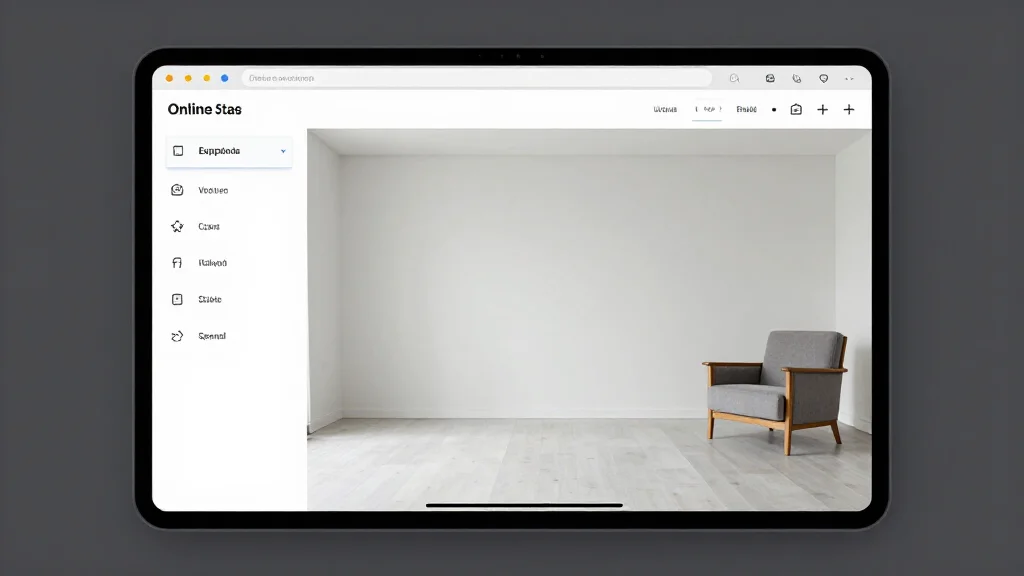
How Online Staging Works
Online staging uses cloud-based AI to add virtual furniture and decor to your empty room photos. You access the tool through your web browser, upload photos, choose a style, and the AI generates photorealistic staged images in minutes. Everything happens online. No software downloads or in-person visits required.
Best Online Staging Tools
AI Smart Decor
- Best For: Best online staging experience
- Price: Free to start
- Features: Browser-based staging, 20+ styles, Instant results, No download
- Pros: Best online quality, Free tier, Works on any device
- Cons: Bulk features on premium
BoxBrownie
- Best For: Human-assisted online staging
- Price: From $24 per image
- Features: Professional editors, Custom requests, 24-hour turnaround
- Pros: Human quality check, Custom styling
- Cons: Not instant, More expensive
Benefits of Online Staging
- Access from any device with a web browser: phone, tablet, or computer
- No software downloads or installations required
- Stage listings from anywhere: your office, a showing, or home
- Instant results instead of waiting days for traditional staging
- Much lower cost than hiring physical staging companies
- Easy to try different styles and compare options
Online Staging Workflow
- Step 1: Open the online staging tool in your browser
- Step 2: Upload high-quality photos of empty rooms
- Step 3: Select a furnishing style that matches the target buyer
- Step 4: Generate staged images with AI
- Step 5: Download the staged photos in high resolution
- Step 6: Add to your MLS listing with virtual staging disclosure
Online Staging Tips for Realtors
- Tip: Photograph rooms at eye level with a wide-angle lens for best results
- Tip: Stage living room, master bedroom, and kitchen first, highest impact rooms
- Tip: Choose neutral modern styles that appeal to the broadest buyer pool
- Tip: Always include both staged and original photos in your listing
- Tip: Disclose that photos are virtually staged per MLS guidelines
Ready to Try It Yourself?
The best online staging tool. Stage listings from your browser in minutes, free to start. Also check out AI virtual staging online.