AI interior design software uses neural networks trained on millions of professionally styled rooms to generate complete interior designs from a single photo. Instead of spending hours in a 3D editor or hiring a designer, you upload a room photo, pick a style, and get a photorealistic redesign in seconds.
We tested 8 of the most popular AI interior design software options to help you find the right tool for your project.
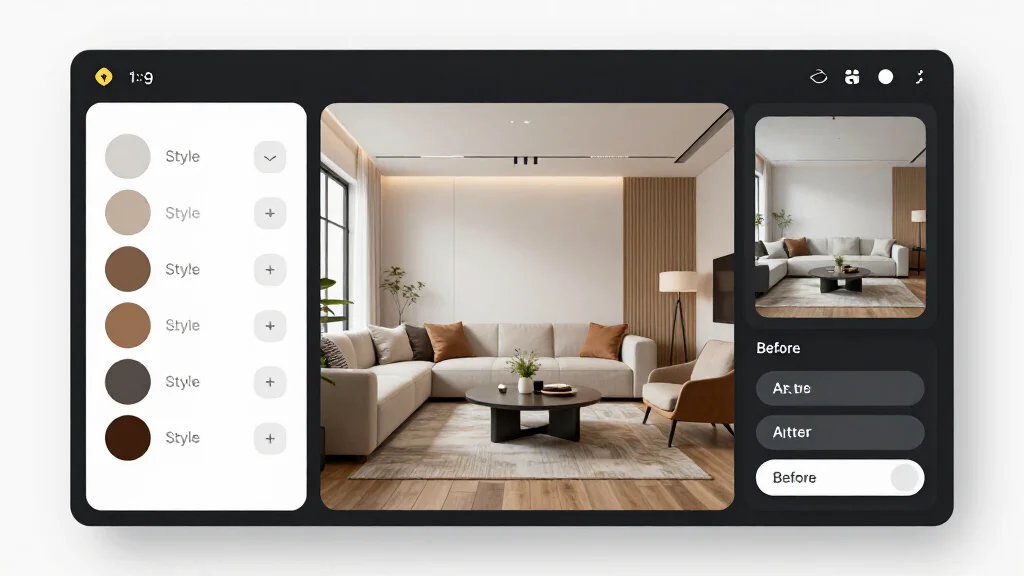
How AI Interior Design Software Works
AI interior design software processes your room photo through deep learning models that understand spatial relationships, color theory, furniture proportions, and design styles. Here is what happens when you upload a photo:
- Scene analysis: The AI identifies walls, floors, windows, doors, and existing furniture
- Style mapping: Based on your selected style, it determines the right furniture, colors, textures, and lighting
- Render generation: The model produces a photorealistic image of your room in the new style
- Output delivery: You get a downloadable image, usually in under 30 seconds
The best tools handle this entire process without any manual input. You do not need design knowledge, 3D modeling skills, or technical expertise.
Best AI Interior Design Software Compared
| Software | Best For | Price | Free Tier | Render Speed |
|---|---|---|---|---|
| AI Smart Decor | Best overall | Free to start | Yes | ~10 sec |
| InteriorAI | Quick restyling | $29/month | Limited | ~15 sec |
| Spacely AI | Professional renders | Free tier available | Yes | ~20 sec |
| MyArchitectAI | Photorealism | Free (10 renders) | Yes | ~10 sec |
| RoomGPT | Budget option | Credit-based | Limited | ~10 sec |
| ArchiVinci | Architecture focus | Free (3 renders) | Yes | ~15 sec |
| Planner 5D | Floor planning | Free basic | Yes | Manual |
| Homestyler | 3D design suite | Free basic | Yes | Manual |
1. AI Smart Decor — Best Overall AI Interior Design Software
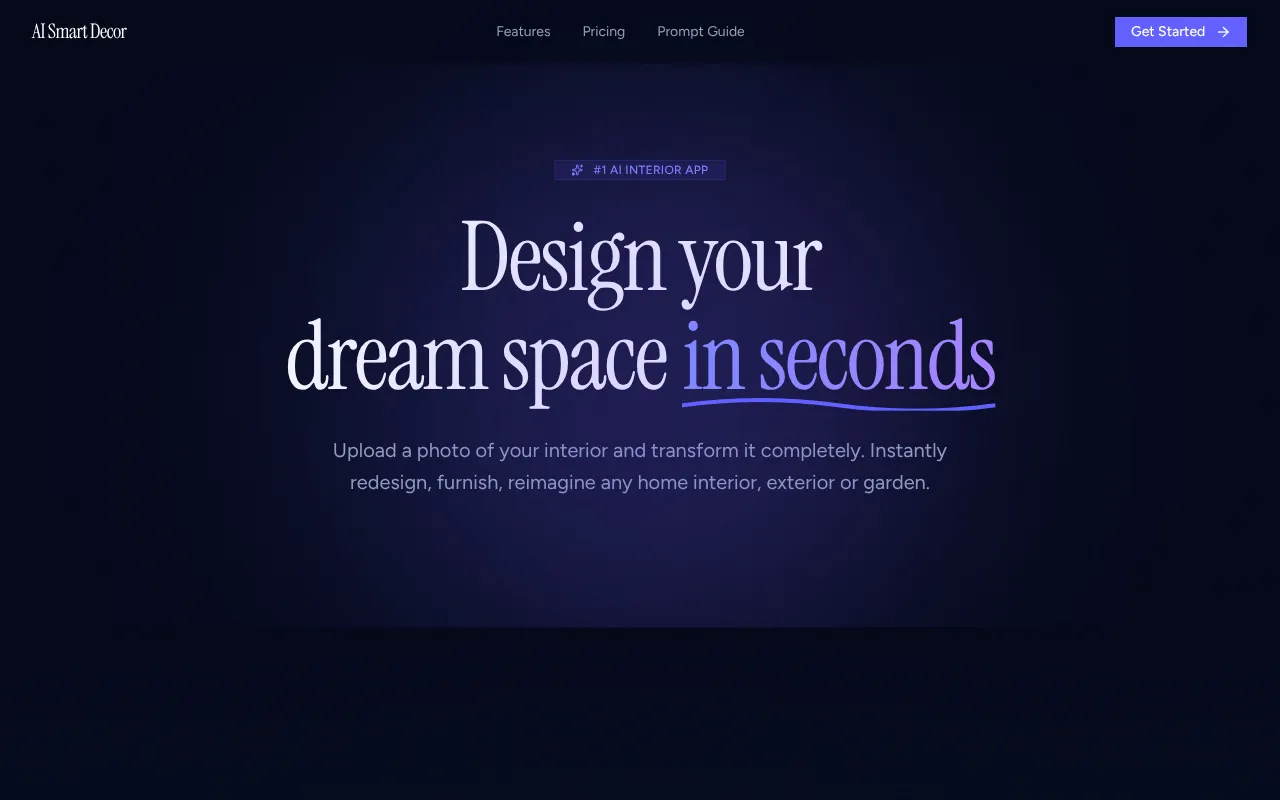
AI Smart Decor consistently produced the highest quality renders in our testing. The AI handles color coordination, furniture placement, and lighting better than any other tool we tried.
What makes it stand out: 28+ design styles ranging from Scandinavian to Japanese Zen, Art Deco to Industrial. The AI understands the difference between these styles and applies them accurately — when you select "mid-century modern," you get genuine mid-century furniture shapes and color palettes, not a generic modern room.
- Key features: Photo-based AI redesign, 28+ styles, virtual staging, sketch-to-render, wall recoloring, cloud saving
- Price: Free to start, premium plans for HD exports and higher volume
- Pros: Best render quality, most style variety, generous free tier, fast results, works on any device
- Cons: HD exports require paid plan
- Verdict: The best AI interior design software for most users. Start here.
2. InteriorAI — Best for Speed and Simplicity
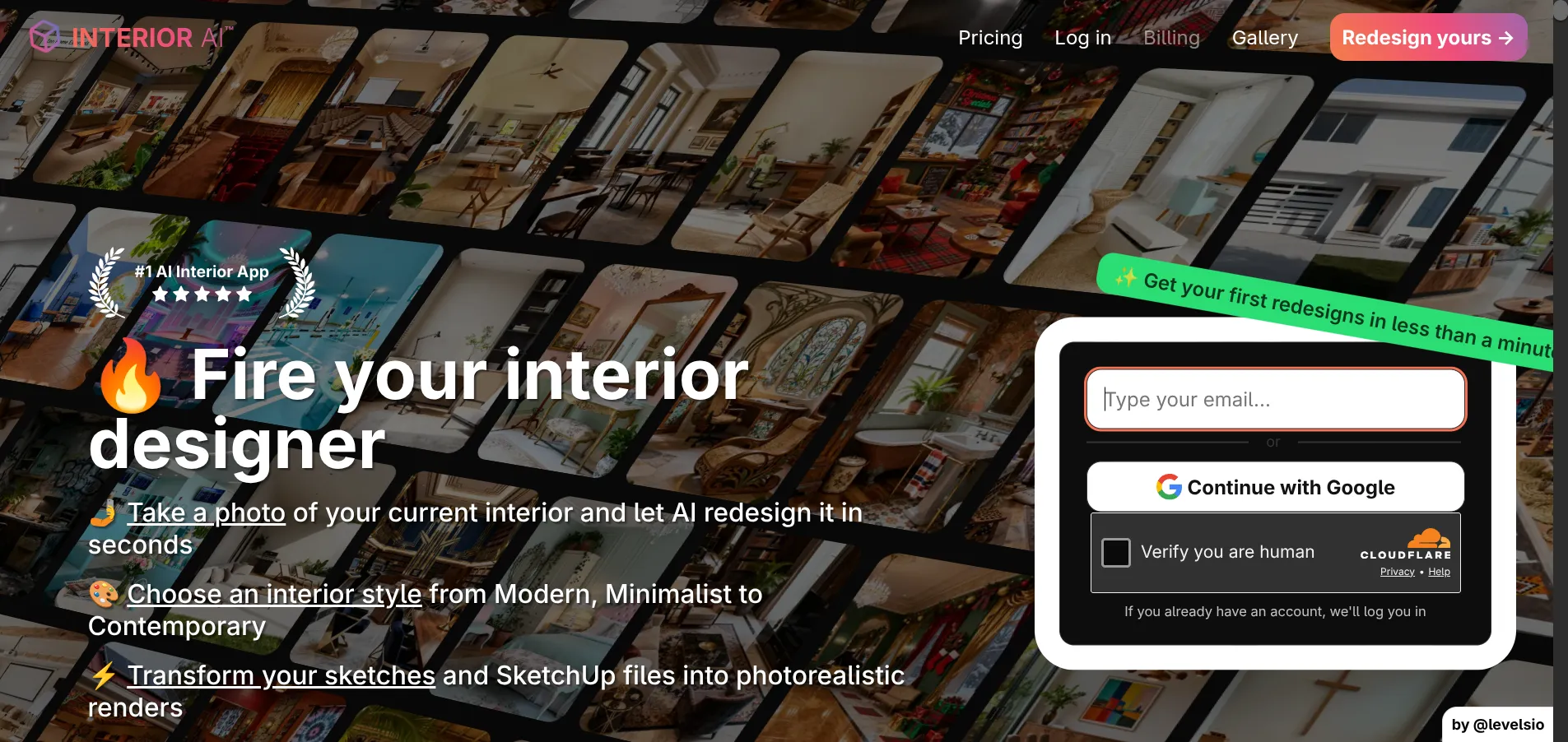
InteriorAI takes a no-frills approach. Upload a photo, pick a style, get a result. No account setup required for the first render.
What makes it stand out: The sketch-to-render feature is particularly useful. If you have a hand-drawn floor plan or rough sketch, InteriorAI can transform it into a photorealistic render. The tool also handles open-plan living spaces better than average.
- Key features: Photo redesign, sketch-to-render, multiple room types, virtual staging for real estate
- Price: From $29/month
- Pros: Very fast, simple interface, good for beginners, sketch support
- Cons: Render quality slightly below AI Smart Decor, limited free usage, requires subscription for ongoing use
- Verdict: Good choice if you value simplicity and speed over maximum render quality.
3. Spacely AI — Best for Professional and Commercial Projects
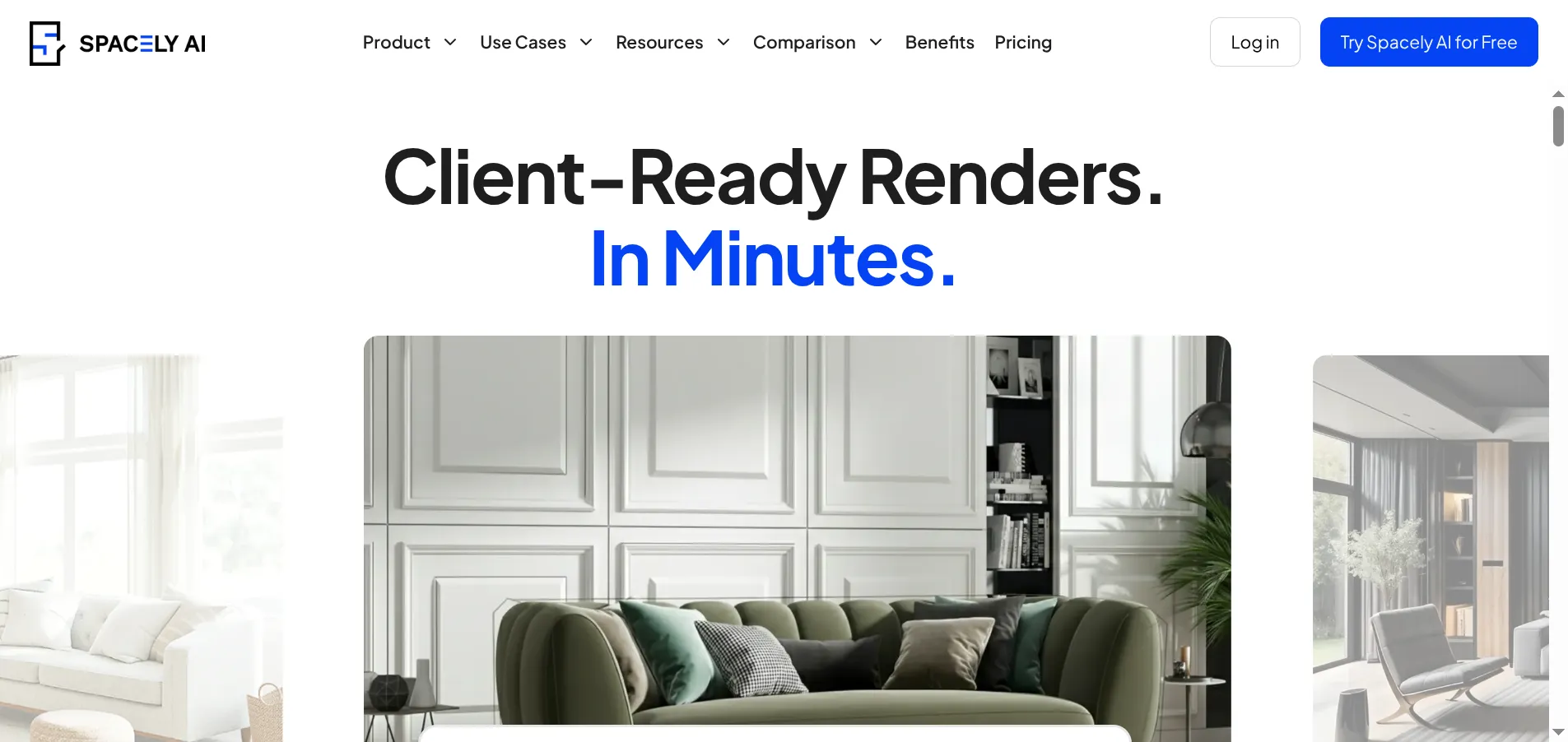
Spacely AI bridges the gap between consumer tools and professional design software. It accepts photos, sketches, and 3D renderings as input, and can also generate room designs from text descriptions alone.
What makes it stand out: The text-to-render feature is unique among AI interior design tools. Describe a room ("modern corner office with floor-to-ceiling windows and a walnut desk") and get a visualization without needing any photo input. Commercial and office space rendering is also stronger here than in residential-focused tools.
- Key features: Photo-to-render, text-to-render, sketch-to-render, commercial space support, client presentation mode
- Price: Free tier available, paid plans for higher volume
- Pros: Multiple input types, strong commercial rendering, free tier, good for client presentations
- Cons: More complex interface, slower renders (~20 seconds), residential rendering not as polished
- Verdict: Best choice for interior designers and architects working on commercial projects.
4. MyArchitectAI — Best for Photorealistic Output
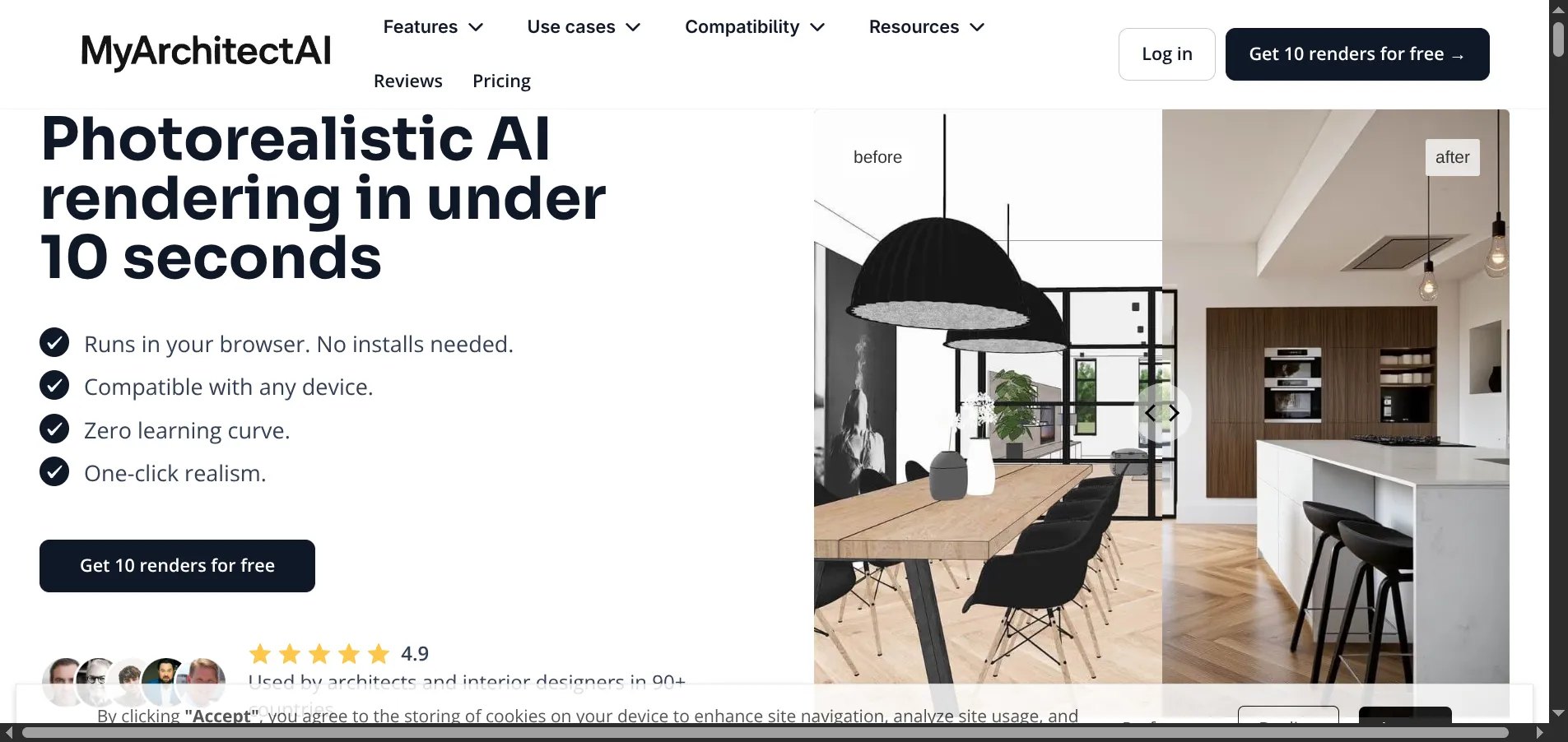
MyArchitectAI focuses on one thing: photorealistic renders, fast. The tool runs entirely in the browser and delivers results in under 10 seconds.
What makes it stand out: The "one-click realism" approach produces output that is difficult to distinguish from professional photography. The before-and-after comparison view is well-designed and useful for client presentations. The free tier gives you 10 renders at full quality — no watermarks, no resolution limits.
- Key features: One-click photorealism, browser-based, before-and-after view, multiple styles, no GPU required
- Price: 10 free renders, paid plans from $19/month
- Pros: Excellent photorealism, generous free starter pack, fast, no installation
- Cons: Fewer style options than AI Smart Decor, 10 free renders may not be enough
- Verdict: Strong option if photorealism is your top priority and you need a quick start.
5. RoomGPT — Most Affordable AI Interior Design Software
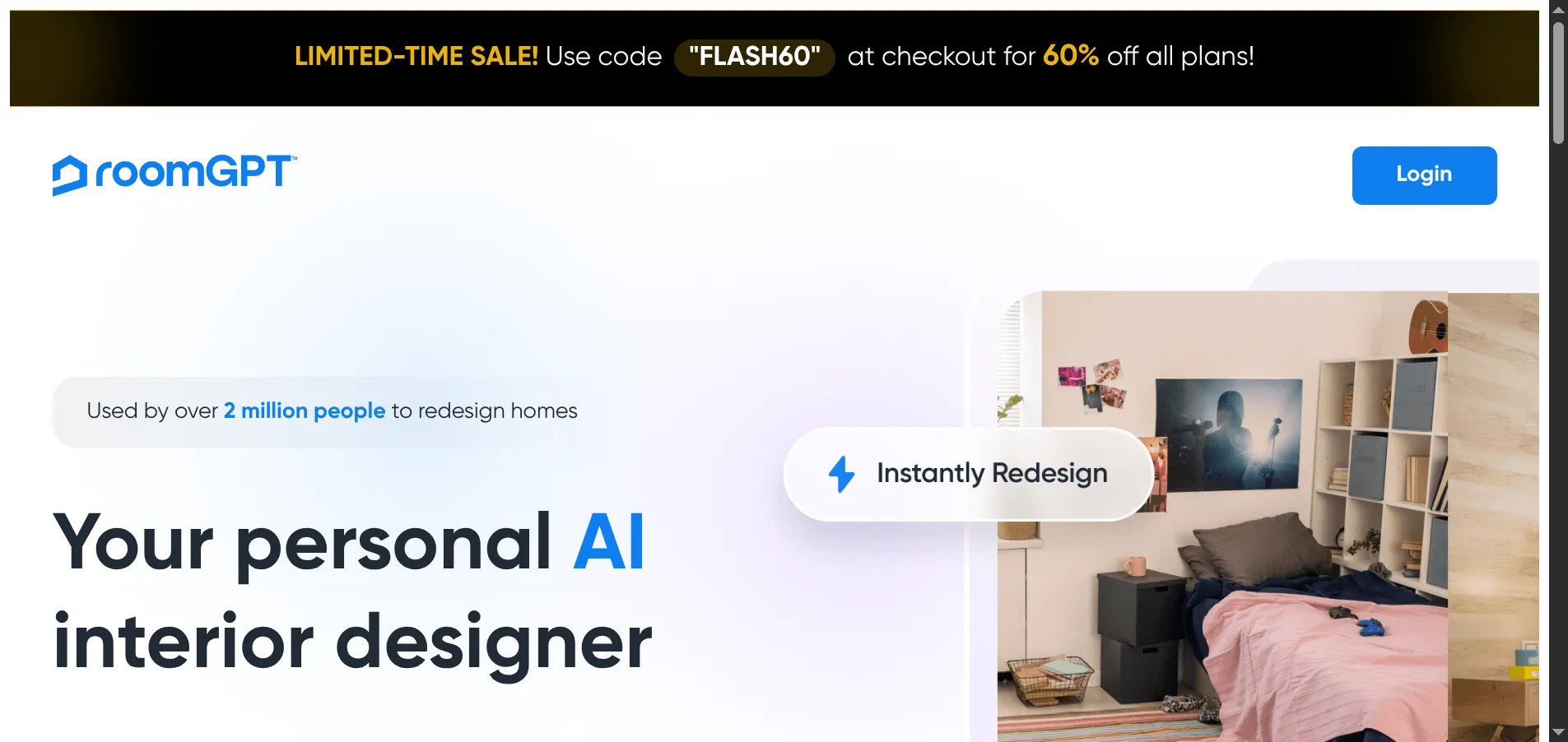
RoomGPT has grown to over 2 million users with a simple, affordable approach. Instead of monthly subscriptions, you buy render credits as needed.
What makes it stand out: The credit-based pricing model. If you only need 5-10 renders for a single project, you pay far less than a monthly subscription to other tools. The interface is extremely simple — even users with zero tech experience can get a render in under a minute.
- Key features: Photo redesign, credit-based pricing, simple themes, minimal interface
- Price: Credit-based (frequently runs 50-60% off promotions)
- Pros: No subscription, very simple, large community, cheap for occasional use
- Cons: Lower render quality than top competitors, fewer styles, limited customization
- Verdict: Best for occasional users who do not want a subscription commitment.
6. ArchiVinci — Best for Architecture and Exteriors
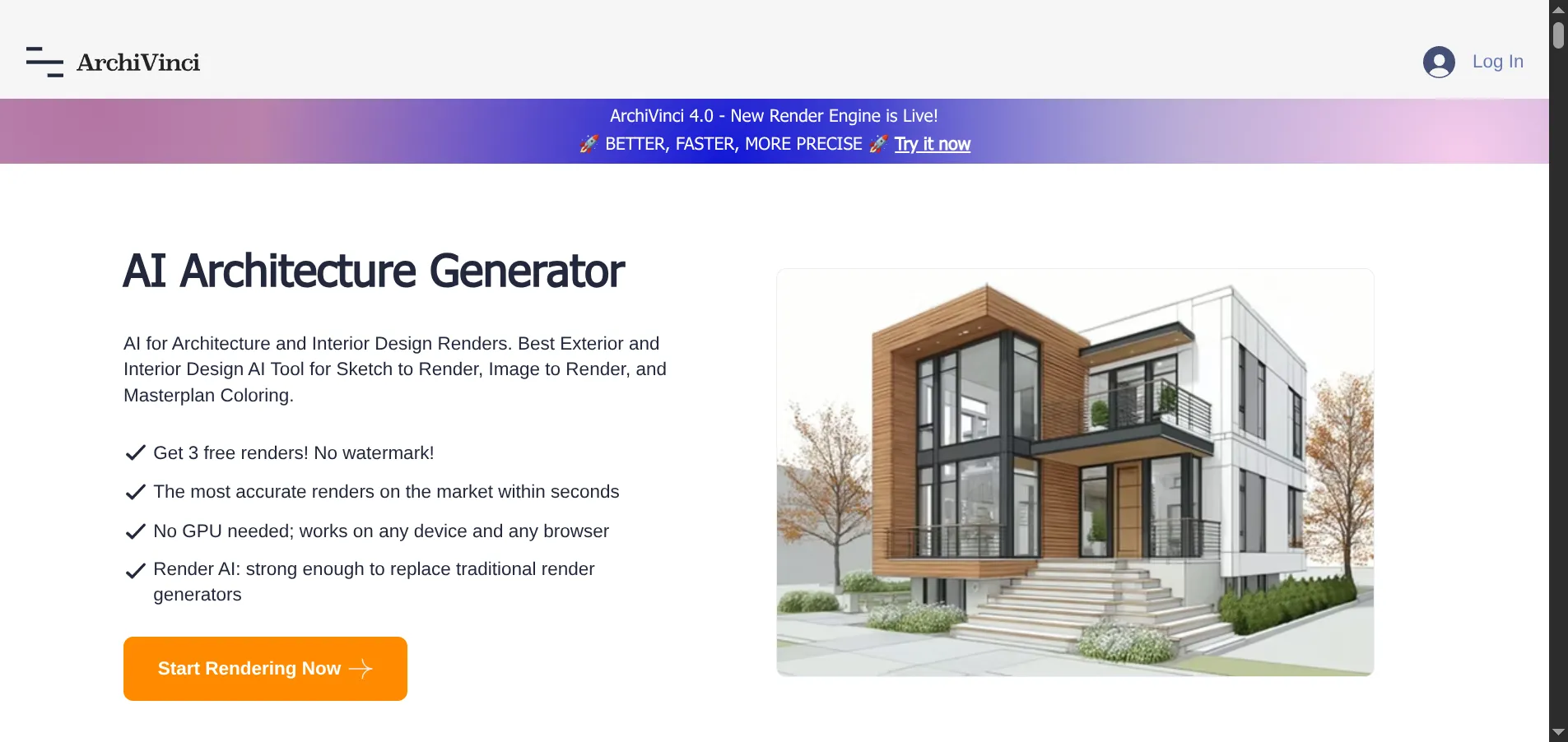
ArchiVinci serves a different audience than most tools on this list. It is built for architects and handles both interior and exterior rendering, including facade design and masterplan coloring.
What makes it stand out: Version 4.0 introduced a new render engine with significantly improved accuracy. The exterior rendering quality is the best on this list — no other tool handles building facades and landscaping as well. The sketch-to-render feature understands architectural drawings better than consumer tools.
- Key features: Interior and exterior rendering, sketch-to-render, masterplan coloring, facade design
- Price: 3 free renders (no watermark), paid plans from $27/month
- Pros: Best exterior rendering, strong architectural understanding, no watermark on free tier
- Cons: Interior rendering not as refined as dedicated interior tools, smaller style library
- Verdict: The right tool if you need exterior or architectural visualization alongside interiors.
7. Planner 5D — Best for Floor Plan Design
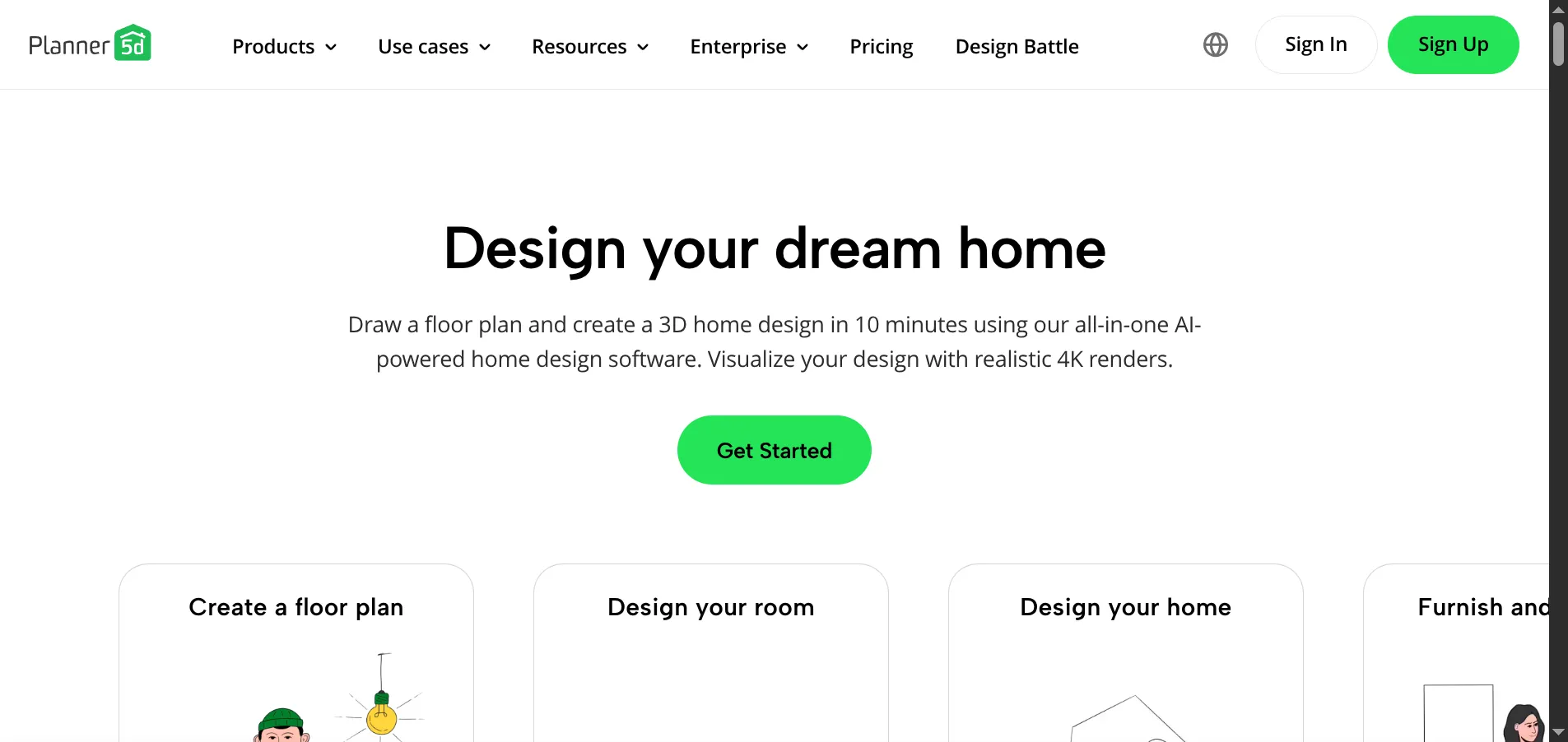
Planner 5D is not an AI photo redesign tool. It is a full 3D room design platform where you draw floor plans, place furniture from a catalog, and generate renders. The AI module assists with layout optimization and 4K rendering.
What makes it stand out: If your project involves changing the room layout — moving walls, adjusting doorways, trying different furniture arrangements — this is the only tool that handles it. The 3D walkthrough lets you explore your design from a first-person perspective, and the VR mode adds immersion.
- Key features: 2D/3D floor plans, extensive furniture catalog, 3D walkthroughs, VR mode, AI layout suggestions
- Price: Free basic, premium for full catalog and HD renders
- Pros: Best floor planning, interactive 3D, huge furniture library, VR support
- Cons: No photo-based redesign, requires manual work, steeper learning curve, slower workflow
- Verdict: Essential if your project involves layout changes. Not the right tool for quick room restyling.
8. Homestyler — Best Full 3D Design Suite
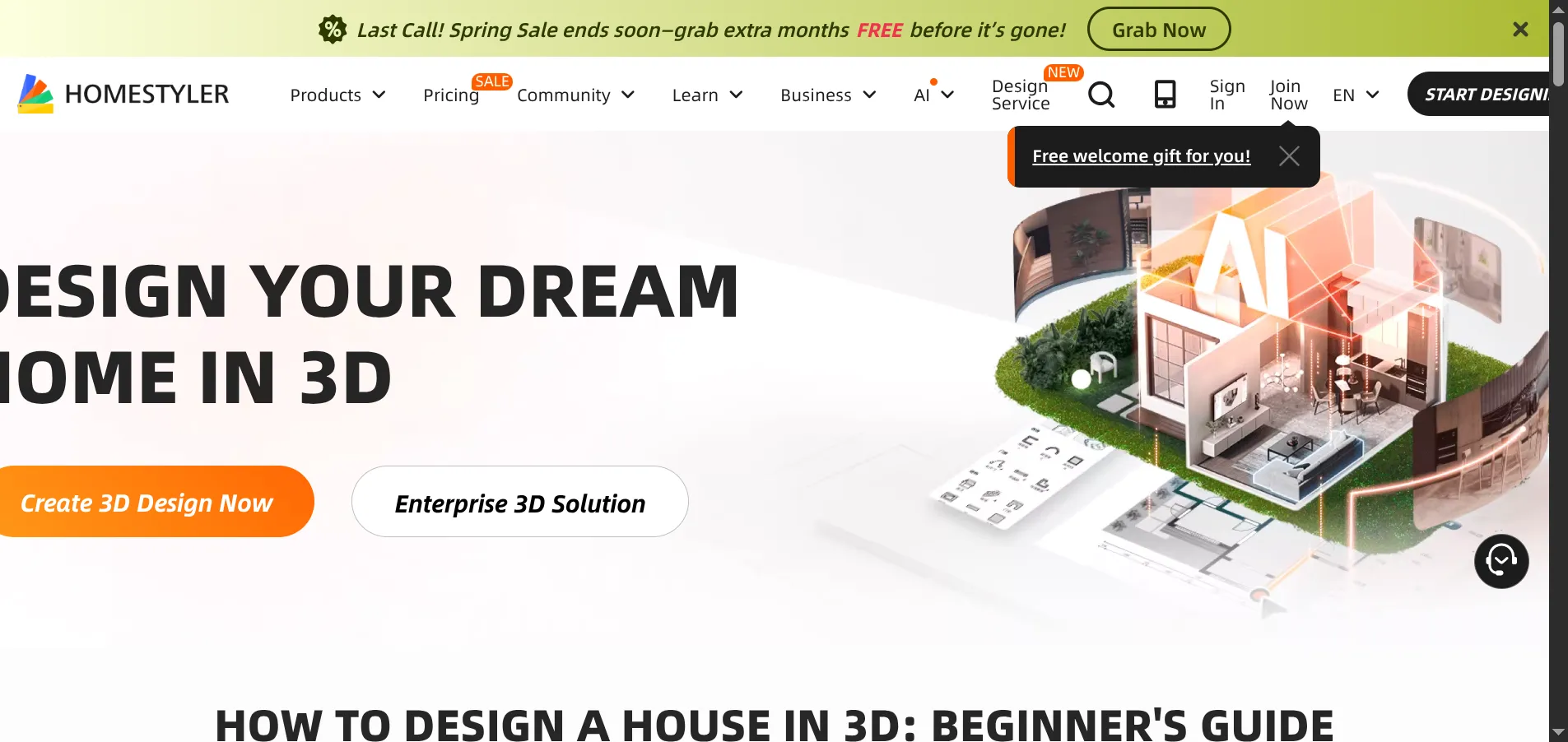
Homestyler is a comprehensive 3D design platform from Alibaba. You build rooms from scratch in a 3D editor, populate them with real-brand furniture (with actual pricing), and generate photorealistic renders.
What makes it stand out: The real product library. When you place a sofa in Homestyler, it is an actual product you can purchase. This bridges the gap between design visualization and furniture shopping. The enterprise API also makes it suitable for business integrations.
- Key features: Full 3D editor, real brand furniture with pricing, photorealistic rendering, community gallery, enterprise API
- Price: Free basic, premium plans available
- Pros: Real product library, professional 3D tools, strong community, enterprise features
- Cons: Not photo-based, requires building from scratch, significant learning curve
- Verdict: Good for professionals who need a full 3D design suite with real product integration.
AI Photo Redesign vs Traditional Interior Design Software
The tools on this list fall into two categories. Choosing the right one depends entirely on what you need:
AI Photo Redesign Tools
Tools: AI Smart Decor, InteriorAI, Spacely AI, MyArchitectAI, RoomGPT, ArchiVinci
These tools take a photo of your existing room and generate a restyled version automatically. The AI handles every design decision.
Use when you want to:
- See your current room in a different style
- Get quick before-and-after visuals
- Stage an empty room with virtual furniture
- Explore design options without hiring a designer
Typical workflow: Upload photo → select style → download render (under 30 seconds)
Traditional 3D Design Software
Tools: Planner 5D, Homestyler
These tools require you to build a room manually in a 3D editor. You have complete control over every element, but the process takes hours instead of seconds.
Use when you want to:
- Change the floor plan or room dimensions
- Place specific furniture products with exact measurements
- Create detailed plans for contractors
- Design a room from scratch (no existing room to photograph)
Typical workflow: Draw floor plan → place furniture → adjust lighting → render (2-4 hours)
For most people looking to restyle an existing room, an AI photo redesign tool is faster, easier, and produces results good enough for planning and decision-making.
What to Look for When Choosing AI Interior Design Software
Render Quality
This is the most important factor. Poor AI renders have warped furniture, inconsistent shadows, and blurry textures that make the output useless for decision-making. Test with your own room photo — marketing screenshots always show the best results.
Style Library
If you have a specific aesthetic in mind (Japandi, coastal grandmother, dark academia), check that the tool actually supports it. Some tools offer 5 generic styles. Others provide 25+ specific options.
Free Tier
Every tool on this list offers some form of free usage. Test at least 2-3 tools with the same room photo before committing to a paid plan. The quality difference between tools is significant and varies by room type.
Input Flexibility
Some tools only accept photos. Others handle sketches, 3D models, or text descriptions. Match the tool to where you are in the design process.
Output Resolution
Free tiers often limit resolution. If you need high-quality images for presentations, real estate listings, or printing, check the export resolution before committing.
How Much Does AI Interior Design Software Cost?
| Software | Free Tier | Cheapest Paid Plan | Pricing Model |
|---|---|---|---|
| AI Smart Decor | Generous credits | Premium available | Subscription |
| InteriorAI | Very limited | $29/month | Subscription |
| Spacely AI | Yes | Paid plans available | Subscription |
| MyArchitectAI | 10 renders | $19/month | Subscription |
| RoomGPT | Limited | Credit packs | Pay-per-use |
| ArchiVinci | 3 renders | $27/month | Subscription |
| Planner 5D | Basic features | Premium plan | Subscription |
| Homestyler | Basic features | Premium plan | Subscription |
Budget tip: If you need fewer than 10 renders, use free tiers from AI Smart Decor and MyArchitectAI. If you need ongoing access, subscriptions offer better value than pay-per-use credits.
Frequently Asked Questions
What is AI interior design software?
AI interior design software uses deep learning models to automatically generate professional interior designs from room photos. You upload a photo of any room, select a design style, and the AI produces a photorealistic render showing the room completely restyled — handling furniture selection, color coordination, lighting, and decor placement automatically.
Which AI interior design software produces the most realistic renders?
In our testing, AI Smart Decor and MyArchitectAI produced the most photorealistic output. AI Smart Decor had a slight edge in style accuracy and furniture proportions, while MyArchitectAI was marginally faster. Both significantly outperformed RoomGPT and basic 3D tools in render realism.
Can AI interior design software replace a human interior designer?
For straightforward room restyling — choosing color palettes, furniture styles, and decor themes — AI tools produce excellent results. For complex projects involving custom millwork, space planning for accessibility, multi-room coordination, or construction supervision, a professional designer brings expertise that current AI tools cannot match. Many designers now use AI tools as part of their workflow for rapid concept generation.
Is AI interior design software free?
Most tools offer free tiers with limited renders. AI Smart Decor provides generous free credits, MyArchitectAI gives 10 free renders at full quality, and ArchiVinci offers 3 free renders without watermarks. For ongoing use, expect to pay $19-$49 per month depending on the tool and plan.
What kind of photos work best with AI interior design software?
Shoot from a corner of the room at chest height to capture the most floor and wall area. Use natural daylight for the most accurate results. Avoid dark, blurry, or cluttered images. Remove personal items and pets from the frame. Landscape orientation works better than portrait for most tools.
How is AI interior design software different from SketchUp or AutoCAD?
AI tools generate complete designs automatically from a photo in seconds. SketchUp and AutoCAD are manual 3D modeling tools that require you to build every element from scratch, which takes hours or days but gives precise dimensional control. AI is for visualization and inspiration; CAD tools are for construction documents and precise modeling.