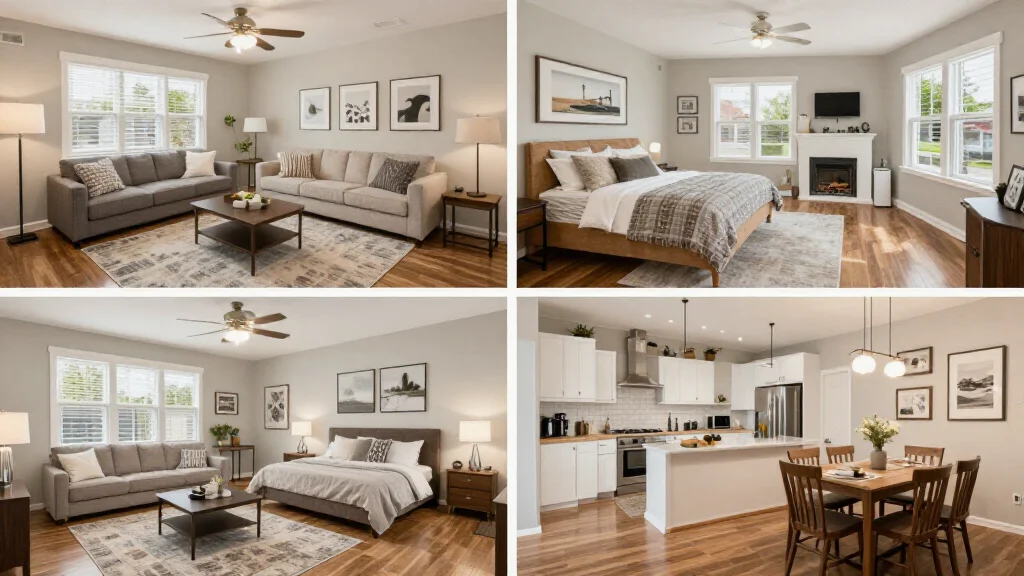
Virtual room staging transforms individual rooms from empty spaces into beautifully styled environments. Whether staging a living room, bedroom, kitchen, or home office, AI technology generates photorealistic results tailored to each room's purpose, size, and architectural features.
Room-by-Room Virtual Staging
Each room type requires different furniture, styling, and atmosphere. AI virtual staging tools understand these differences and generate appropriate furnishings for each room type. A living room gets sofas and coffee tables while a bedroom gets a bed and nightstands, all automatically selected and placed by AI.
Best Virtual Room Staging Tools
AI Smart Decor
- Best For: Best AI for staging any room type
- Price: Free to start
- Features: All room types, 20+ styles per room, Instant staging
- Pros: Best room variety, Free tier, Fastest results
- Cons: Bulk on premium
Roomy
- Best For: Simple room-by-room staging
- Price: From $12 per room
- Features: Per-room pricing, Style selection
- Pros: Affordable per room, Simple interface
- Cons: Limited styles, No free tier
Staging Guide by Room Type
- Living room: anchor with a sofa, add coffee table, rug, and accent chairs for conversation
- Master bedroom: center a king or queen bed, add nightstands and soft lighting
- Kitchen: style countertops with tasteful accessories, add bar stools if applicable
- Dining room: feature a table with chairs, chandelier, and elegant centerpiece
- Home office: position a desk with chair, add shelving and professional decor
- Bathroom: add towels, bath accessories, and a plant for spa-like appeal
Which Rooms to Stage First
- Living room: first room buyers look at in listings, stage this first
- Master bedroom: second most impactful room for buyer interest
- Kitchen: buyers want to envision cooking and gathering here
- Dining room: adds entertaining appeal to the listing
- Home office: high demand post-pandemic, shows work-from-home potential
- Outdoor spaces: bonus staging that adds lifestyle appeal
Virtual Room Staging Process
- Step 1: Photograph each room you want to stage in natural light
- Step 2: Upload the photos to the virtual staging tool
- Step 3: Select the room type for appropriate furniture selection
- Step 4: Choose a design style consistent across all rooms
- Step 5: Generate staged images for each room
- Step 6: Review results and regenerate any that need adjustment
- Step 7: Download all staged photos for your listing
Ready to Try It Yourself?
Stage any room type with AI. Upload empty room photos and get photorealistic staged images, free to start.