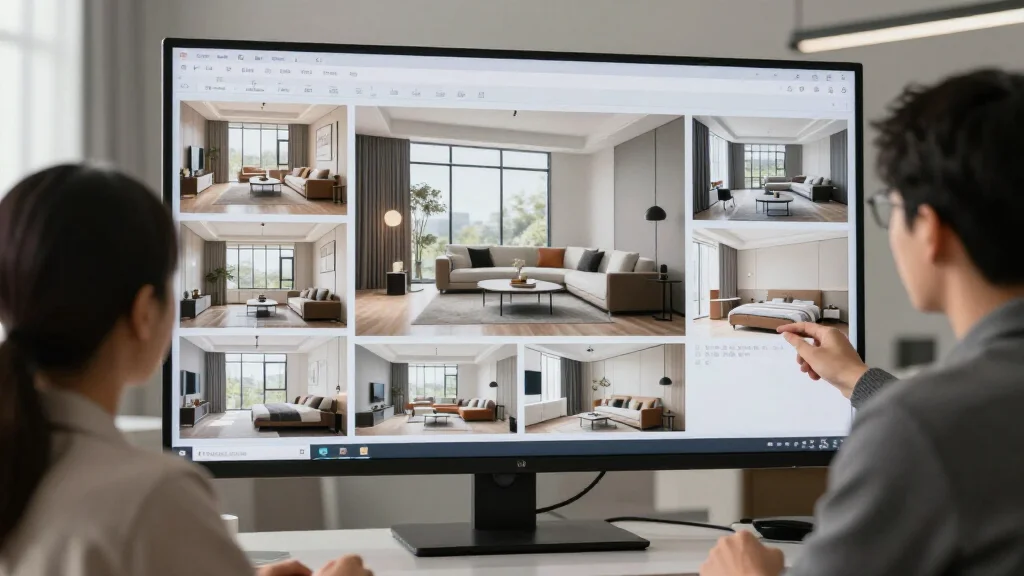
Professional AI Interior Design App: Tools for Design Pros
Professional interior designers are integrating AI into their workflows to deliver faster concepts, more options, and better client presentations. Professional AI interior design apps go beyond consumer tools with features like batch processing, client-ready exports, brand customization, and team collaboration.
What Makes an AI Design App ‘Professional Grade’?
Professional AI interior design apps offer features consumer apps do not: high-resolution exports suitable for printing and presentations, batch processing for multiple rooms at once, brand customization with your logo and color scheme, client collaboration portals, and commercial licensing for using renders in marketing materials.
Best Professional AI Interior Design Apps for 2026
AI Smart Decor
- Best For: Fast concept generation for client presentations
- Price: Free to start, Pro plans for professionals
- Features: High-res exports, Multiple concept generation, Fast turnaround
- Pros: Fastest concept delivery, Excellent render quality, Scalable pricing
- Cons: Advanced pro features on higher plans
Interior AI
- Best For: Professional-grade renders and exports
- Price: From $29/month
- Features: 4K exports, Advanced customization, Commercial license
- Pros: Highest resolution output, Professional branding options
- Cons: No free tier, Steep learning curve
Foyr Neo
- Best For: End-to-end professional interior design
- Price: From $49/month
- Features: 3D modeling, Render walks, Client proposals
- Pros: Complete design suite, Client management
- Cons: Higher price, Less AI automation
How Professional Designers Use AI Apps
- Step 1: Photograph the client’s space during the initial consultation
- Step 2: Upload photos to generate multiple AI concept options quickly
- Step 3: Present three to five AI-generated concepts to the client
- Step 4: Refine the chosen concept using professional design tools
- Step 5: Create detailed specifications from the AI-generated direction
- Step 6: Use AI renders in client proposals and presentations
- Step 7: Generate marketing materials from completed project renders
Pro Features to Look For
- High-resolution exports at 4K or higher for print materials
- Batch processing to redesign multiple rooms in one session
- White-label exports with your business branding
- Client collaboration portals for design review and feedback
- Commercial licensing for using renders in marketing
- Priority processing for faster turnaround on client work
ROI of AI for Interior Design Businesses
- Reduce concept development time from days to hours
- Present more options to clients without additional labor cost
- Win more projects with impressive AI-generated presentations
- Scale your business without proportionally increasing staff
- Reduce revision cycles by showing clients realistic previews early
Ready to Try It Yourself?
Accelerate your design business with AI. Generate stunning client concepts in minutes—start free.
Related Articles
Frequently Asked Questions
Should professional designers use AI interior design apps?
Yes, AI apps are powerful tools that help professionals work faster, present more options, and win more clients. They augment your expertise rather than replace it.
Can I use AI-generated designs in client proposals?
Most professional-tier AI apps include commercial licenses that allow you to use renders in proposals, presentations, and marketing materials.
How do clients react to AI-generated interior designs?
Clients respond positively to AI-generated concepts because they provide a realistic preview of the finished space. This reduces uncertainty and speeds up decision-making.