Home staging apps are transforming how real estate professionals and homeowners prepare properties for sale. With just your smartphone, you can virtually furnish empty rooms, visualize different design styles, and create stunning listing photos that attract more buyers-all without expensive physical staging.
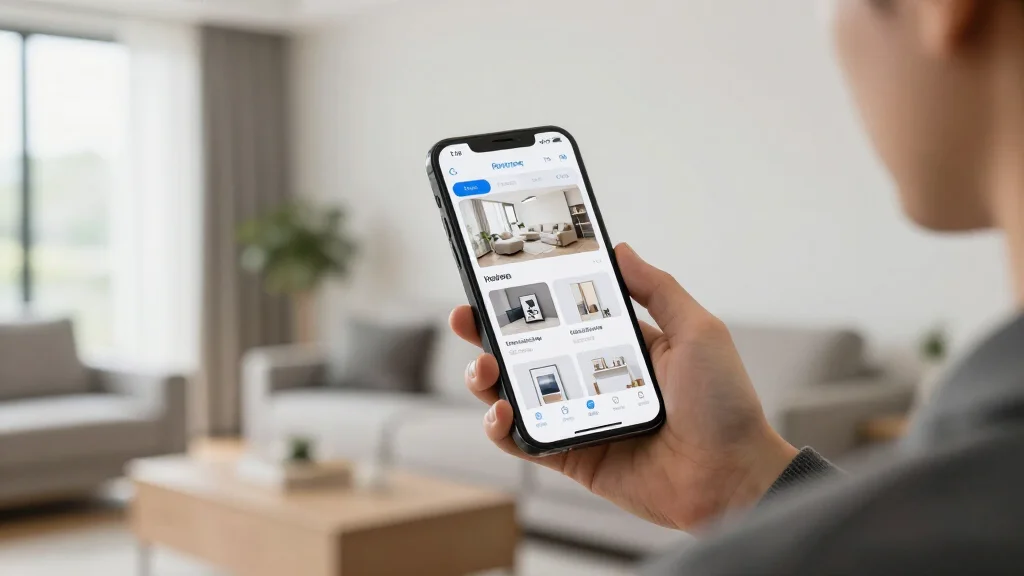
What is a Home Staging App?
A home staging app is a mobile application that uses AI and augmented reality to help users visualize and stage properties digitally. These apps allow you to upload photos of empty or furnished rooms and instantly add virtual furniture, decor, and finishes to create appealing listing images.
Best Home Staging Apps for 2026
AI Smart Decor
- Best For: Real estate agents and homeowners
- Price: Free tier available, Pro at $29/month
- Features: AI-powered staging, Multiple design styles, Instant results, Mobile-friendly
BoxBrownie
- Best For: Professional real estate photography
- Price: $32 per image
- Features: Manual virtual staging, High-quality renders, Fast turnaround, Professional editing
Virtual Staging AI
- Best For: Budget-conscious users
- Price: $15 per image
- Features: Simple interface, Quick generation, Basic furniture options, Pay-per-use
Key Features to Look For
- AI-powered automatic furniture placement
- Multiple interior design styles (modern, traditional, Scandinavian, etc.)
- High-resolution export for MLS listings
- Before/after comparison views
- Furniture removal capabilities
- Room type customization (living room, bedroom, kitchen, etc.)
- Fast processing times (under 5 minutes)
- Mobile-friendly interface
How to Use a Home Staging App
- Step 1: Download and install your chosen staging app on your smartphone
- Step 2: Take clear, well-lit photos of the rooms you want to stage
- Step 3: Upload the photos to the app
- Step 4: Select your preferred design style and room type
- Step 5: Choose furniture placement options or let AI auto-stage
- Step 6: Review and adjust the staged images
- Step 7: Download high-resolution images for your listings
Home Staging Tips for Best Results
- Declutter rooms before taking photos for staging
- Use natural lighting when possible for better AI results
- Choose furniture styles that match your target buyer demographic
- Stage the most important rooms first (living room, master bedroom, kitchen)
- Keep designs neutral and appealing to broad audiences
- Consider seasonal decor for timely listings
Benefits of Using a Home Staging App
- Cost 95% less than traditional physical staging
- Stage properties in minutes, not days
- Test multiple design styles without commitment
- Stage from anywhere using your phone
- No furniture rental or moving hassles
- Sell homes up to 73% faster than unstaged properties
Ready to Try It Yourself?
Download the app and stage your first room in seconds-no credit card required