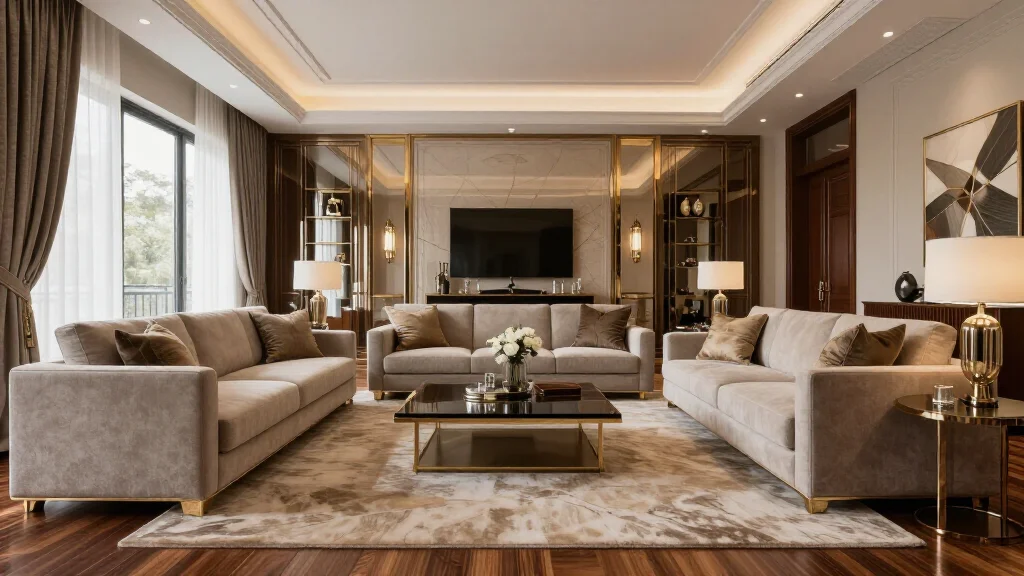
AI room rendering produces photorealistic images of interior designs that rival professional 3D renders-but in seconds instead of hours. Designers, realtors, and homeowners use AI renders to preview room designs, stage properties, and communicate design concepts with stunning visual quality.
What Is an AI Room Render?
An AI room render is a photorealistic image of an interior space generated by artificial intelligence. Unlike traditional 3D rendering that requires modeling software and hours of processing, AI rendering takes a room photo and produces a redesigned version with new furniture, materials, and styling in under 30 seconds.
Best AI Room Rendering Tools
AI Smart Decor
- Best For: Best photorealistic AI room renders
- Price: Free to start
- Features: Photo-to-render AI, Multiple render styles, Instant output
- Pros: Most photorealistic renders, Fastest processing, Free tier
- Cons: 4K renders on premium
Interior AI
- Best For: Professional high-resolution renders
- Price: From $29/month
- Features: 4K output, Commercial license, Advanced control
- Pros: Highest resolution, Pro features
- Cons: No free tier, Higher price
How to Create AI Room Renders
- Step 1: Photograph your room with good lighting and a wide angle
- Step 2: Upload the photo to an AI rendering tool
- Step 3: Select a design style or customize specific elements
- Step 4: Generate the render-typically 15 to 30 seconds
- Step 5: Review the photorealistic output for accuracy
- Step 6: Download in your preferred resolution
- Step 7: Use the render for planning, presentations, or marketing
AI Renders vs Traditional 3D Renders
- AI renders take seconds; traditional 3D renders take hours or days
- AI renders cost $0-5 each; traditional renders cost $50-500 per image
- AI renders start from photos; traditional renders require 3D modeling
- Traditional renders offer more precise control over every detail
- AI renders are best for quick concepts; 3D renders for final documentation
- Many professionals now use AI renders for initial concepts and 3D for finals
Who Uses AI Room Renders?
- Interior designers for rapid client concept presentations
- Real estate agents for virtual staging of vacant properties
- Homeowners for renovation and decorating planning
- Home builders for model home visualization
- Architects for interior design presentations
- Social media content creators for before-and-after content
Ready to Try It Yourself?
Generate photorealistic room renders with AI. Upload a photo and create stunning interior renders in seconds.