AI room mockups bridge the gap between imagination and reality. These tools generate professional-quality mockups showing how a redesigned room will look, helping you make decisions, win client approval, or simply plan your next home project with confidence.
What Is an AI Room Mockup?
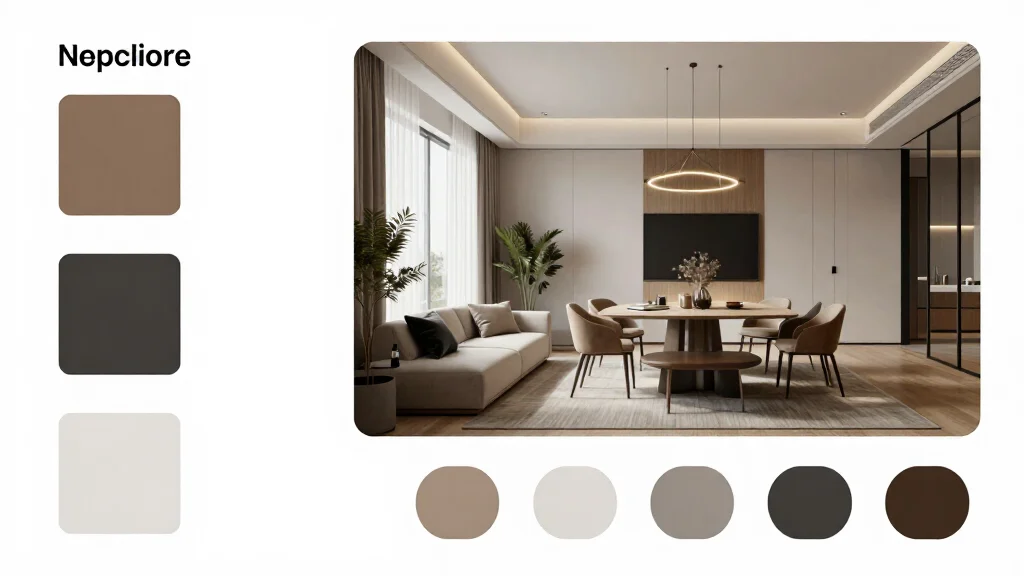
An AI room mockup is a realistic preview image that shows a proposed interior design applied to a specific room. Think of it as a digital sketch that looks like a photograph. Professional designers traditionally create mockups using 3D software; AI generates equivalent results from a simple room photo in seconds.
Best AI Room Mockup Tools
AI Smart Decor
- Best For: Fastest professional room mockups
- Price: Free to start
- Features: Photo-to-mockup AI, Multiple design styles, Instant results
- Pros: Professional-quality mockups, Fastest generation, Free tier
- Cons: High-res export on premium
Foyr Neo
- Best For: Detailed 3D mockups for professionals
- Price: From $49/month
- Features: 3D modeling, Render engine, Client presentation tools
- Pros: Most detailed mockups, Professional tools
- Cons: Steep learning curve, Higher price
Creating Room Mockups with AI
- Step 1: Photograph the room from the best angle
- Step 2: Upload to the AI mockup tool
- Step 3: Select the design style or specify elements to change
- Step 4: Generate the mockup and review the result
- Step 5: Adjust and regenerate if needed
- Step 6: Export the mockup in your required format and resolution
- Step 7: Present the mockup for approval or use as a design reference
Use Cases for AI Room Mockups
- Client presentations-show proposed designs realistically
- Renovation planning-preview changes before demolition begins
- Real estate staging-create mockups for vacant listings
- Social media content-generate impressive before-after posts
- Furniture purchasing-see how specific pieces look in your room
- Design portfolios-demonstrate design concepts for marketing
Tips for Professional-Quality Mockups
- Tip: Use the highest resolution room photo possible for best mockup quality
- Tip: Ensure consistent lighting in the photo for realistic AI output
- Tip: Generate mockups from the room's most flattering angle
- Tip: Include architectural details in the frame for context
- Tip: Present mockups alongside the original photo for maximum impact
Ready to Try It Yourself?
Create professional room mockups with AI in seconds. Upload a photo and generate presentation-ready designs.