The term "AI room design program" covers two very different categories of software: traditional desktop programs that have added AI features, and browser-based tools built AI-first from the ground up. Knowing which category fits your workflow determines whether you should be downloading an installer or just opening a browser tab.
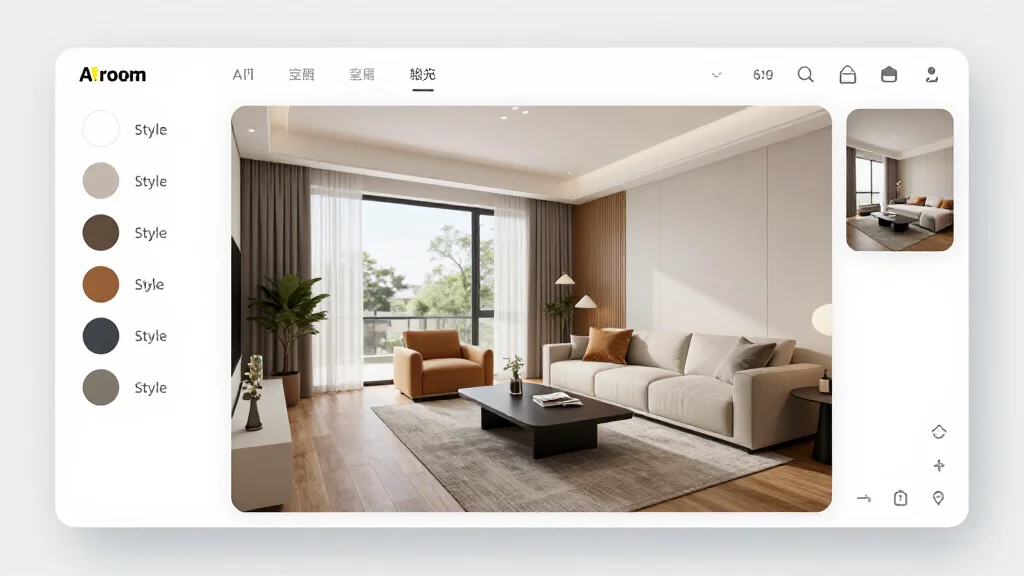
Desktop Programs vs Web-Based Programs
The choice is not just about where the software runs — it affects capability, cost, update cadence, and how much hardware you need.
| Factor | Desktop Program | Web-Based Program |
|---|---|---|
| Installation | Required (1-20GB) | None — open in browser |
| Offline use | Partial (floor planning yes, AI no) | No |
| System requirements | Dedicated GPU, 16GB RAM | Any modern browser |
| AI render quality | Varies — often lower | Typically higher (cloud GPUs) |
| Updates | Manual or annual subscription | Automatic, continuous |
| File format export | DWG, DXF, PDF, PNG, 3DS | PNG, JPEG, PDF |
| Starting price | $99–$699 one-time or annual | Free–$50/mo |
| Collaboration | Limited (file sharing) | Real-time links |
The core tradeoff: desktop programs give you more control over floor planning, custom millwork, and CAD-level output. Web-based programs deliver better AI render quality at lower cost with no setup friction.
Desktop AI Room Design Programs
Chief Architect Home Designer Suite
Chief Architect's consumer line (Home Designer Suite, Architectural, Pro) is the gold standard for desktop room design software. It handles floor plans, elevations, 3D walkthroughs, and recently added AI-assisted design suggestions.
System requirements: Windows 10/11 or macOS 12+, dedicated GPU (4GB VRAM minimum), 16GB RAM, 10GB disk space
AI features: Smart object placement suggestions, automated roof generation, material matching. The AI features are assistant-level — they speed up manual work rather than generating complete room redesigns from a photo.
File formats: DWG, DXF, PDF, PNG, JPEG, 3DS, OBJ
Pricing: Home Designer Suite $99 one-time; Architectural $149; Pro $199; Premier $549. Annual subscription plans also available.
Best for: Homeowners planning custom renovations, additions, or new builds who need CAD-grade accuracy.
Not ideal for: Anyone who wants to see what their existing room would look like in a different style. That use case needs a photo-based AI tool, not a floor plan program.
Planner 5D (Desktop App)
Planner 5D offers a downloadable desktop app alongside its web version. The desktop version syncs with cloud storage and supports the same AI snapshot rendering as the web app.
System requirements: Windows 10+ or macOS 11+, 8GB RAM, 4GB disk space. No dedicated GPU required — AI rendering is cloud-based.
AI features: AI room planning (generates a furnished room layout from a prompt), AI rendering of 3D scenes
File formats: Proprietary .P5D project files, PNG, JPEG, PDF export
Pricing: $9.99/month for full access across web and desktop
Best for: Users who want a floor planner that works offline and syncs AI renders in the cloud.
Sweet Home 3D (Free, No AI)
Sweet Home 3D is a free, open-source desktop floor planner. It has no AI features, but it is worth mentioning because many people searching for a free desktop room design program end up here. It exports to OBJ and can produce decent 3D walkthroughs manually.
AI features: None
Best for: Budget-conscious users who need a floor plan tool and are comfortable doing manual design work.
SketchUp Free / SketchUp Go
SketchUp is a professional 3D modeling tool with a free browser-based tier and paid desktop version. AI features are limited (AI-assisted material generation on the paid Diffusion extension), but the modeling capability is unmatched for custom architectural geometry.
System requirements (desktop): Windows 10+ or macOS 12+, 4GB RAM, OpenGL 3.1+ graphics
AI features: Diffusion extension (paid add-on) generates material textures from prompts. Not a photo redesign tool.
File formats: SKP (native), DWG, DXF, IFC, OBJ, DAE, KMZ
Pricing: Free (web-only), Go $119/year (desktop + web), Pro $349/year
Best for: Architecture students, custom furniture designers, anyone who needs parametric 3D control.
Web-Based AI Room Design Programs
AI Smart Decor
AI Smart Decor is the benchmark for AI photo redesign quality. It is browser-based only — no download — but runs on cloud GPUs that outperform what most home computers can process locally. Upload a room photo, select a style, and get a photorealistic render in under 30 seconds.
System requirements: Any modern browser (Chrome, Firefox, Safari, Edge). Works on Windows, macOS, Linux, iOS, Android.
AI features: Photo-to-render redesign, 20+ design styles, batch rendering, style consistency across rooms
File formats: PNG and JPEG export; PDF on paid plans
Pricing: Free tier (limited renders); paid plans from ~$15/month
Best for: Anyone who wants to visualize an existing room in a new style quickly and without installing anything.
RoomGPT
RoomGPT is a simple web program that gained popularity for its no-friction approach: one photo upload, one style selection, one render. No account required on the basic free tier.
AI features: Photo redesign, limited style options
File formats: JPEG export
Pricing: Free (limited); credits from $8
Best for: First-time users who want to test AI room design with zero commitment.
Choosing Based on Your Use Case
You are planning a new build or major addition and need CAD-accurate floor plans → Chief Architect Home Designer Suite. The AI features are secondary; the precision drafting tools are the reason to buy it.
You want a floor planner plus AI renders in one program → Planner 5D. The desktop app handles offline floor planning; AI rendering syncs to the cloud.
You want to see your actual room transformed into a new style → AI Smart Decor. No desktop program matches its AI photo redesign quality.
You need a free floor planner with no frills → Sweet Home 3D.
You are a professional who needs 3D modeling control → SketchUp, supplemented by a dedicated AI render tool.
The Offline Capability Reality Check
Every desktop program on this list processes AI features in the cloud. Chief Architect's AI suggestions and Planner 5D's AI renders both require an active internet connection. The "offline" advantage of desktop programs applies only to manual floor planning and 3D modeling work, not to AI-powered features.
If your goal is specifically to use AI room design without internet access, no program in 2026 supports that fully. The AI models are too large to run locally on consumer hardware.
File Format Reference
| Program | Floor Plan Export | 3D Export | Render Export |
|---|---|---|---|
| Chief Architect | DWG, DXF, PDF | 3DS, OBJ | PNG, JPEG |
| Planner 5D | Proprietary | PNG, JPEG | |
| Sweet Home 3D | SVG, PDF | OBJ, DAE | PNG |
| SketchUp | DWG, DXF, IFC | SKP, OBJ, DAE | PNG, JPEG |
| AI Smart Decor | — | — | PNG, JPEG, PDF |
| RoomGPT | — | — | JPEG |
If you need to hand off files to an architect or contractor, Chief Architect or SketchUp is the only sensible choice. For personal design decisions and renovation inspiration, AI Smart Decor's render exports are sufficient.
For a broader comparison that includes mobile apps and platforms, see our AI room design software and AI room design platform guides. If you are evaluating tools rather than full programs, best AI room design tool ranks the top options by specific use case.