A well-designed office directly impacts productivity, focus, and wellbeing. AI office design apps help you optimize workspace layout, lighting, ergonomics, and aesthetics, whether you work from a spare bedroom, a dedicated home office, or a commercial space.
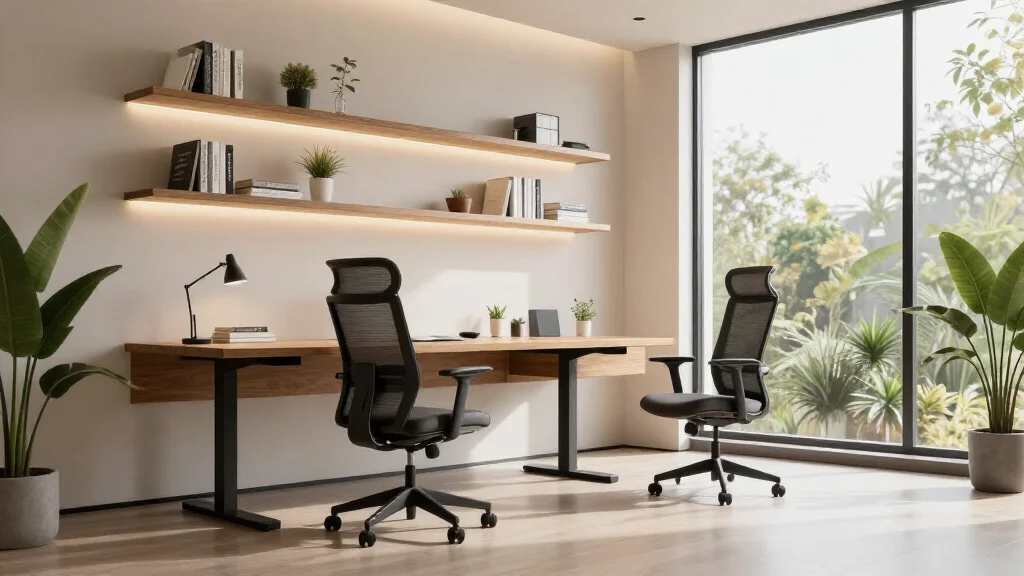
How AI Office Design Apps Optimize Your Workspace
AI office design apps analyze your workspace photos and suggest improvements based on ergonomic best practices, lighting research, and design principles. The AI considers monitor placement, desk positioning relative to windows, storage needs, and aesthetic preferences to create a workspace that is both functional and inspiring.
Best AI Office Design Apps for 2026
AI Smart Decor
- Best For: Home office redesign from photos
- Price: Free to start
- Features: Office photo redesign, Ergonomic layout suggestions, Multiple workspace styles
- Pros: Understands office-specific needs, Quick renders, Free tier
- Cons: Commercial office features on premium
Planner 5D
- Best For: Office floor plan and 3D layout
- Price: Free version available
- Features: Floor plan creation, Office furniture catalog, 3D walkthrough
- Pros: Detailed space planning, Commercial office support
- Cons: AI styling limited, Learning curve
Designing Your Office with AI
- Step 1: Photograph your current office or empty room
- Step 2: Upload the photo to the AI office design app
- Step 3: Specify your work style, creative, corporate, minimal, or cozy
- Step 4: Review AI-generated office designs
- Step 5: Focus on desk placement, lighting, and storage solutions
- Step 6: Adjust the design for video call backgrounds if needed
- Step 7: Implement changes based on the AI recommendations
Key Elements of AI-Optimized Office Design
- Desk placement relative to natural light sources
- Ergonomic chair and monitor positioning
- Storage solutions that reduce visual clutter
- Background setup optimized for video calls
- Proper ambient and task lighting balance
- Acoustic considerations for focused work
Home Office vs Commercial Office Design
- Home offices benefit from warmth and personality that commercial spaces often lack
- Commercial offices need scalable layouts for multiple employees
- Home offices prioritize dual-purpose spaces; commercial focuses on dedicated zones
- AI apps handle both. Select the appropriate style for your situation
- Video call backgrounds matter more in home office design
Ready to Try It Yourself?
Design the perfect workspace with AI. Upload your office photo and see AI-optimized designs in seconds.