Kitchen renovations are among the most expensive home projects, often costing $15,000 to $50,000 or more. AI kitchen design apps let you visualize exactly what your new kitchen will look like before spending a dollar-helping you avoid costly mistakes and confidently choose cabinets, countertops, and layouts.
Why Use AI for Kitchen Design?
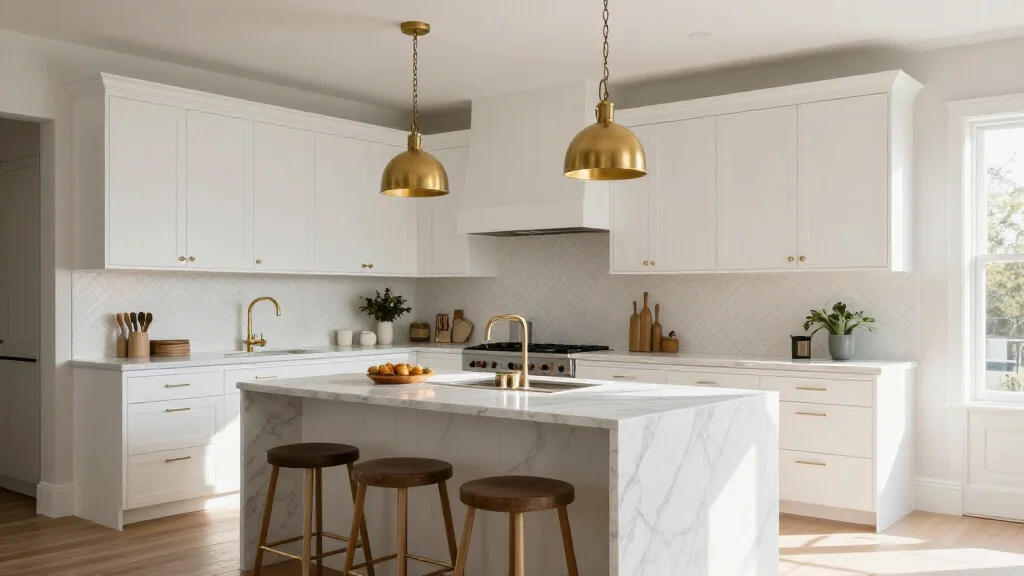
Kitchens are complex spaces with cabinetry, appliances, plumbing, countertops, backsplashes, and lighting that all need to work together. AI kitchen design apps understand these relationships and generate cohesive designs that account for functionality, workflow, and aesthetics-all from a single photo of your current kitchen.
Best AI Kitchen Design Apps for 2026
AI Smart Decor
- Best For: Visualizing kitchen makeovers from photos
- Price: Free to start
- Features: Kitchen photo redesign, Multiple cabinet styles, Color palette options
- Pros: Realistic kitchen renders, Fast results, Free to try
- Cons: Detailed cabinet customization on premium
IKEA Kitchen Planner
- Best For: Planning IKEA kitchen installations
- Price: Free
- Features: 3D kitchen planning, IKEA cabinet catalog, Price estimation
- Pros: Accurate IKEA pricing, Detailed cabinet layout
- Cons: IKEA products only, No AI photo redesign
How to Redesign Your Kitchen with AI
- Step 1: Photograph your current kitchen from multiple angles
- Step 2: Upload the best photo showing the most cabinetry and countertop
- Step 3: Select a kitchen design style like modern, farmhouse, or transitional
- Step 4: Review the AI-generated kitchen transformation
- Step 5: Try different cabinet colors, countertop materials, and backsplash options
- Step 6: Save your favorite design to share with contractors
- Step 7: Use the design as a reference when shopping for materials
Kitchen Elements AI Can Redesign
- Cabinetry style and color, from shaker to flat-panel to glass-front
- Countertop materials-marble, quartz, granite, butcher block
- Backsplash patterns-subway tile, herringbone, mosaic, slab
- Lighting fixtures-pendant, recessed, under-cabinet
- Flooring-hardwood, tile, luxury vinyl, concrete
- Hardware and fixtures-pulls, faucets, sinks
Kitchen Design Mistakes AI Helps You Avoid
- ⚠️ Choosing cabinet colors that clash with your countertop
- ⚠️ Selecting materials that look good in photos but not in your lighting
- ⚠️ Picking a layout that disrupts the kitchen work triangle
- ⚠️ Over-investing in trendy choices that date quickly
- ⚠️ Underestimating how much your kitchen's lighting affects color appearance
Ready to Try It Yourself?
Visualize your dream kitchen with AI. Upload a photo of your current kitchen and see instant design options.