AI home visualization software turns your design ideas into photorealistic images. Whether you want to see how a new paint color looks on your walls, preview new furniture in your living room, or visualize a complete renovation, these tools create realistic renders from your room photos.
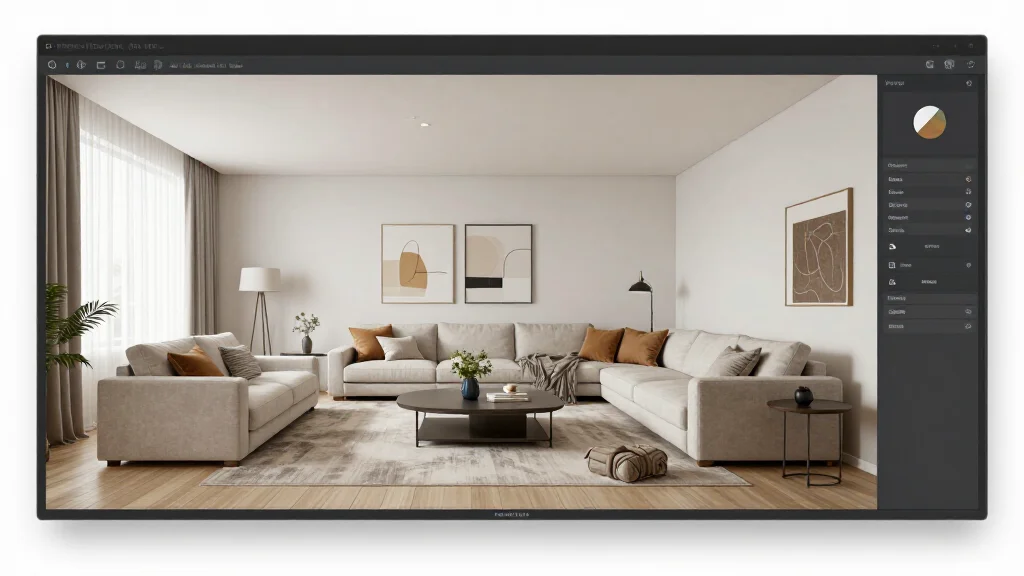
What Is Home Visualization Software
Home visualization software creates realistic images showing how design changes will look in your actual space. AI-powered versions analyze your room photos and generate photorealistic renders automatically, replacing the manual 3D modeling that traditional visualization requires.
Best AI Home Visualization Software
AI Smart Decor
- Best For: Best photorealistic AI home visualization
- Price: Free to start
- Features: Photo-to-render AI, 20+ styles, Instant visualization
- Pros: Most realistic renders, Fastest output, Free tier
- Cons: HD resolution on premium
Cedreo
- Best For: Architectural home visualization
- Price: From $79/month
- Features: 3D home design, Exterior rendering, Floor planning
- Pros: Full architectural visualization, Exterior views
- Cons: Expensive, Steep learning curve
What You Can Visualize with AI
- Paint and wall colors applied to your actual room
- New furniture placed in your space with correct proportions
- Flooring materials swapped for different options
- Lighting changes and their effect on room atmosphere
- Complete style transformations from current to desired aesthetic
- Empty rooms furnished virtually for staging or planning
Visualization Use Cases
- Homeowners: preview renovations before committing to expensive changes
- Real estate agents: create virtually staged rooms for empty listings
- Interior designers: present design concepts to clients with realistic renders
- Contractors: show clients exactly what their project will look like
- Renters: test temporary decor changes before purchasing
- Home sellers: visualize staging options to maximize selling price
Tips for Realistic Visualization
- Tip: Photograph rooms in natural daylight for the most accurate AI rendering
- Tip: Include the entire room in the photo for complete visualization
- Tip: Specify the design style to get consistent, purposeful results
- Tip: Generate multiple visualizations to compare options side by side
- Tip: Use the same AI tool for all rooms to maintain visual consistency
Ready to Try It Yourself?
Visualize your home design ideas with AI. Upload a photo and see photorealistic renders of your space transformed, free to start.