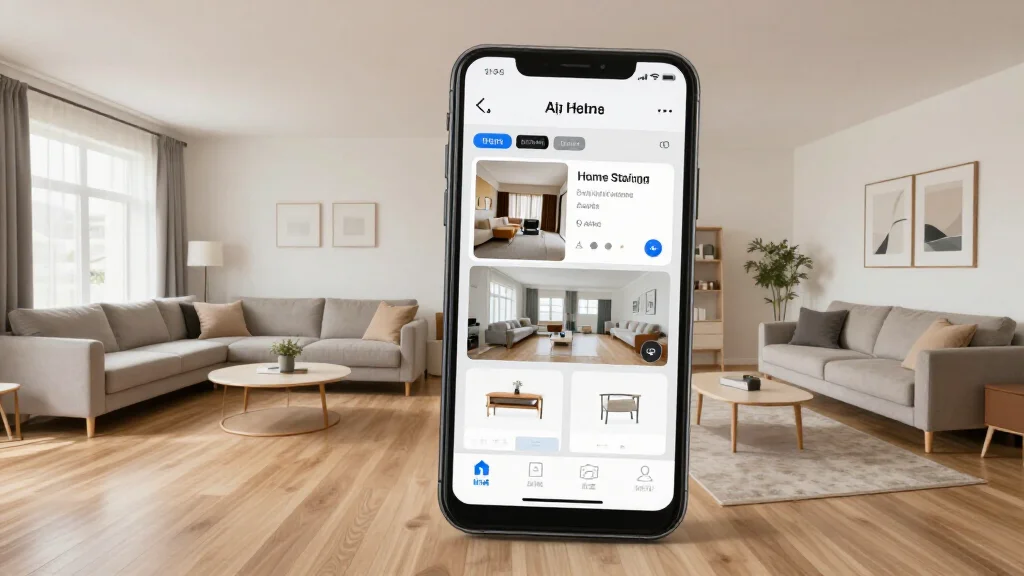
AI home staging software transforms empty or outdated rooms into beautifully staged spaces for real estate listings. Instead of paying $2,000-$5,000 for physical staging, AI generates photorealistic virtually staged photos in minutes, helping homes sell faster and for higher prices.
Why AI Home Staging Works
Staged homes sell 73% faster than unstaged homes according to the National Association of Realtors. AI staging delivers the same buyer appeal at a fraction of the cost. The AI generates photorealistic furnished rooms from empty room photos, making listings stand out online where 97% of buyers start their search.
Best AI Home Staging Software
AI Smart Decor
- Best For: Best AI virtual staging quality
- Price: Free to start
- Features: Photorealistic staging, Multiple styles, Quick turnaround
- Pros: Most realistic output, Free tier, Instant results
- Cons: Bulk pricing on premium
Virtual Staging AI
- Best For: Real estate focused staging
- Price: From $16 per photo
- Features: Per-photo pricing, Real estate styles, Fast delivery
- Pros: Pay per image, Quick turnaround
- Cons: Adds up with many rooms, No free tier
Staging Results by Room Type
- Living rooms: AI adds sofas, coffee tables, rugs, and art for a welcoming feel
- Bedrooms: AI places beds, nightstands, and bedding for a restful atmosphere
- Dining rooms: AI stages tables, chairs, and centerpieces for entertaining appeal
- Home offices: AI furnishes desks, shelving, and decor for productive spaces
- Outdoor spaces: AI adds patio furniture and landscaping elements
- Kitchens: AI stages countertops with tasteful accessories and place settings
AI Staging Workflow for Realtors
- Step 1: Photograph empty rooms with wide-angle lens in natural light
- Step 2: Upload photos to the AI staging software
- Step 3: Select a staging style that matches the target buyer demographic
- Step 4: Generate virtually staged images for each room
- Step 5: Review and approve the staged photos
- Step 6: Add staged photos to MLS listing alongside empty room shots
- Step 7: Include disclosure that photos are virtually staged
Virtual Staging Best Practices
- Tip: Always disclose that listing photos are virtually staged
- Tip: Choose staging styles that match the home's architecture and neighborhood
- Tip: Stage the most important rooms first: living room, master bedroom, kitchen
- Tip: Use consistent styling across all rooms in the same listing
- Tip: Include both staged and unstaged photos in the listing for transparency
Ready to Try It Yourself?
Stage your listings virtually with AI. Upload empty room photos and get photorealistic staged images, free to start.