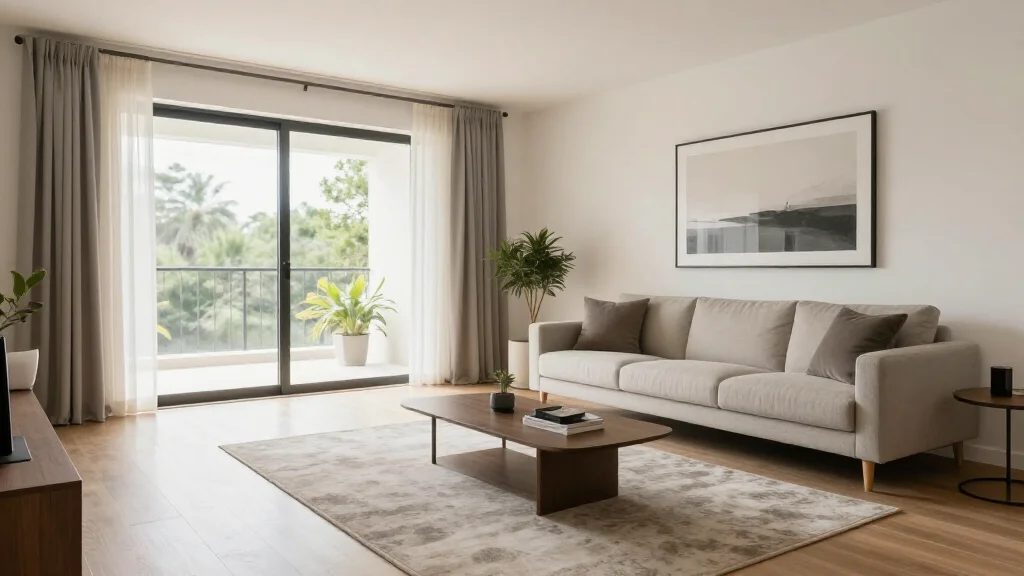
AI home staging apps are transforming real estate marketing. Instead of spending thousands on physical staging furniture and professional stagers, agents and homeowners can now upload a photo of an empty room and get a professionally staged result in minutes-at a fraction of the cost.
What Is an AI Home Staging App?
An AI home staging app uses artificial intelligence to add virtual furniture, decor, and styling to photos of empty or outdated rooms. The app analyzes the room's architecture, lighting, and dimensions to place realistic furniture that looks like it belongs in the space. The result is a listing photo that helps buyers envision living in the property.
Best AI Home Staging Apps for 2026
AI Smart Decor
- Best For: Quick virtual staging for listings
- Price: Free to start
- Features: Empty room staging, Multiple style options, High-quality renders
- Pros: Fast turnaround, Realistic results, Free tier
- Cons: Bulk staging discounts on premium
Virtual Staging AI
- Best For: Dedicated real estate staging
- Price: From $16 per photo
- Features: MLS-ready output, Furniture removal, Commercial staging
- Pros: Real estate focused, Pay-per-photo pricing
- Cons: No free tier, Less style variety
How to Stage a Home with AI
- Step 1: Photograph each room with good lighting and wide angles
- Step 2: Upload photos to the AI staging app
- Step 3: Select a staging style appropriate for your target buyer
- Step 4: Let the AI generate professionally staged versions
- Step 5: Review and adjust furniture placement if customization is available
- Step 6: Download high-resolution staged photos for your listing
- Step 7: Upload staged photos to MLS and marketing materials
Benefits of AI Staging for Real Estate
- Staged homes sell 73% faster than unstaged properties
- AI staging costs $10-50 vs $2,000-5,000 for physical staging
- Results delivered in minutes instead of days of setup
- No furniture rental, delivery, or pickup logistics
- Easy to restage in different styles for different buyer demographics
- Works for vacant, occupied, and outdated properties
AI Staging Best Practices for Realtors
- Tip: Always disclose that photos are virtually staged in your listing
- Tip: Choose furniture styles that appeal to your target buyer demographic
- Tip: Stage the key selling rooms: living room, master bedroom, kitchen
- Tip: Use consistent styling across all rooms in the same listing
- Tip: Keep staging realistic-avoid over-the-top luxury in modest homes
Ready to Try It Yourself?
Stage any property with AI in minutes. Upload empty room photos and get professionally staged results instantly.