AI home remodeling software bridges the gap between imagination and reality. Instead of relying on mood boards and guesswork, you can upload a photo of any room and see a photorealistic preview of your remodeling project, helping you make confident decisions about materials, colors, and design direction.
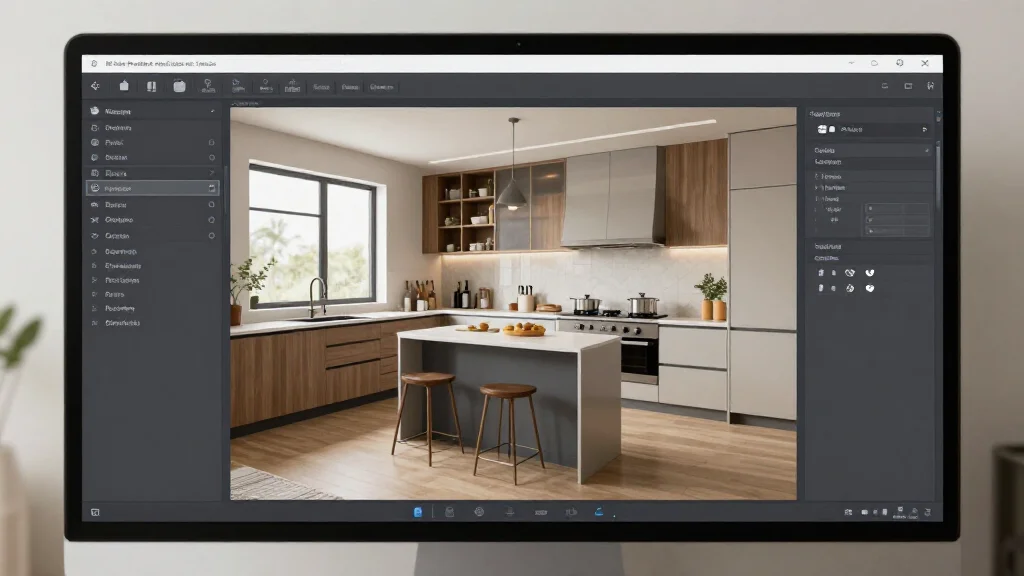
How AI Remodeling Software Helps
Remodeling involves dozens of interconnected decisions: cabinetry, countertops, flooring, fixtures, colors, and more. AI remodeling software shows you how these elements work together in your actual space, preventing the common problem of loving individual choices that clash when combined.
Best AI Home Remodeling Software
AI Smart Decor
- Best For: Best AI remodeling visualization
- Price: Free to start
- Features: Photo-based remodel preview, Multiple styles, Material visualization
- Pros: Most realistic output, Free tier, Instant results
- Cons: Advanced features on paid plan
RoomSketcher
- Best For: Floor plan-based remodeling
- Price: Free basic plan
- Features: Floor plan editor, 3D visualization, Furnishing tools
- Pros: Good floor plan tools, Snapshot feature
- Cons: No AI photo redesign, Manual design required
Remodeling Projects You Can Preview
- Kitchen remodels: test cabinet styles, countertop materials, and backsplash options
- Bathroom remodels: preview tile patterns, fixtures, and vanity styles
- Open concept conversions: visualize wall removal and combined spaces
- Flooring changes: see how hardwood, tile, or luxury vinyl looks in your room
- Paint and wall treatments: preview accent walls, wallpaper, and color changes
- Lighting upgrades: visualize new fixtures and their effect on the space
AI Remodeling Workflow
- Step 1: Photograph the room you plan to remodel from multiple angles
- Step 2: Upload your best photo to the AI remodeling software
- Step 3: Select the design style that matches your remodeling vision
- Step 4: Generate AI previews showing the remodeled space
- Step 5: Compare multiple options to narrow down your choices
- Step 6: Save your preferred design and share with contractors
- Step 7: Use the AI preview as a reference throughout construction
Remodeling Budget Planning with AI
- Tip: Generate both budget-friendly and high-end versions of your remodel
- Tip: Compare AI previews to determine if premium materials justify the cost
- Tip: Use AI to test whether paint alone achieves enough impact before demolition
- Tip: Preview the minimum changes needed to achieve your desired look
- Tip: Share AI previews with contractors for more accurate cost estimates
Ready to Try It Yourself?
See your remodel before you build. Upload a room photo and get a photorealistic AI preview, free to start.