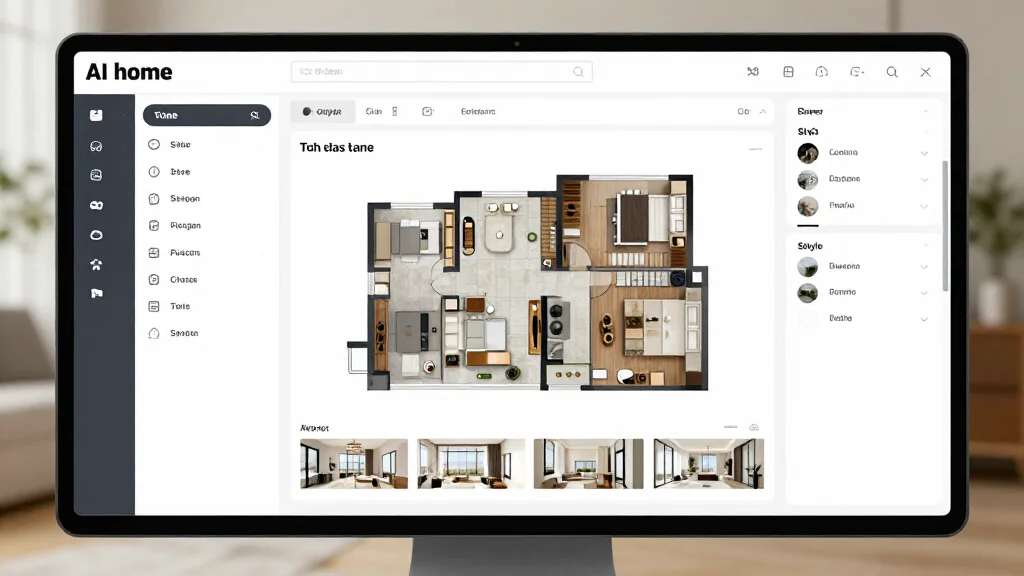
AI home planning software helps you organize and plan design projects for your entire home. From choosing design directions to planning room layouts to prioritizing renovations, these tools use AI to guide your decisions and help you create a cohesive plan for every room.
What AI Home Planning Includes
AI home planning software combines design visualization with project planning. You can map out which rooms to update, explore design options for each space, create a unified style direction, and develop a phased plan for implementing changes, all guided by AI recommendations.
Best AI Home Planning Software
AI Smart Decor
- Best For: Best AI-guided home design planning
- Price: Free to start
- Features: Room-by-room planning, Style exploration, AI design previews
- Pros: Best AI guidance, Visual planning, Free tier
- Cons: Project management on premium
Planner 5D
- Best For: Floor plan and layout planning
- Price: Free basic version
- Features: Floor plan editor, Room layouts, 3D preview
- Pros: Good layout tools, Free version
- Cons: No AI photo redesign, Manual design work
Home Planning Steps with AI
- Step 1: Photograph every room in your home for a complete baseline
- Step 2: Upload photos and generate AI designs to identify which rooms need the most attention
- Step 3: Set a master style direction that works across your entire home
- Step 4: Prioritize rooms based on impact and budget, start where you spend the most time
- Step 5: Generate detailed AI designs for your priority rooms
- Step 6: Create an implementation timeline with high-impact changes first
- Step 7: Track progress as you complete each room's update
Planning for Different Budgets
- Under $500: focus on decor, paint, and accessories with AI styling guides
- $500–$2,000: add furniture upgrades and lighting improvements per room
- $2,000–$10,000: plan room-level renovations with AI material previews
- $10,000+: whole-room remodels with AI-guided material and layout decisions
- Phased approach: plan the full project but implement in affordable stages
- ROI focus: use AI to identify changes that add the most value per dollar
Whole-Home Planning Tips
- Tip: Start with a style quiz or mood board to define your overall direction
- Tip: Use AI to ensure each room flows into the next with consistent style cues
- Tip: Plan adjoining rooms together so transitions feel natural
- Tip: Consider the view from doorways, what you see from one room affects the next
- Tip: Leave some design budget for accessories that tie rooms together
Ready to Try It Yourself?
Plan your entire home design with AI guidance. Upload room photos and get a cohesive plan for every space, free to start.