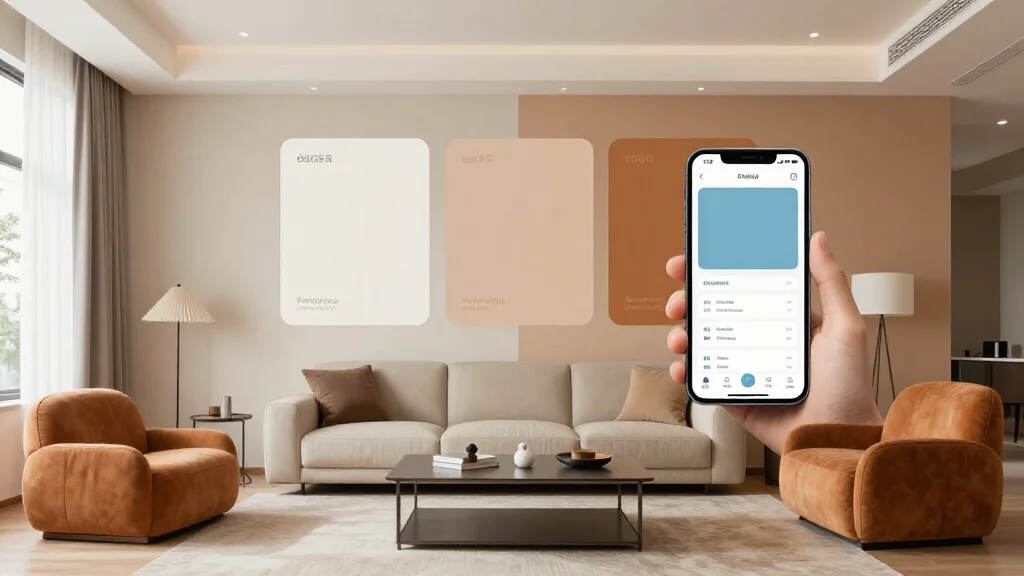
Choosing the right colors for your home can be overwhelming. AI color apps use advanced algorithms to analyze your space, suggest harmonious palettes, and help you visualize paint colors before you buy. Whether you're repainting a single room or redesigning your entire home, these smart tools make color selection effortless.
What is an AI Color App?
An AI color app is a smart tool that uses artificial intelligence to help you choose colors for your home. Simply upload a photo of your room or select a style you love, and the AI generates personalized color palettes, suggests paint colors, and shows you how different shades will look in your space.
Best AI Color Apps for 2026
AI Smart Decor
- Best For: Complete room color visualization
- Price: Free tier available, Pro at $29/month
- Features: Room color simulation, Palette generation, Paint brand matching
Coolors
- Best For: Quick palette generation
- Price: Free, Pro at $3/month
- Features: AI palette generator, Color blindness check, Export to design tools
Adobe Color
- Best For: Designers and creatives
- Price: Free
- Features: AI color themes, Color wheel, Trending palettes
Key Features to Look For
- Room visualization - see colors in your actual space
- Palette generation from photos or inspiration images
- Paint brand matching for real-world purchases
- Color harmony suggestions based on color theory
- Lighting simulation for different times of day
- Export and sharing options for contractors or designers
How to Use an AI Color App (Step-by-Step)
- Step 1: Take a well-lit photo of the room you want to paint
- Step 2: Upload the image to your chosen AI color app
- Step 3: Select your preferred style or mood (modern, cozy, bold, etc.)
- Step 4: Review AI-generated color palette suggestions
- Step 5: Visualize colors on your walls using AR or simulation features
- Step 6: Save your favorite palettes and compare options
- Step 7: Get paint codes and brand recommendations for purchase
AI Color Theory Tips
AI color apps leverage timeless color theory principles. Use the 60-30-10 rule: 60% dominant color (walls), 30% secondary color (furniture), 10% accent color (decor). AI tools automatically suggest complementary, analogous, or triadic color schemes based on your preferences, taking the guesswork out of creating harmonious spaces.
Ready to Try It Yourself?
Upload a photo of your room and discover your perfect color palette in seconds