3D design technology has revolutionized how homeowners, designers, and real estate professionals visualize spaces. Instead of imagining how furniture will fit or guessing if colors will work together, 3D design lets you see photorealistic renderings of your space before making any commitments.
What is 3D Design?
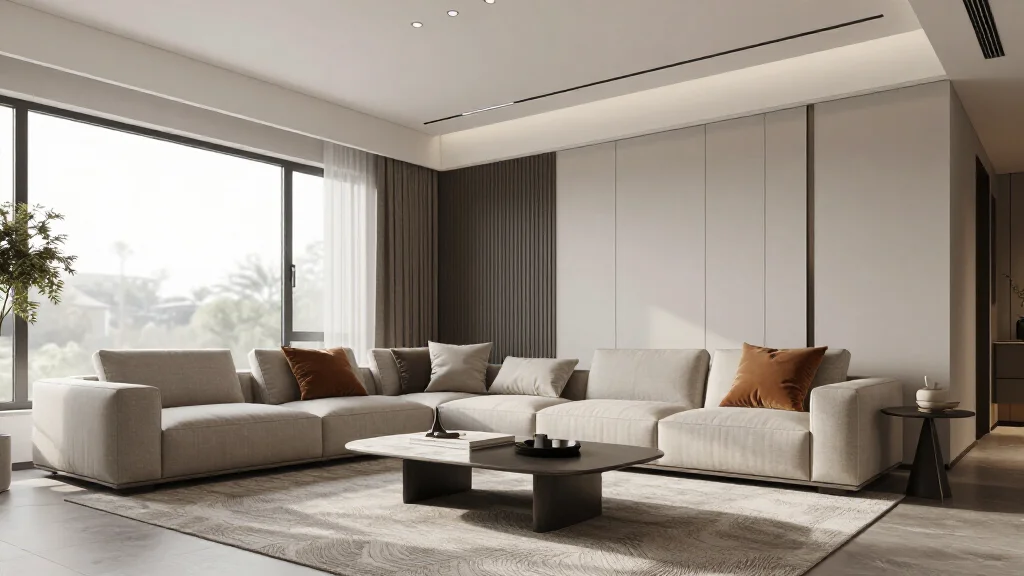
3D design creates three-dimensional digital representations of spaces and objects. Unlike 2D floor plans or sketches, 3D design gives you a realistic view of how a room will look from any angle. Modern AI-powered 3D design tools can generate these visualizations in seconds from simple photos or measurements.
Benefits of 3D Design for Home Projects
- Visualize furniture placement before buying
- Test different color schemes and materials instantly
- Avoid costly mistakes and returns
- Share designs with contractors and family
- Make confident design decisions faster
- Experiment with layouts risk-free
Best 3D Design Tools for 2026
AI Smart Decor
- Best For: Homeowners and DIY designers
- Price: Free tier available, Pro at $29/month
- Features: AI-generated 3D rooms, Style customization, Furniture recommendations
SketchUp
- Best For: Professional designers
- Price: $119/year
- Features: Detailed modeling, Extensive library, Professional rendering
Planner 5D
- Best For: Beginners
- Price: Free basic, $19.99/month premium
- Features: Drag-and-drop interface, 2D and 3D views, Mobile app available
How to Use 3D Design (Step-by-Step)
- Step 1: Measure your room dimensions accurately
- Step 2: Take photos of your current space from multiple angles
- Step 3: Upload to your 3D design tool or input measurements
- Step 4: Select furniture styles, colors, and materials
- Step 5: Generate your 3D visualization
- Step 6: Adjust and iterate until satisfied
Applications of 3D Design
3D design is used across industries - from interior design and architecture to real estate marketing and e-commerce. Homeowners use it for renovations, realtors for virtual staging, and retailers to show products in realistic room settings. The technology continues to become more accessible and affordable for everyone.
Ready to Try It Yourself?
Upload your room photo and see your space transformed in 3D in seconds