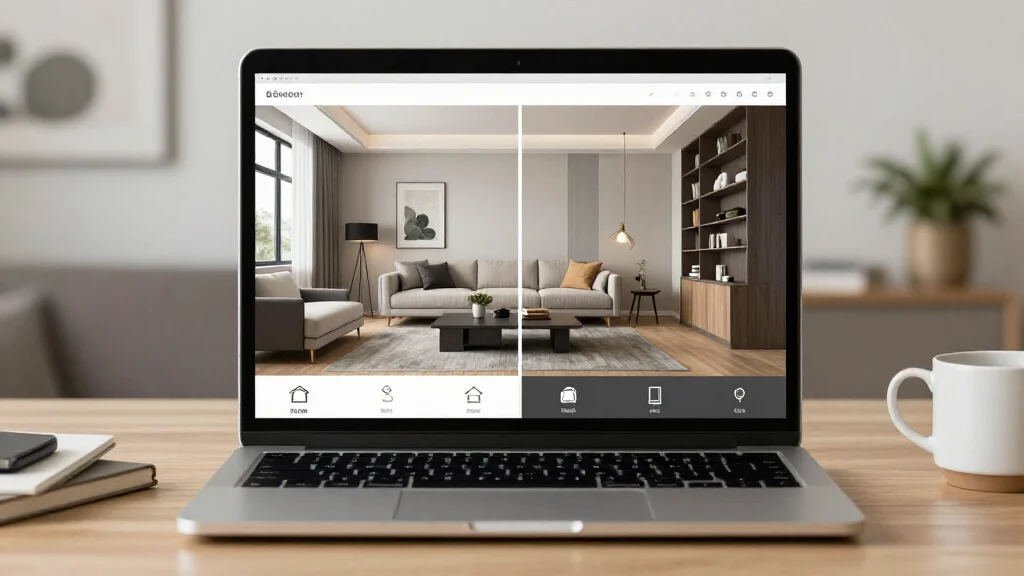
Virtual Interior Design App: Design Rooms Without Leaving Home
Virtual interior design apps let you redesign any room without visiting a showroom or hiring an in-person designer. Upload a photo of your space, and the app generates virtual makeovers with new furniture, colors, and layouts—all from the comfort of your couch.
What Is Virtual Interior Design?
Virtual interior design uses digital tools and AI to create room designs remotely. Unlike traditional design consultations that require in-home visits, virtual design apps analyze your room photos and generate professional-quality redesigns entirely online. This approach is faster, cheaper, and accessible to anyone with a smartphone.
Top Virtual Interior Design Apps for 2026
AI Smart Decor
- Best For: Instant virtual room redesign from photos
- Price: Free to start
- Features: Virtual room makeover, AI style matching, Multiple design themes
- Pros: Fast and accurate, High-quality virtual renders, Free tier
- Cons: Premium themes on paid plan
Modsy
- Best For: Personalized virtual design with 3D room models
- Price: Starting at $89 per room
- Features: 3D room modeling, Shoppable designs, Designer review
- Pros: Detailed 3D visualization, Real product integration
- Cons: Higher price, Longer turnaround
How Virtual Interior Design Apps Work
- Step 1: Take clear photos of your room from different angles
- Step 2: Upload the photos to the virtual design app
- Step 3: Fill out a brief style questionnaire if prompted
- Step 4: The AI processes your room and generates virtual redesign options
- Step 5: Browse multiple design concepts for your space
- Step 6: Select your favorite and fine-tune colors or furniture
- Step 7: Download your virtual design as a reference for implementation
Why Choose Virtual Design Over In-Person?
- No scheduling or waiting for designer availability
- Results in minutes instead of weeks
- Cost a fraction of traditional design consultations
- Redesign from anywhere—perfect for remote homeowners
- Try unlimited styles without commitment
- Ideal for quick refreshes and seasonal updates
Best Practices for Virtual Interior Design
- Tip: Provide clear, well-lit photos for the most accurate results
- Tip: Include room dimensions when the app asks for measurements
- Tip: Be specific about your style preferences in questionnaires
- Tip: Compare at least three virtual design options before deciding
- Tip: Use virtual designs as a conversation starter with partners or roommates
Ready to Try It Yourself?
Get a virtual interior design makeover for any room. Upload a photo and see AI-generated designs in seconds.
Related Articles
Frequently Asked Questions
Is virtual interior design as good as hiring a designer?
Virtual interior design apps produce professional-quality results for most homeowners. For complex renovations or luxury projects, a human designer may add value, but virtual apps are ideal for everyday room refreshes.
How much does virtual interior design cost?
Virtual design apps range from free to around $100 per room. AI Smart Decor offers a free tier, making it accessible for anyone who wants to try virtual design without commitment.
Can I use virtual interior design for an apartment?
Virtual interior design apps work perfectly for apartments. They are especially popular with renters because you can visualize non-permanent changes before spending money.