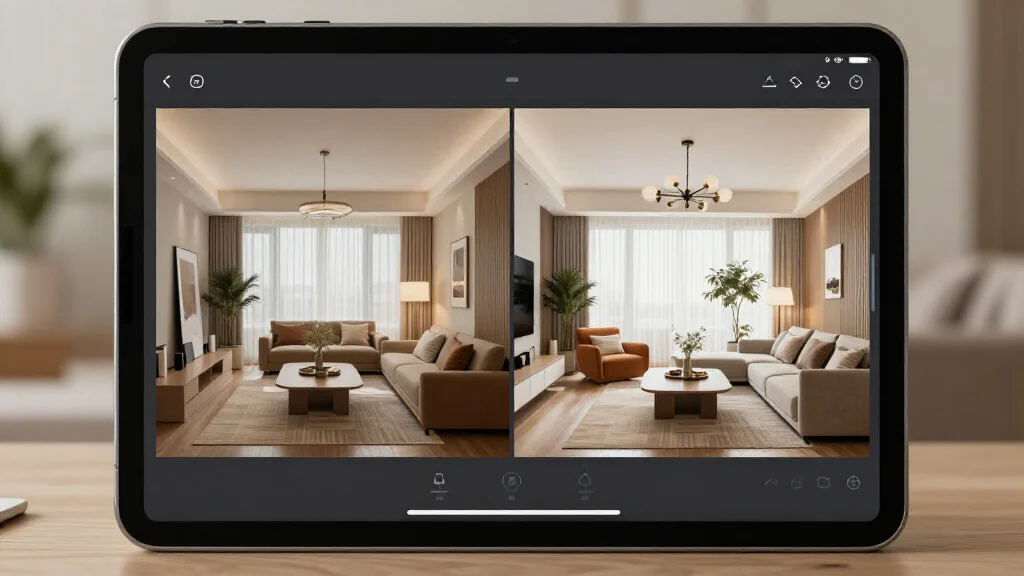
Interior Design AI Tool: Smart Design Assistance
Interior design AI tools are transforming how homeowners, renters, and professionals approach space planning. These intelligent assistants analyze your room photos, understand your style preferences, and generate personalized design recommendations—instantly and affordably.
What is an Interior Design AI Tool?
An interior design AI tool uses artificial intelligence to help you visualize, plan, and execute room makeovers. Simply upload a photo of your space, select your preferred style, and the AI generates realistic design concepts with furniture placement, color schemes, and decor suggestions.
Top AI Interior Design Tools for 2026
AI Smart Decor
- Best For: Homeowners and renters seeking instant redesigns
- Price: Free tier available, Pro at $29/month
- Features: One-click room transformation, Multiple design styles, Furniture recommendations, High-resolution renders
InteriorAI
- Best For: Design inspiration and mood boards
- Price: $29/month
- Features: Style transfer, Before/after visualization, Decor suggestions, Export options
RoomGPT
- Best For: Quick room mockups
- Price: Free limited credits, Pro from $19/month
- Features: Fast generation, Multiple room types, Style variations, Easy sharing
Key Features of Interior Design AI Tools
- Instant room visualization from photos
- Multiple design style options (modern, minimalist, bohemian, etc.)
- Furniture placement and layout suggestions
- Color palette recommendations
- 3D renderings and realistic previews
- Shopping lists with product recommendations
- Before and after comparisons
- Mobile app accessibility
How to Use an Interior Design AI Tool (Step-by-Step)
- Step 1: Take a clear photo of your room from a corner angle
- Step 2: Upload the image to your chosen AI design tool
- Step 3: Select your preferred design style or theme
- Step 4: Choose any specific requirements (color preferences, budget, etc.)
- Step 5: Generate design concepts and review the AI suggestions
- Step 6: Save your favorites and export shopping lists
Design Tips for Getting the Best AI Results
- Use well-lit photos with minimal clutter for best results
- Experiment with multiple design styles to find your preference
- Consider the AI suggestions as starting points, not final decisions
- Take room measurements to verify furniture will fit
- Use the color palette tools to ensure cohesive designs
- Combine AI suggestions with your personal style preferences
Ready to Try It Yourself?
Upload your room photo and get instant AI-powered design suggestions
Related Articles
Frequently Asked Questions
What is the best AI tool for interior design?
The best AI tool depends on your needs. AI Smart Decor offers comprehensive features with a free tier, InteriorAI excels at design inspiration, and RoomGPT provides quick mockups. Consider your budget, desired features, and room types when choosing.
Are interior design AI tools free?
Many AI interior design tools offer free tiers with limited features or credits. For full access to high-resolution renders, unlimited generations, and advanced features, premium plans typically range from $15-30/month.
How accurate are AI interior design tools?
Modern AI design tools are highly accurate at generating realistic visualizations. However, they work best as inspiration and planning tools. Always verify furniture dimensions and consider professional consultation for major renovations.
Can AI tools replace interior designers?
AI tools are excellent for initial concepts, inspiration, and budget-friendly planning. However, they cannot fully replace professional designers for complex projects, structural changes, or highly customized spaces that require human expertise and creativity.