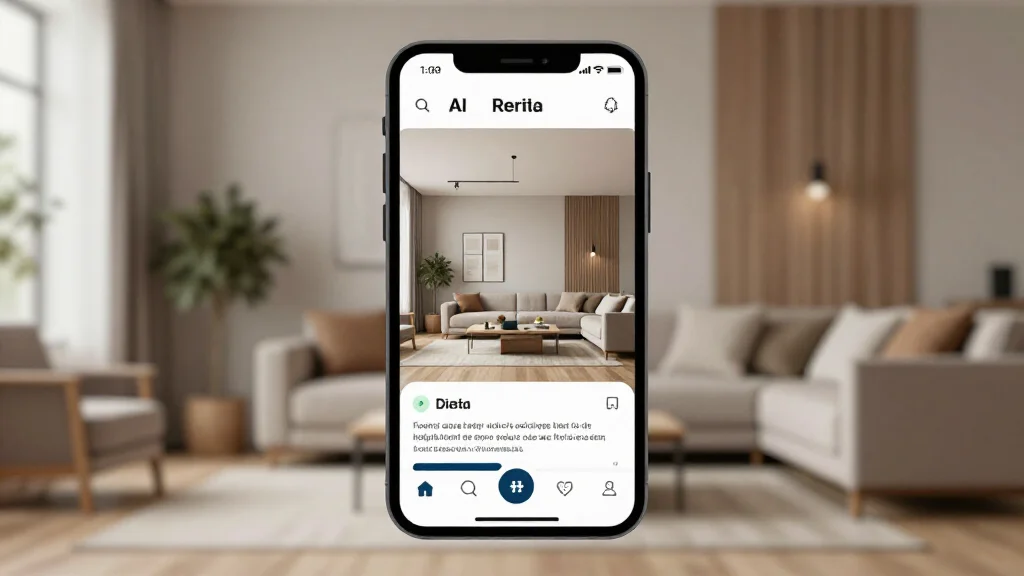
AI Interior Design iOS App: Best Apps for iPhone and iPad
iOS devices are ideal platforms for AI interior design. iPhones and iPads feature advanced cameras, LiDAR sensors (on Pro models), and powerful processors that let AI design apps deliver fast, accurate room analysis and stunning redesigns right on your Apple device.
Why iOS Is Great for AI Interior Design
Apple devices bring unique advantages to AI interior design. The LiDAR scanner on iPhone Pro and iPad Pro models enables precise room scanning for more accurate designs. The Retina display shows photorealistic renders in vivid detail. And Apple’s neural engine accelerates on-device AI processing for faster results.
Best AI Interior Design Apps for iOS in 2026
AI Smart Decor
- Best For: Best all-around AI interior design on iOS
- Price: Free to start
- Features: iOS-optimized experience, Camera integration, High-res renders
- Pros: Fast on iPhone, Beautiful Retina renders, Free tier
- Cons: Premium features via subscription
Planner 5D
- Best For: 3D floor plan design on iPad
- Price: Free with in-app purchases
- Features: AR room scanning, 3D floor plans, Furniture library
- Pros: Great iPad experience, AR room scanning
- Cons: AI styling limited
IKEA Kreativ
- Best For: AR furniture placement with IKEA products
- Price: Free
- Features: LiDAR room scanning, IKEA catalog, True-scale AR
- Pros: Free with no catches, Excellent AR accuracy
- Cons: IKEA products only
iOS Features That Enhance AI Design
- LiDAR scanner for precise room measurements and AR placement
- ProRAW camera mode for high-detail room photos
- Apple Neural Engine for faster on-device AI processing
- Retina display for viewing photorealistic design renders
- AirDrop for sharing designs instantly with nearby devices
- iPad Apple Pencil support for annotating design plans
How to Use AI Interior Design on Your iPhone
- Step 1: Download the AI interior design app from the App Store
- Step 2: Open the app and allow camera and photo access
- Step 3: Take a photo of your room using the in-app camera or upload from Photos
- Step 4: Select your desired design style from the available options
- Step 5: Let the AI generate your redesigned room
- Step 6: Pinch to zoom and inspect design details on your Retina display
- Step 7: Share via AirDrop, Messages, or save to your photo library
iPad vs iPhone for AI Interior Design
- iPad offers a larger screen for detailed design review
- iPhone is more portable for snapping photos on the go
- iPad Pro with Apple Pencil lets you annotate designs
- iPhone Pro’s LiDAR enables accurate room scanning
- Both sync designs via iCloud for seamless switching
Ready to Try It Yourself?
Download AI Smart Decor on your iPhone or iPad and start redesigning rooms for free with AI.
Related Articles
Frequently Asked Questions
What is the best AI interior design app for iPhone?
AI Smart Decor is one of the best AI interior design apps for iPhone, offering fast rendering, camera integration, and high-resolution results optimized for iOS devices.
Do I need an iPhone Pro for AI interior design?
No, AI interior design apps work on all modern iPhones. iPhone Pro models with LiDAR offer extra accuracy for room scanning, but standard iPhones produce excellent results from photos.
Can I use AI interior design apps on iPad?
Yes, most AI interior design apps are universal and work on both iPhone and iPad. The iPad’s larger screen is especially useful for reviewing detailed design renders.