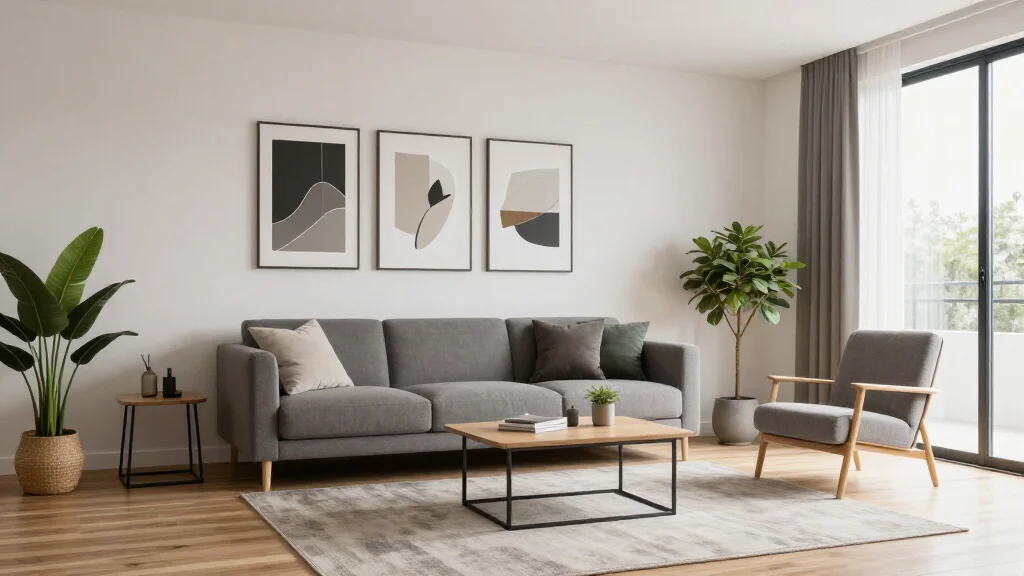
AI Interior Design App for Renters: Style Without Commitment
Renting does not mean settling for bland walls and generic decor. AI interior design apps are perfect for renters because they let you visualize non-permanent changes—furniture, textiles, lighting, and accessories—before spending money. No nail holes, no paint commitments, no security deposit worries.
Why Renters Need AI Interior Design Apps
Renters face unique design challenges: limited wall modifications, temporary furniture purchases, small or awkward layouts, and the need for portable decor that moves with you. AI design apps help by showing you exactly how furniture and decor will look in your specific rental before you buy, saving money on returns and ensuring every purchase fits.
Best AI Design Apps for Renters in 2026
AI Smart Decor
- Best For: Visualizing apartment makeovers without permanent changes
- Price: Free to start
- Features: Apartment-friendly designs, Furniture-focused styling, Non-permanent solutions
- Pros: Perfect for small spaces, Renter-friendly suggestions, Free to try
- Cons: Premium styles on paid plan
Hutch
- Best For: Shopping for renter-friendly furniture
- Price: Free with in-app purchases
- Features: Shoppable designs, Rental-friendly products, Room styling
- Pros: Direct purchasing, Apartment-focused
- Cons: Limited AI redesign depth
Renter-Friendly Design Ideas AI Can Generate
- Furniture arrangements that maximize small apartment layouts
- Removable wallpaper and wall decal suggestions
- Area rug placement to cover unappealing flooring
- Curtain and drape options to transform windows without rods
- Lighting setups using lamps instead of hardwired fixtures
- Gallery walls with removable hooks and command strips
How to Redesign Your Rental with AI
- Step 1: Photograph each room in your apartment
- Step 2: Upload photos to the AI design app
- Step 3: Focus on styles that rely on furniture and decor, not structural changes
- Step 4: Generate multiple design options for your space
- Step 5: Filter suggestions for renter-friendly, non-permanent solutions
- Step 6: Create a budget-friendly shopping list from AI recommendations
- Step 7: Implement changes you can take with you when you move
Small Space Tips for Renters
- Tip: Use AI to test mirror placement for making rooms feel larger
- Tip: Let AI suggest multifunctional furniture like storage ottomans
- Tip: Try light-colored designs that make small spaces feel open
- Tip: Use AI to optimize furniture scale—avoid oversized pieces in small rooms
- Tip: Test vertical storage and shelving arrangements with AI before buying
Budget-Friendly Renter Design Strategies
- Focus AI suggestions on high-impact, low-cost changes first
- Invest in quality portable pieces like a good sofa and area rug
- Use AI to avoid impulse purchases that do not fit your space
- Layer affordable textiles and accessories for visual richness
- Prioritize lighting—it transforms any rental space affordably
Ready to Try It Yourself?
Style your rental without commitment. Upload a room photo and see renter-friendly AI design ideas instantly.
Related Articles
Frequently Asked Questions
Can AI interior design apps work for rental apartments?
AI interior design apps are ideal for renters. They suggest furniture, decor, and styling changes that do not require permanent modifications, so you can personalize your space without risking your security deposit.
How do I decorate a rental apartment with AI?
Upload photos of your rental to an AI design app, choose a style you love, and focus on furniture, textiles, lighting, and accessories—all non-permanent changes you can take with you.
What renter-friendly changes make the biggest impact?
Area rugs, new bedding, curtains, lamps, wall art with removable hooks, and throw pillows create the biggest visual impact without any permanent modifications.